First launch
Start your nightmare.
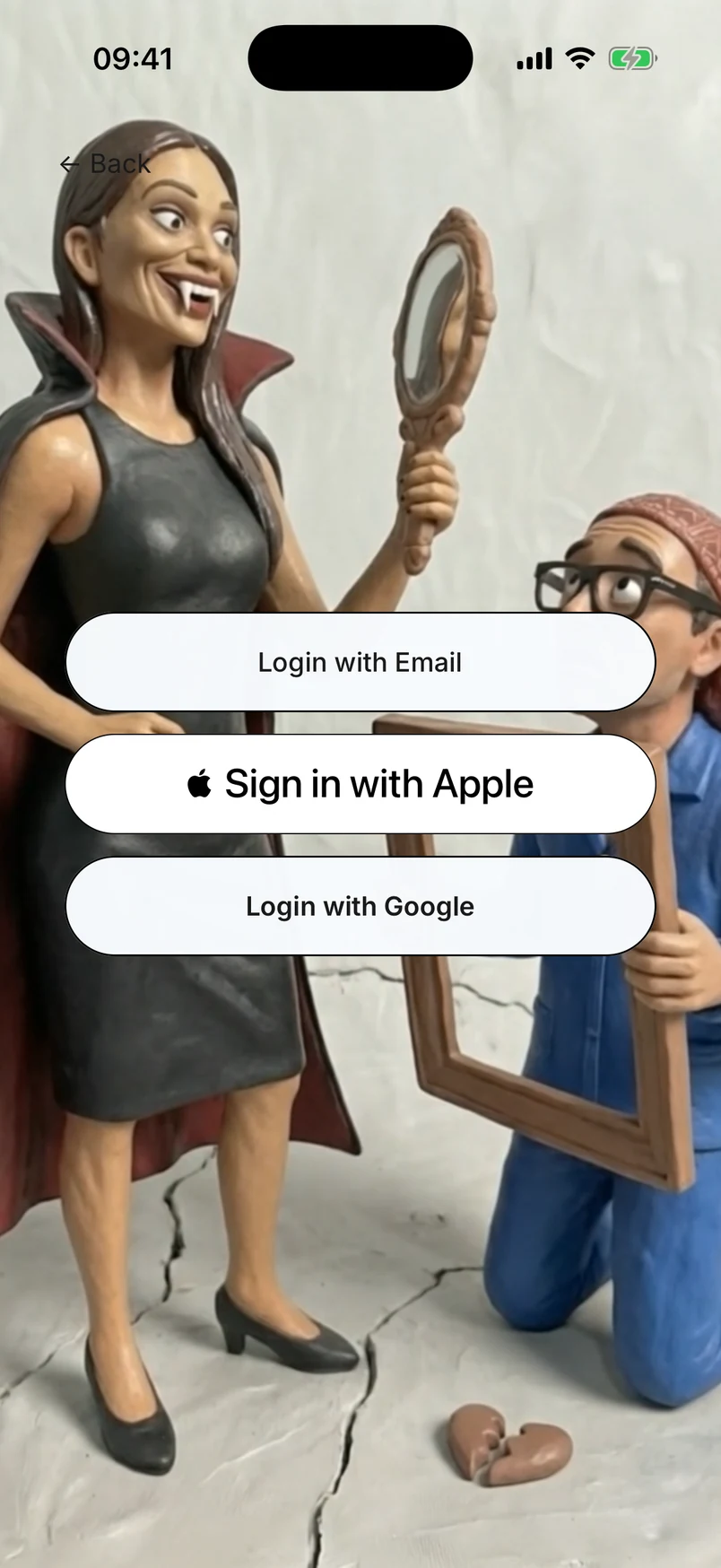
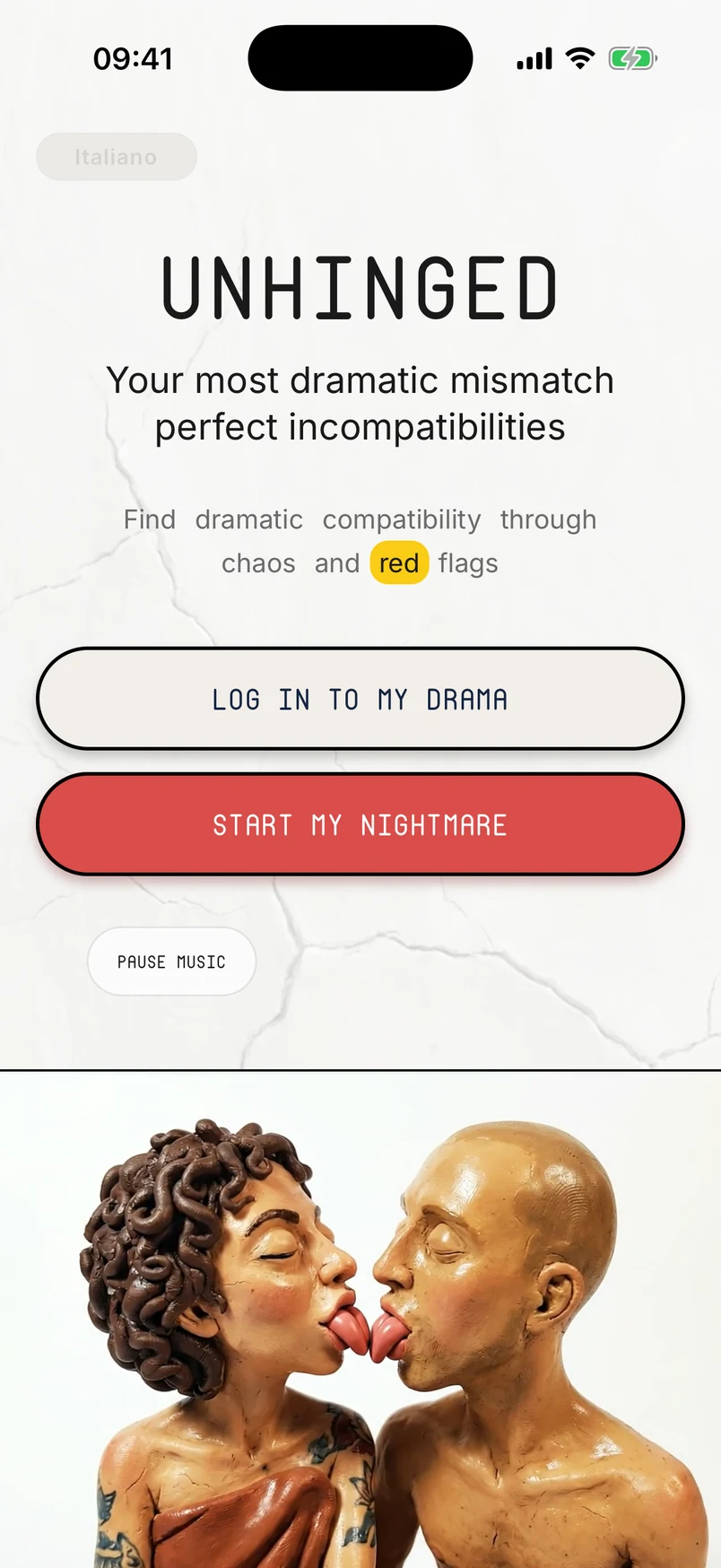
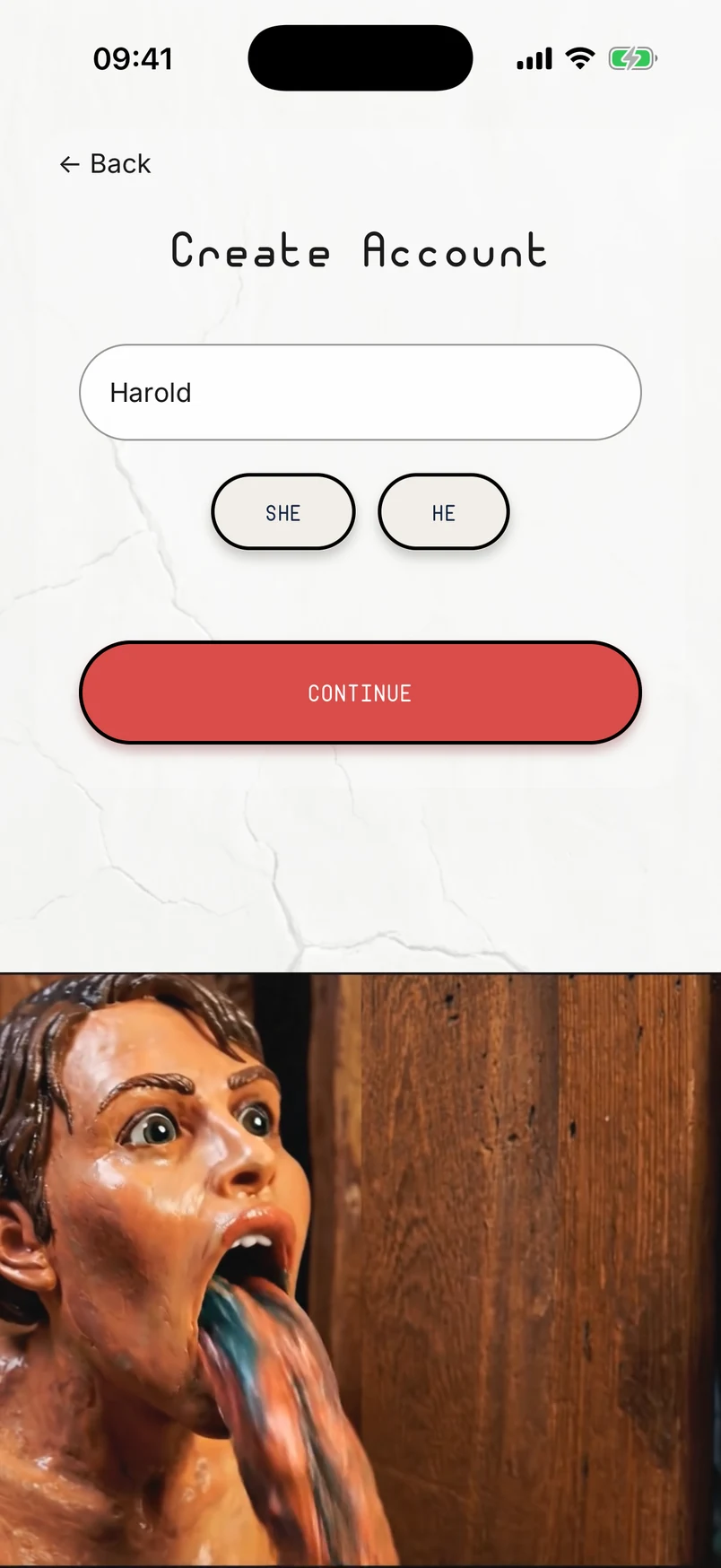
Meet the opening artwork, choose a language, and turn the ambient sound on or off. Start a new profile, or sign in to pick up where you left off.
Returning to an existing account
Explore UNHINGED with Harold & Maya, two fictional demo profiles.
From your first three signs to a full Council reading: meet the people, follow the drama, and find everything again in your library.
An English iPhone tour. Open any screenshot for a closer look, or play a short clip to see the app move.
Meet the opening artwork, choose a language, and turn the ambient sound on or off. Start a new profile, or sign in to pick up where you left off.
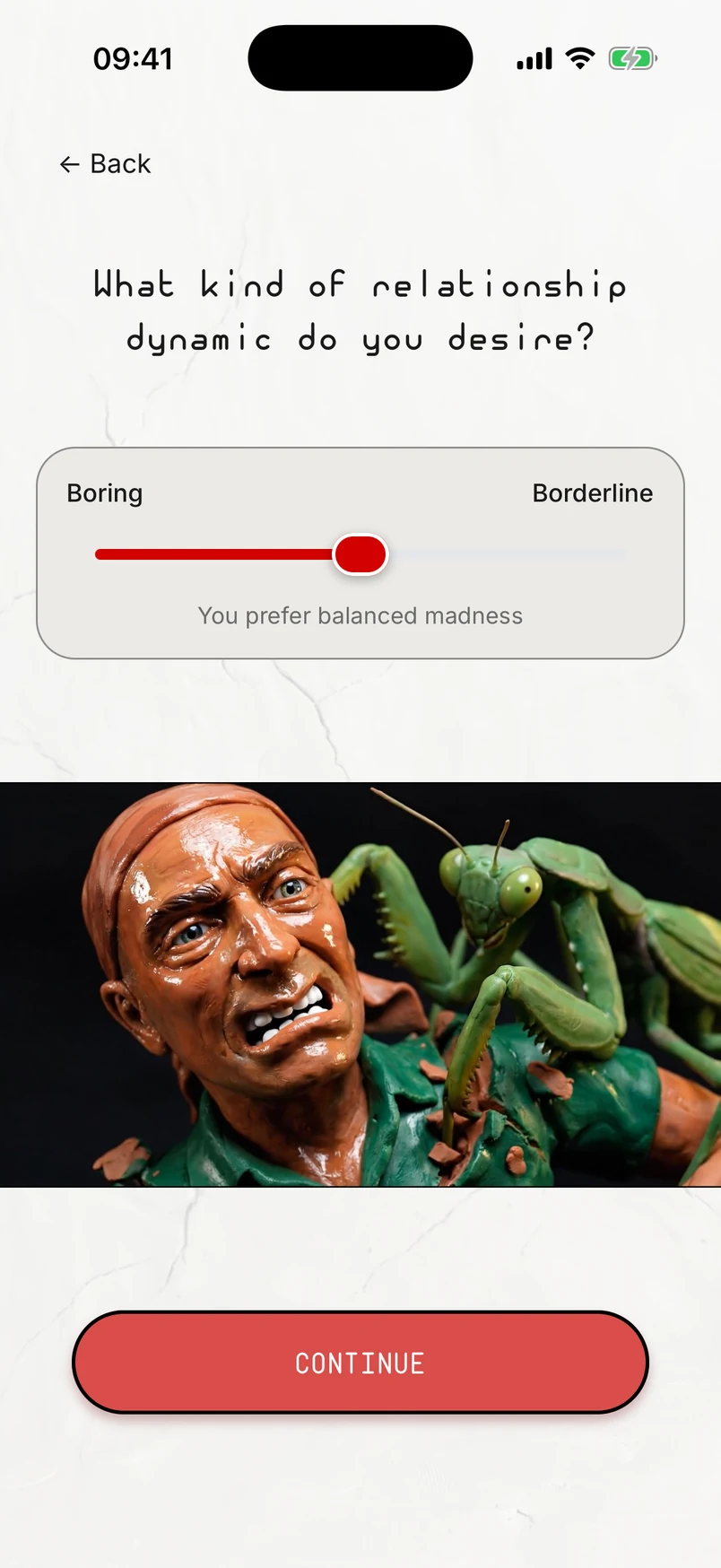
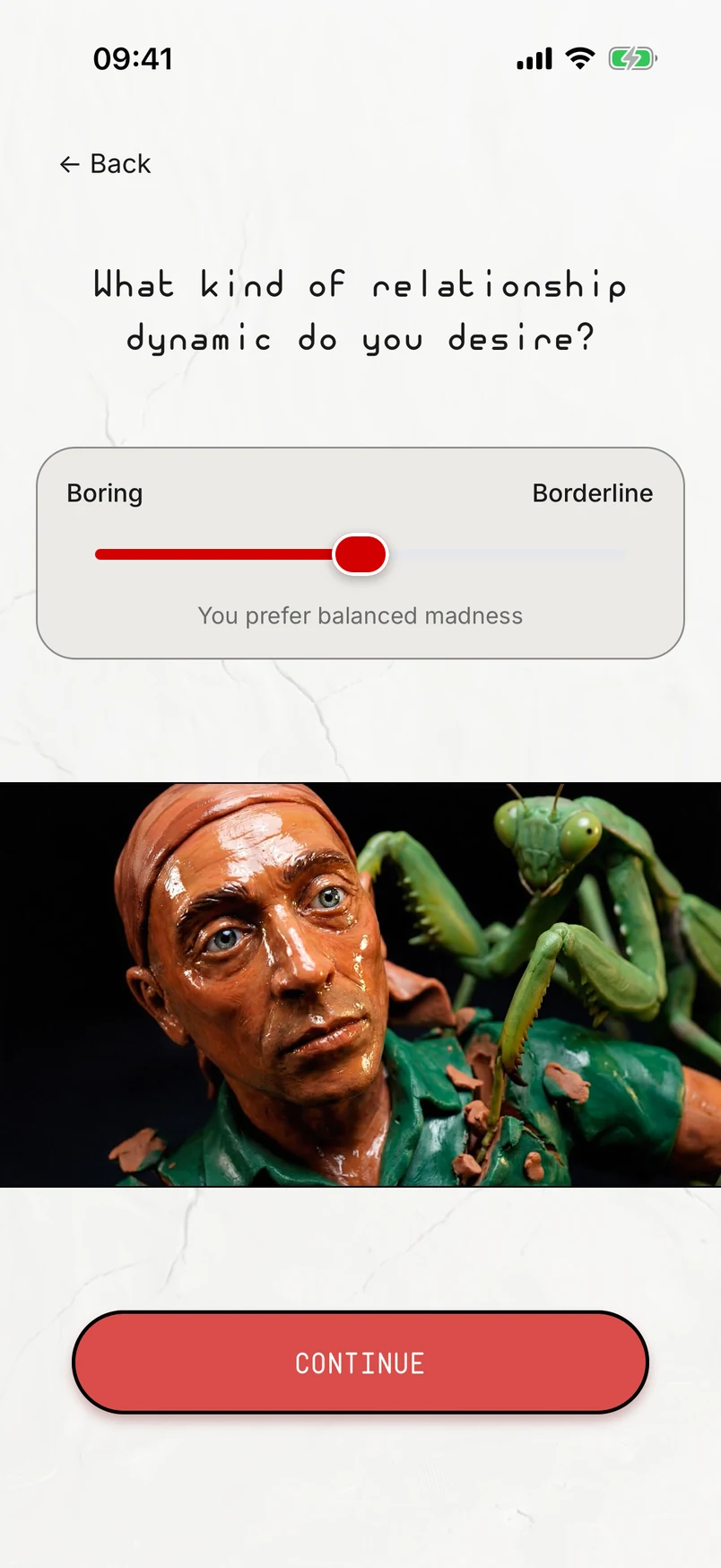
Move the slider to describe the relationship you have in mind. Its changing description helps set the scene for what follows.
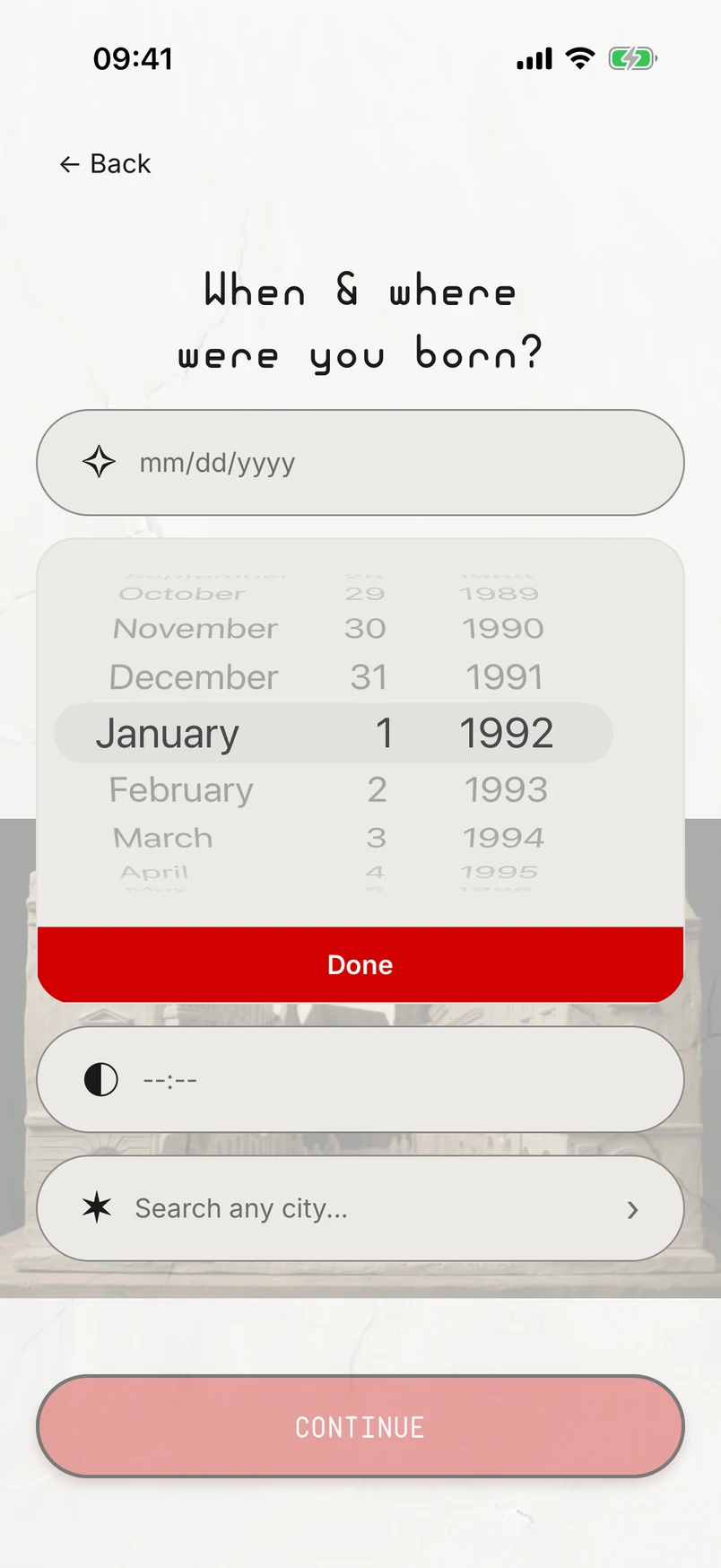
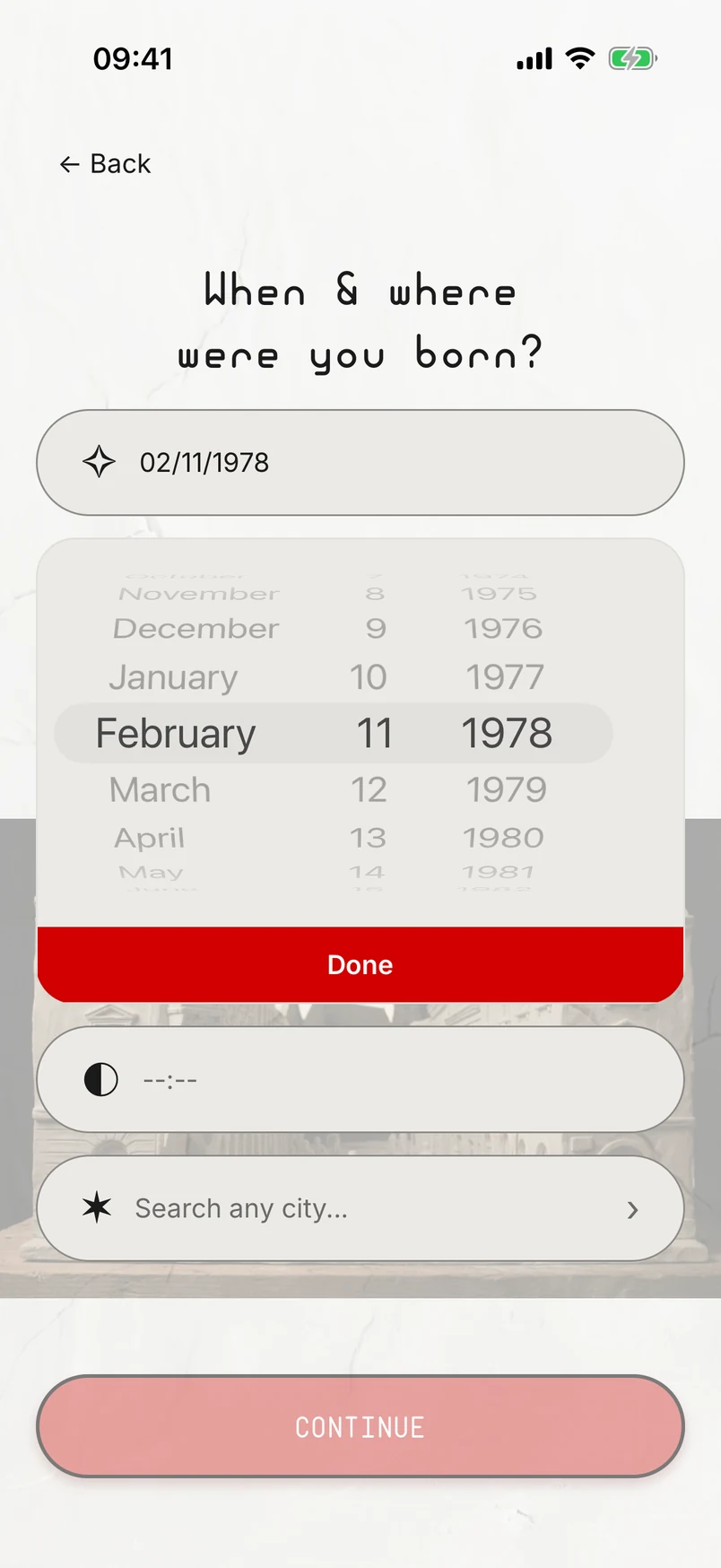
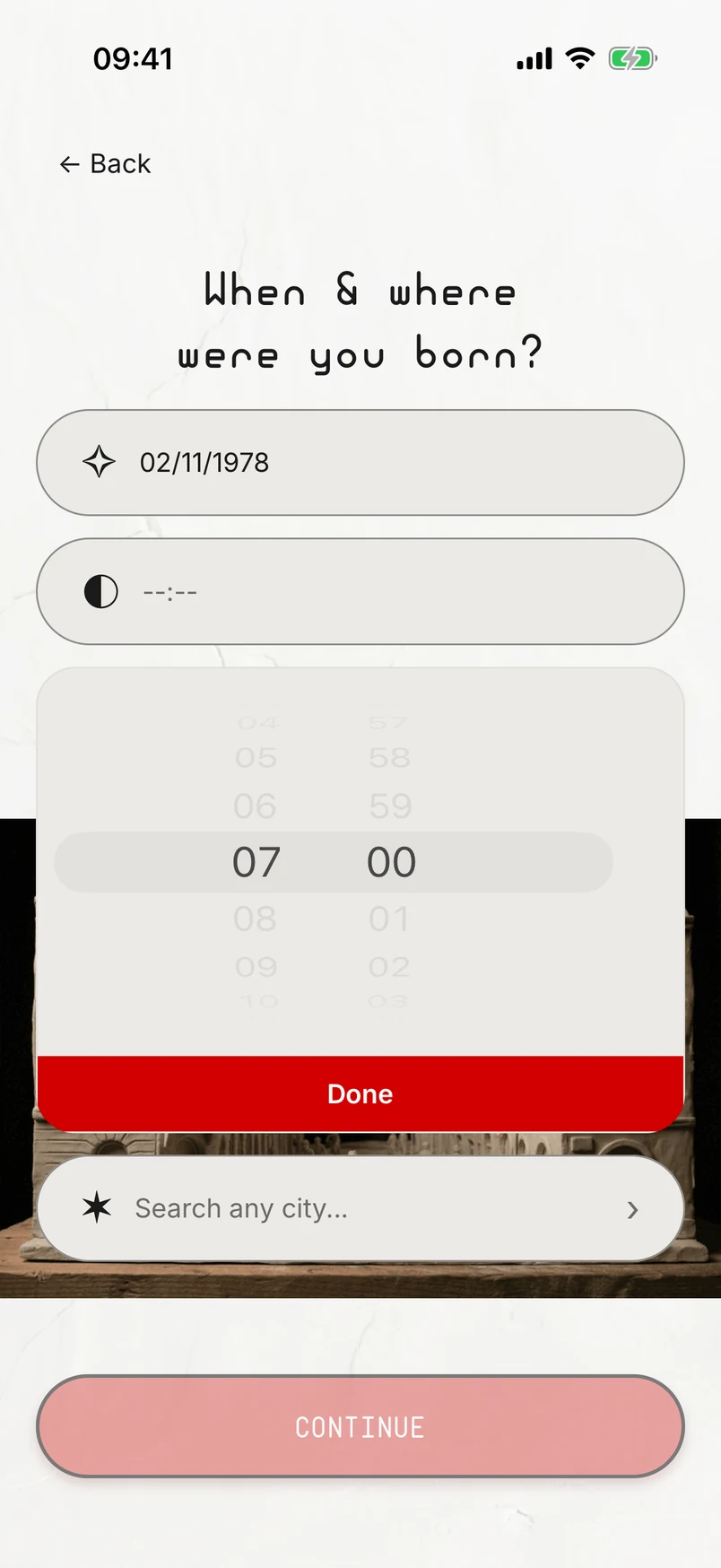
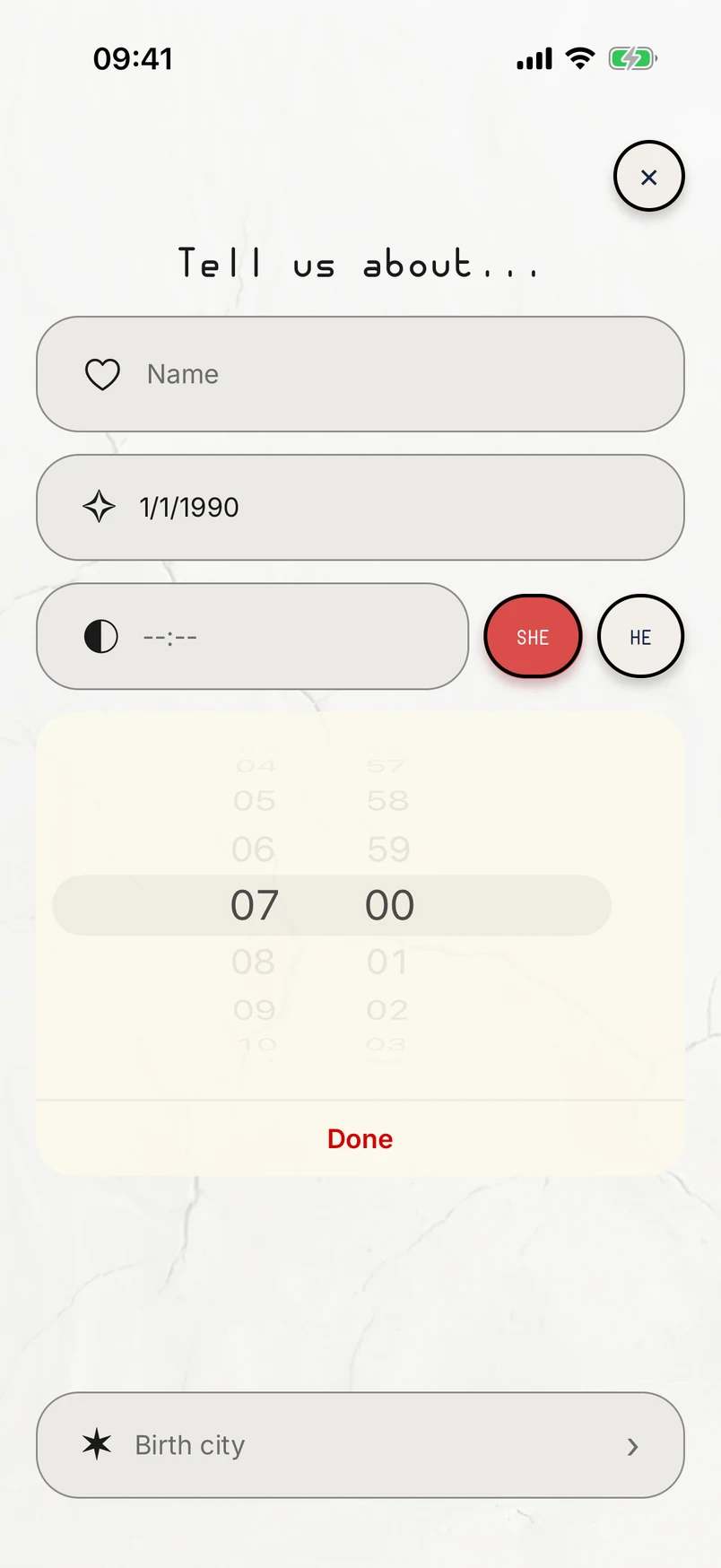
Enter your birth date, time and city. These are the starting points for your Sun, Moon, Rising and chart.
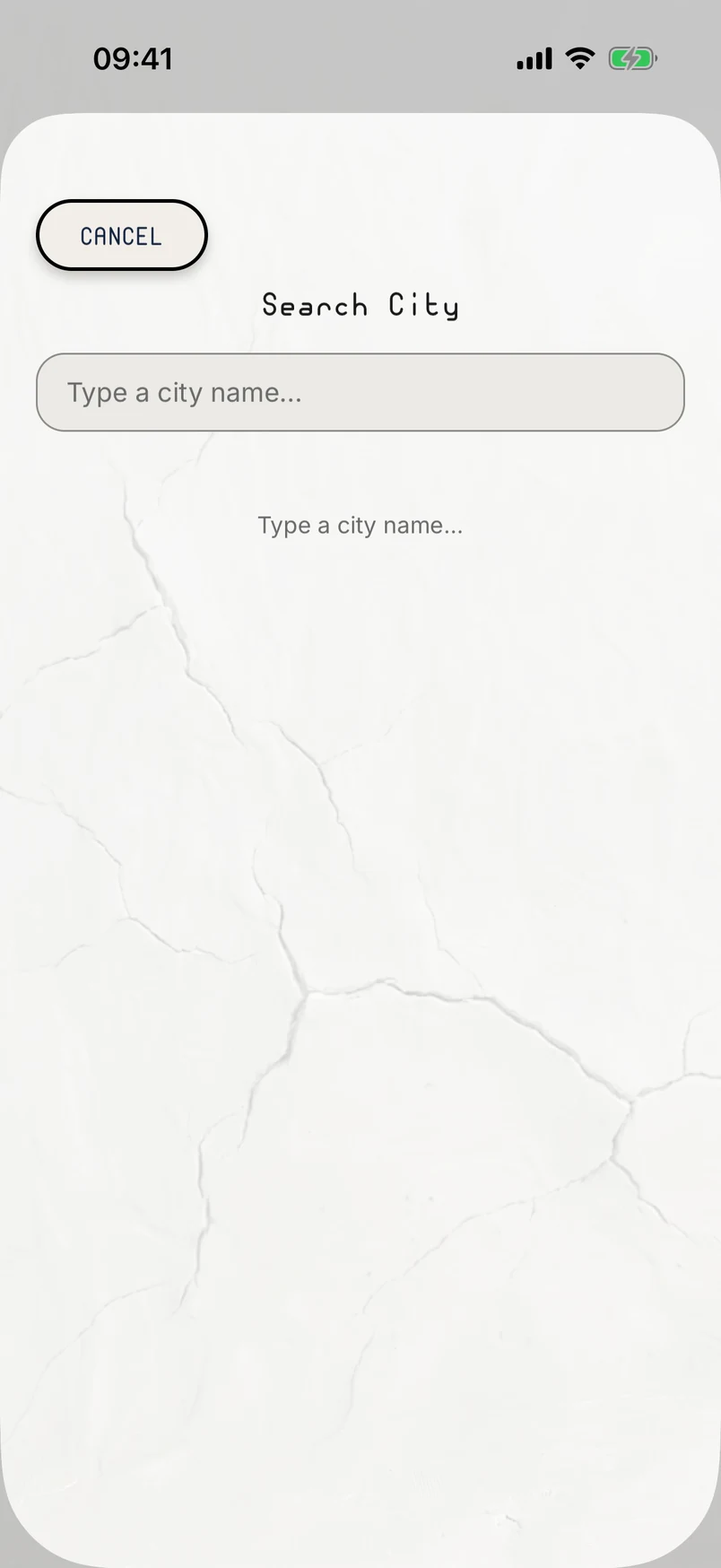
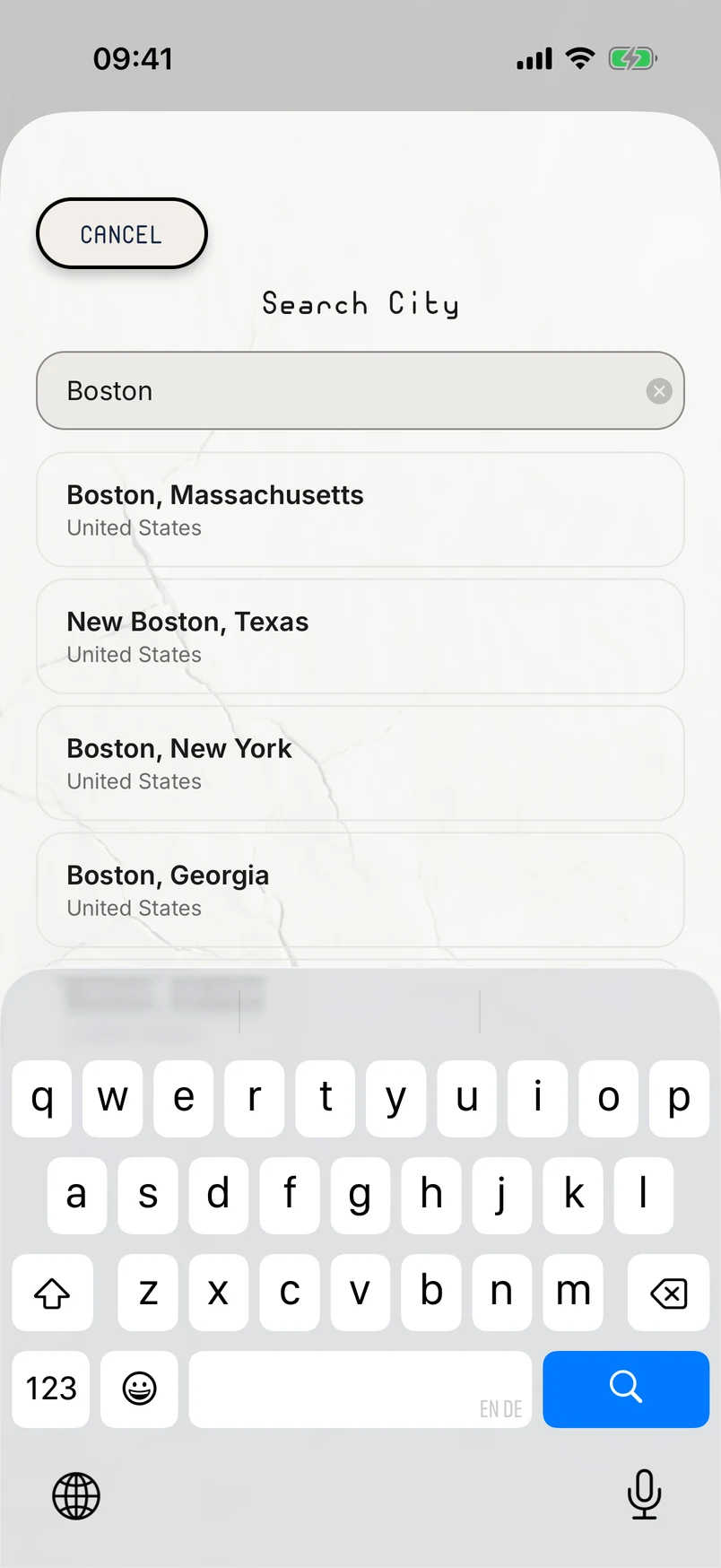
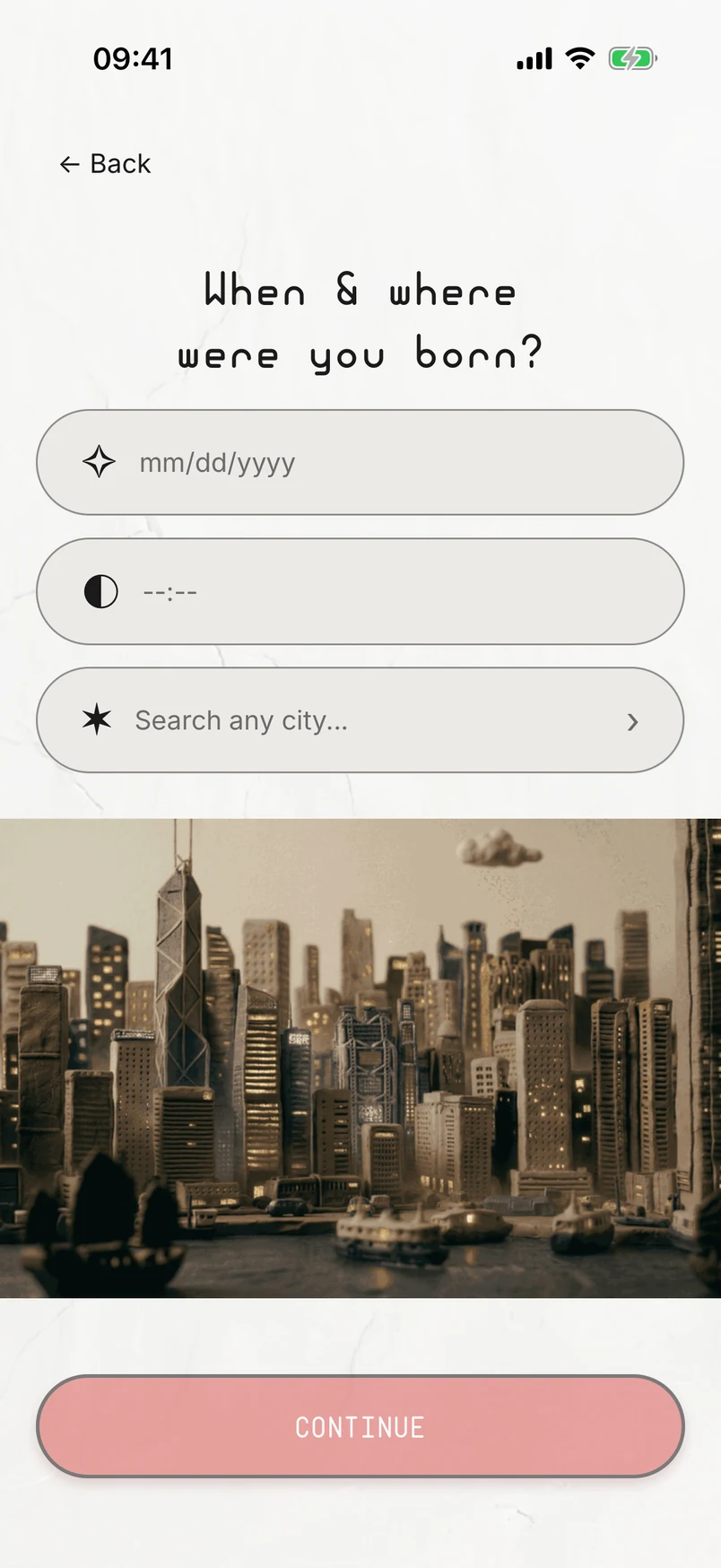
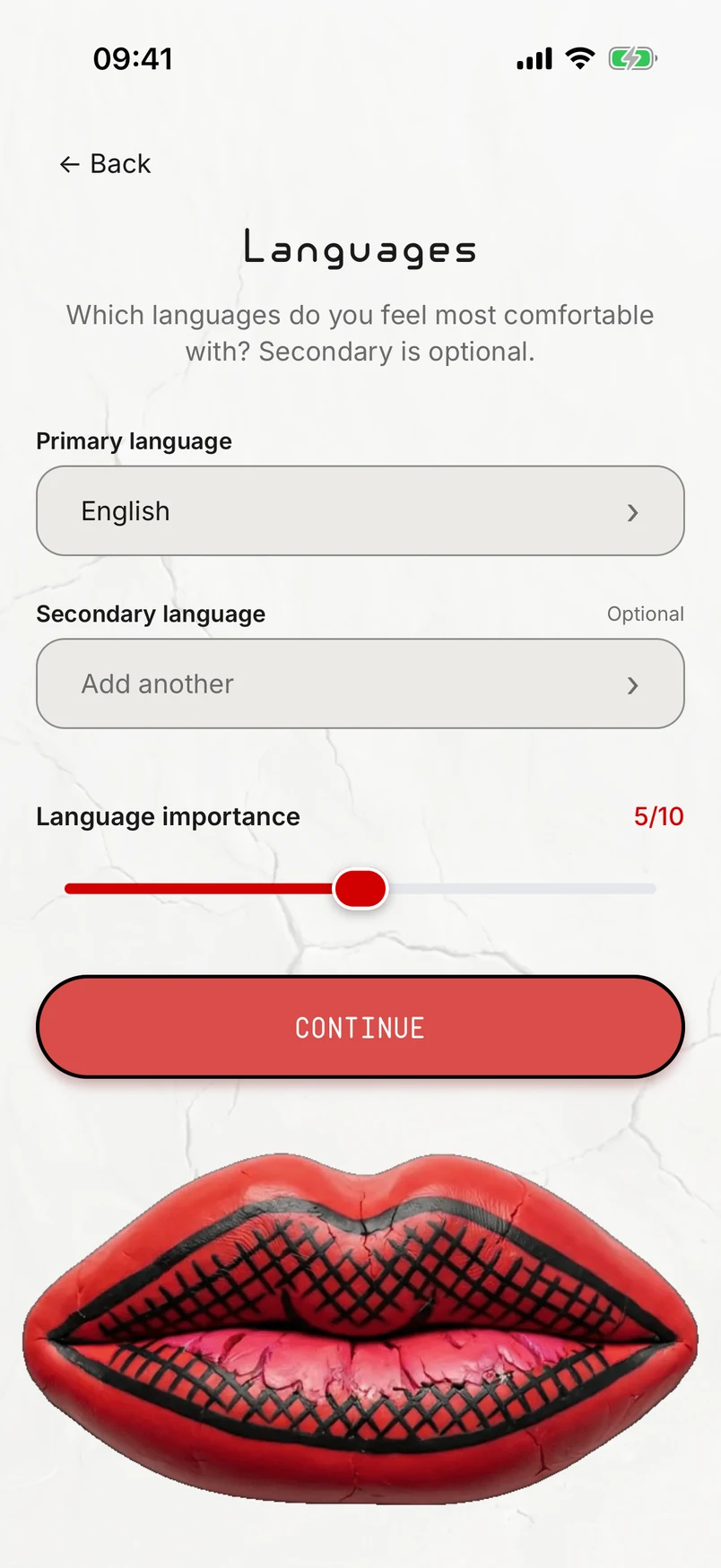
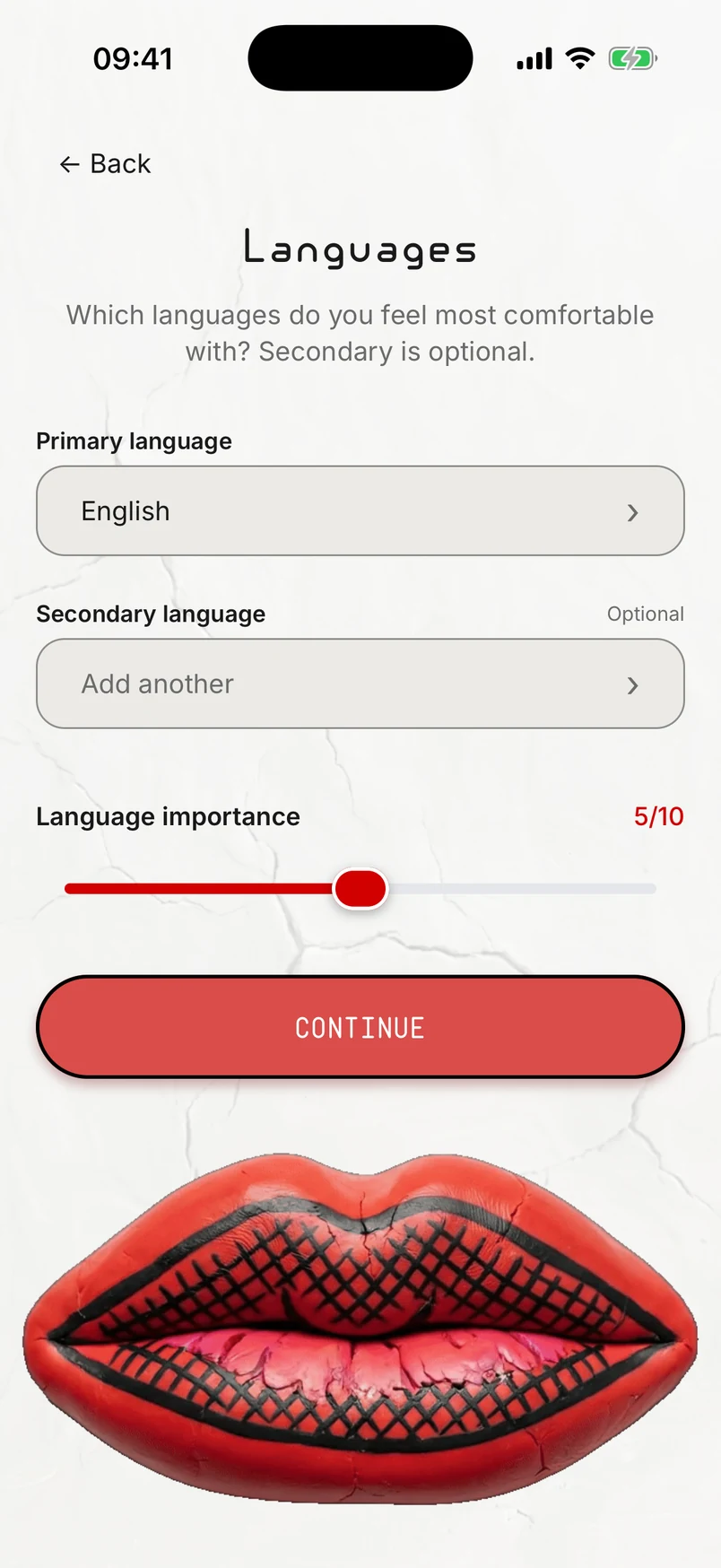
Choose a primary reading language, with an optional second language. Later, you can choose the language for each Council reading.
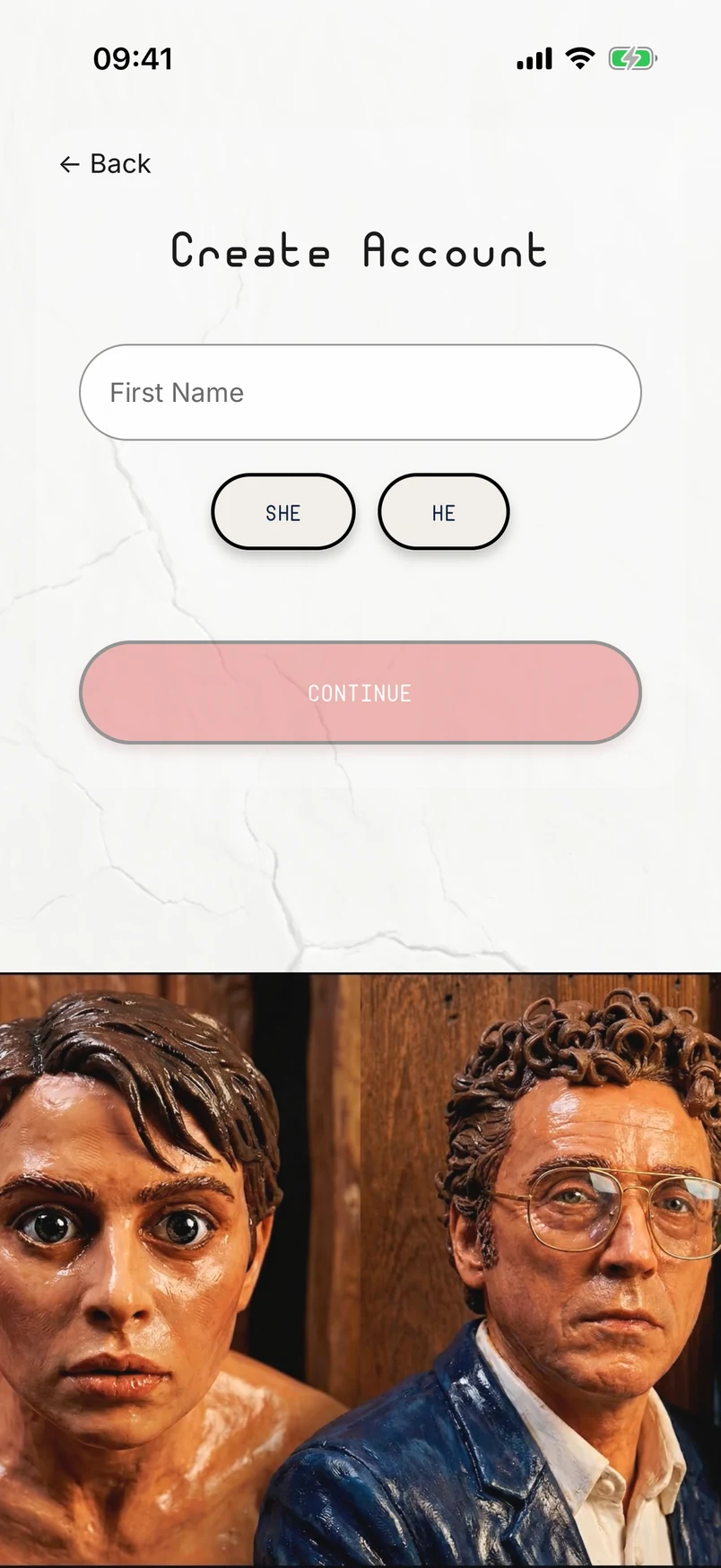
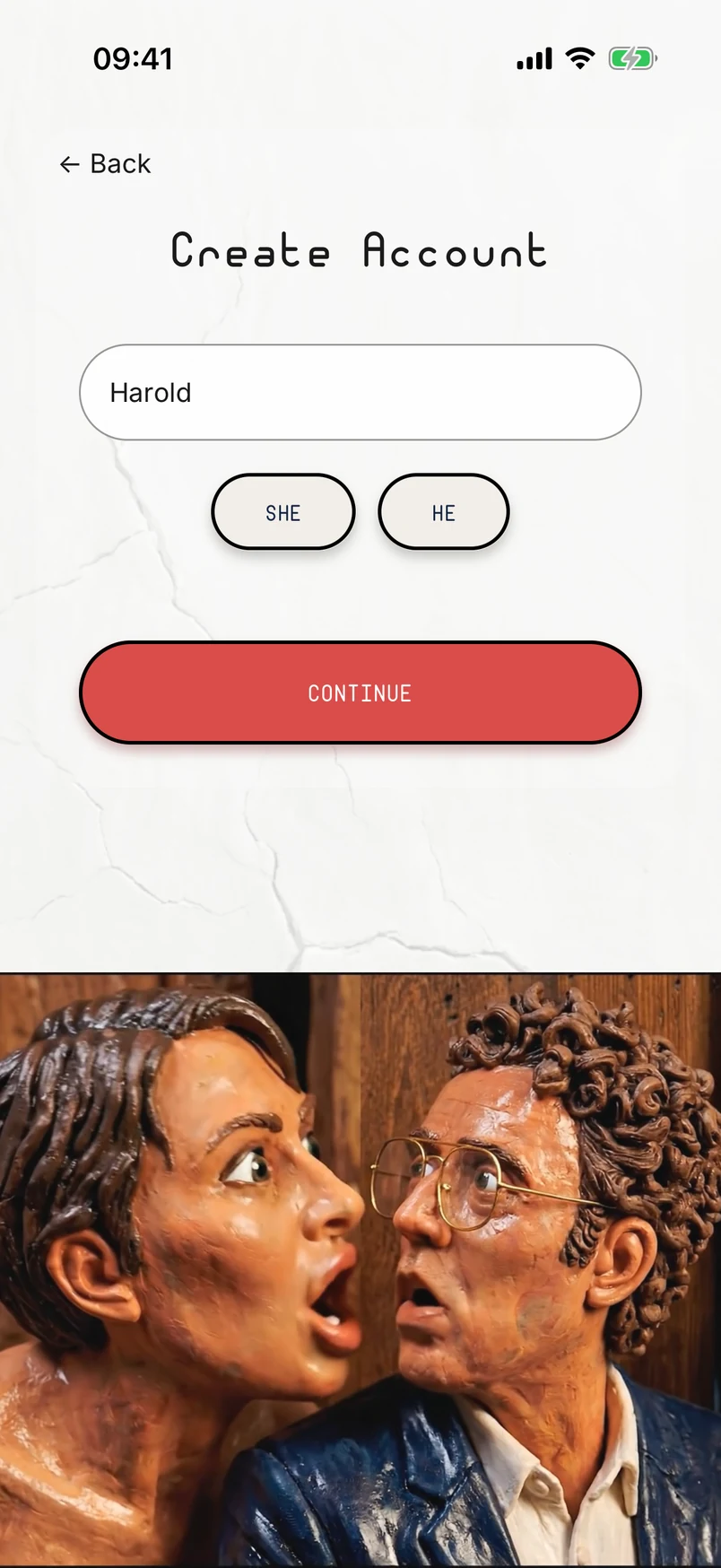
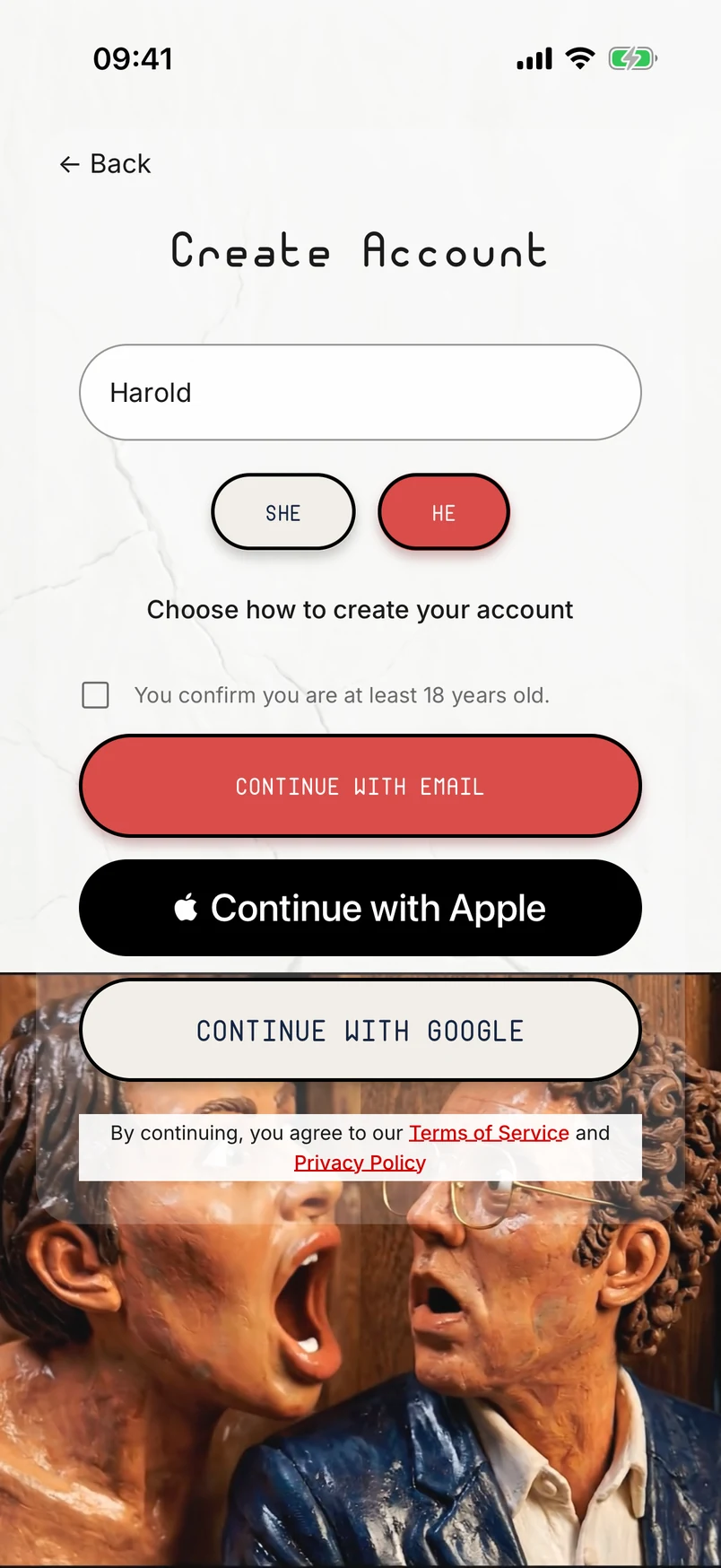
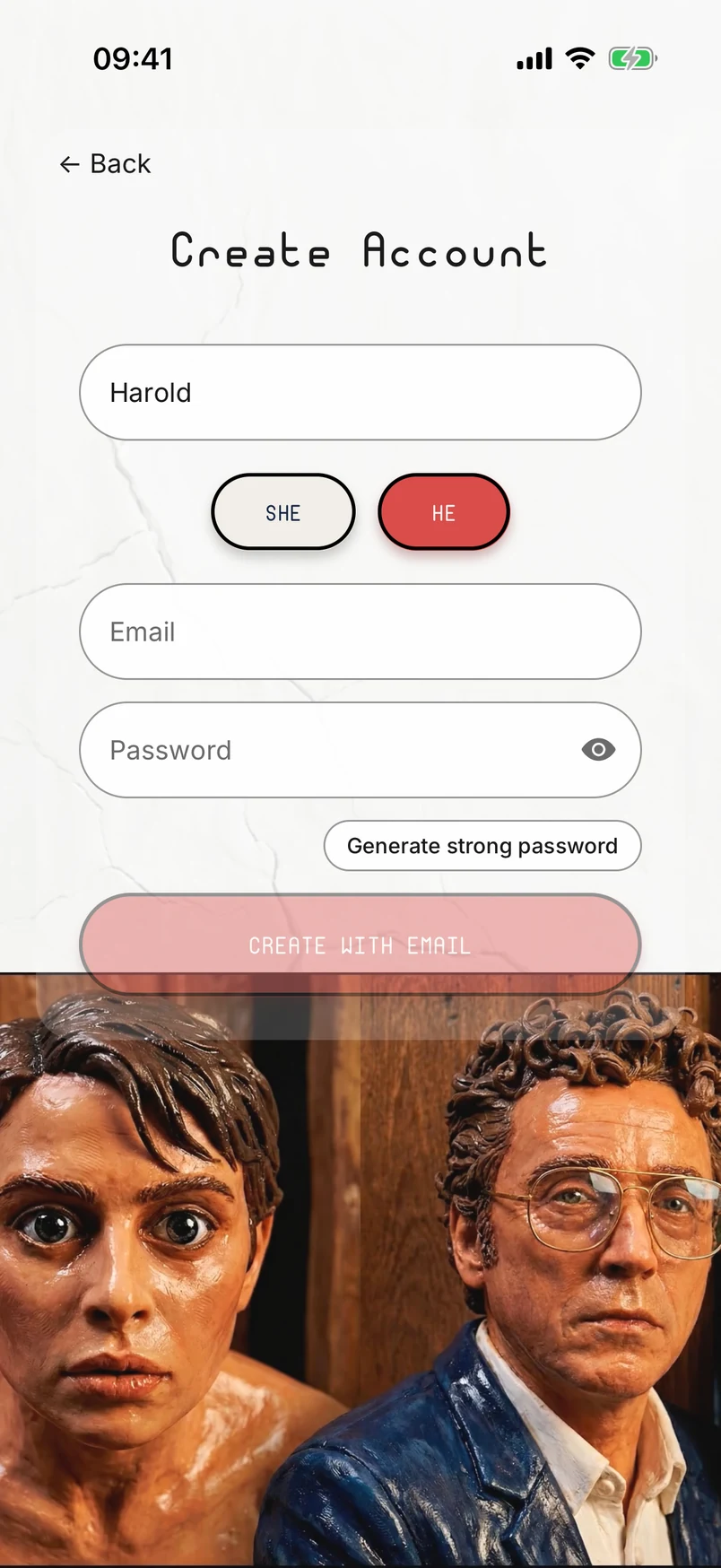
Choose an available sign-in option and follow the verification steps. Your account keeps your profiles and readings together.
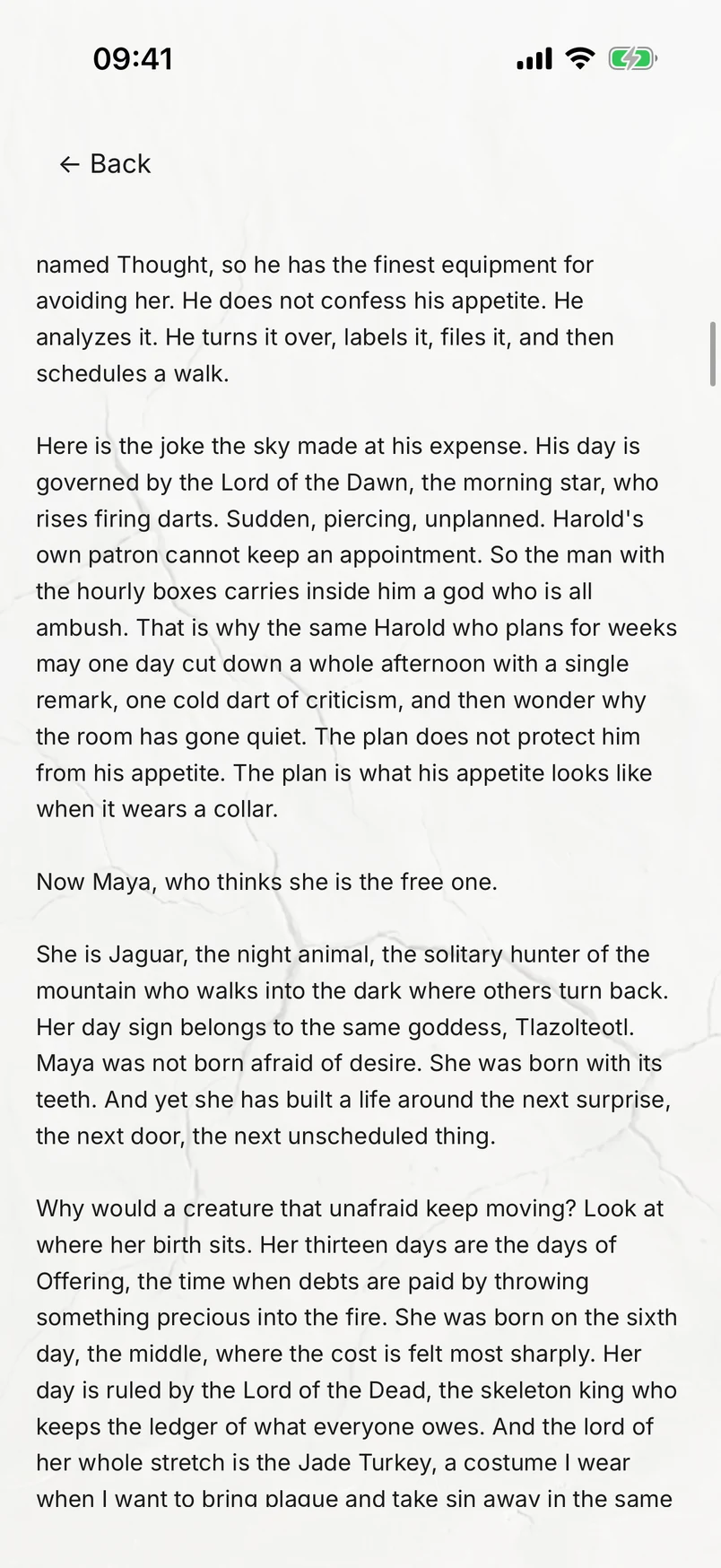
Your first three readings introduce the different sides of your romantic chaos. Here are Harold’s Sun, Moon and Rising pages.
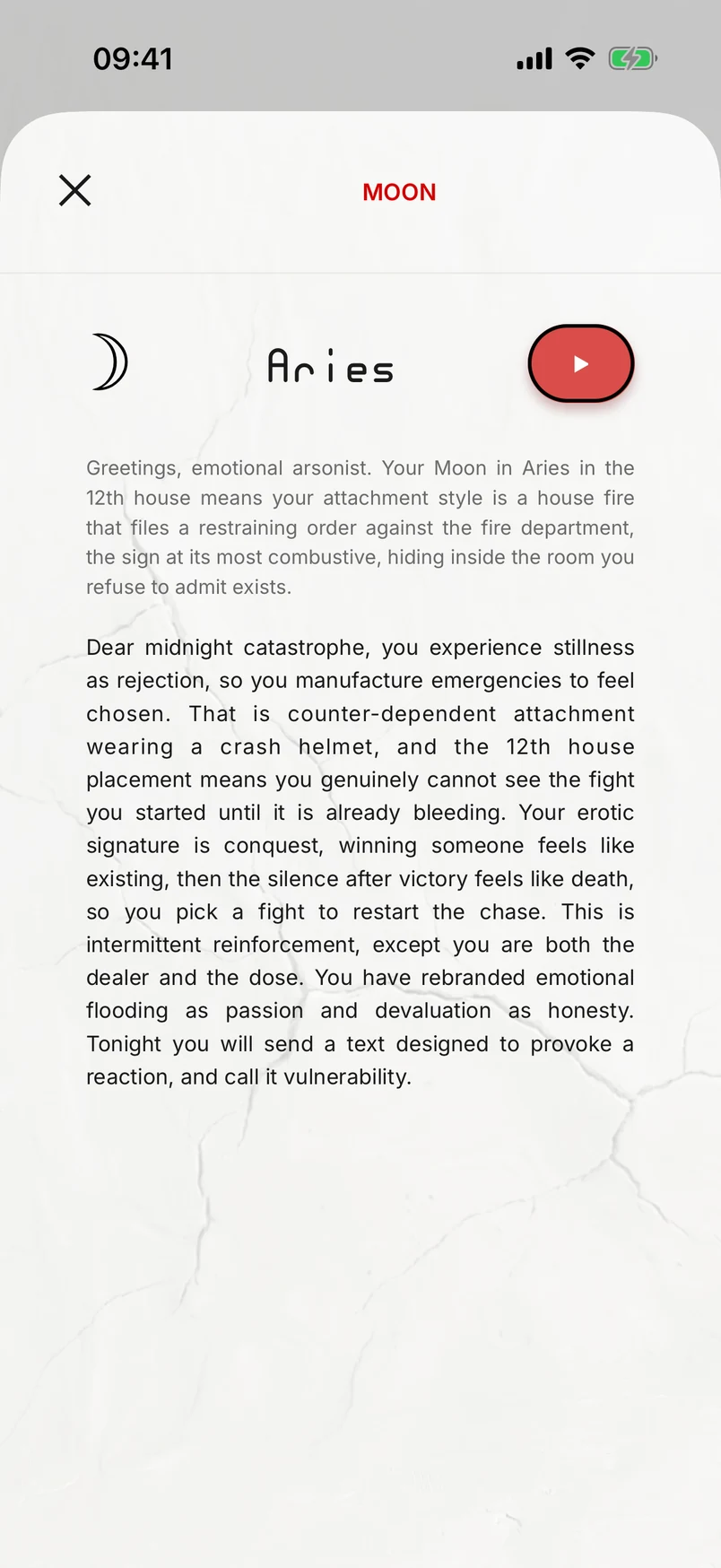
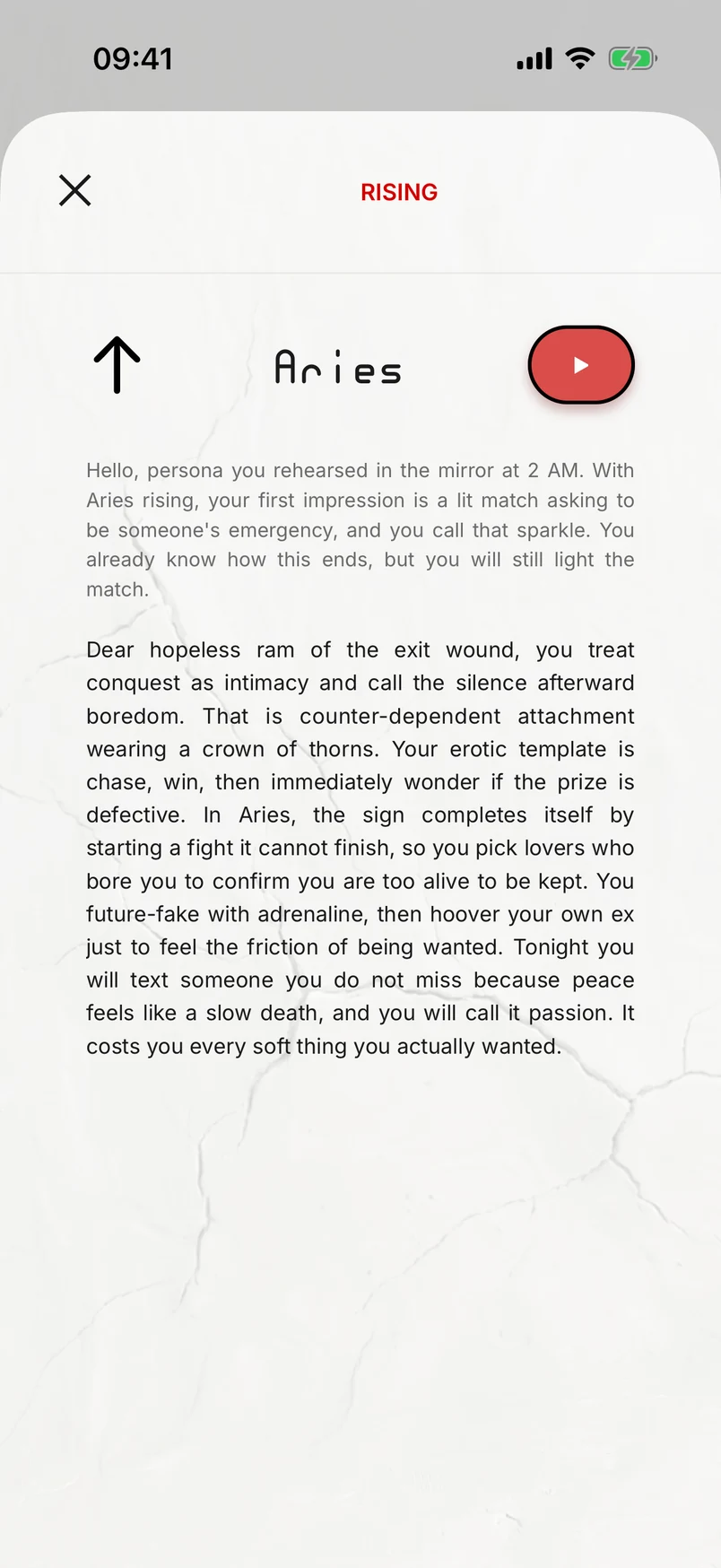
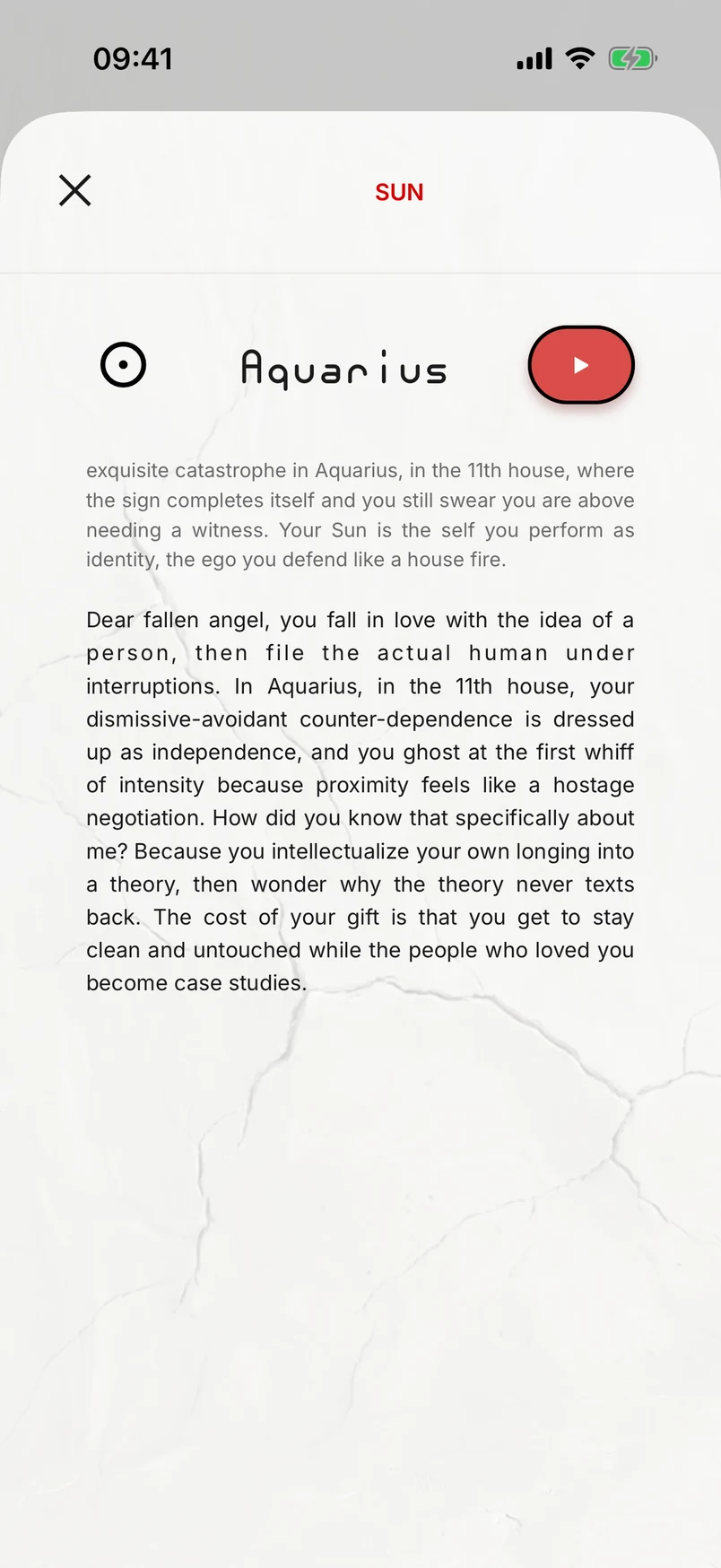
Inside the app, open People and choose Add Person to enter someone else’s birth details. Harold and Maya are the two saved fictional profiles in this tour.
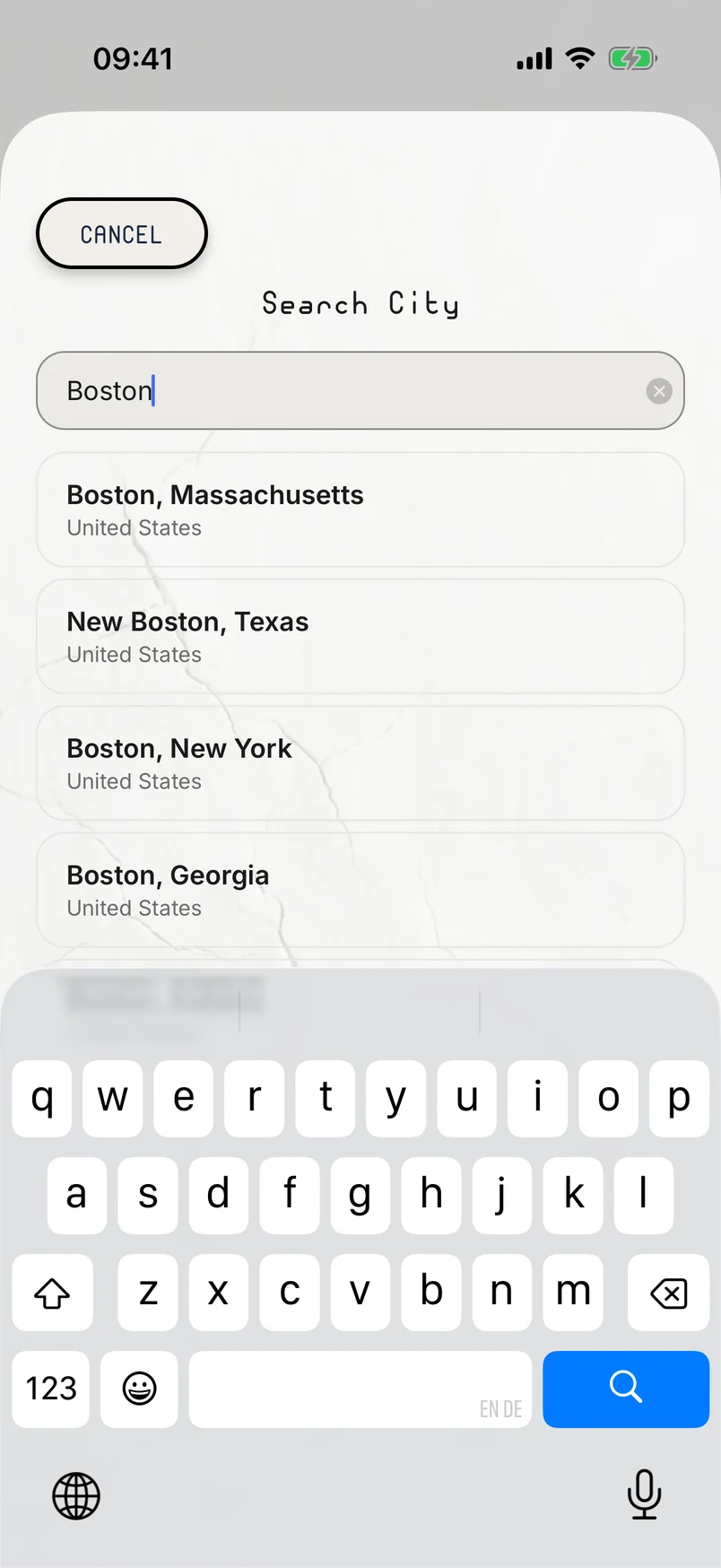
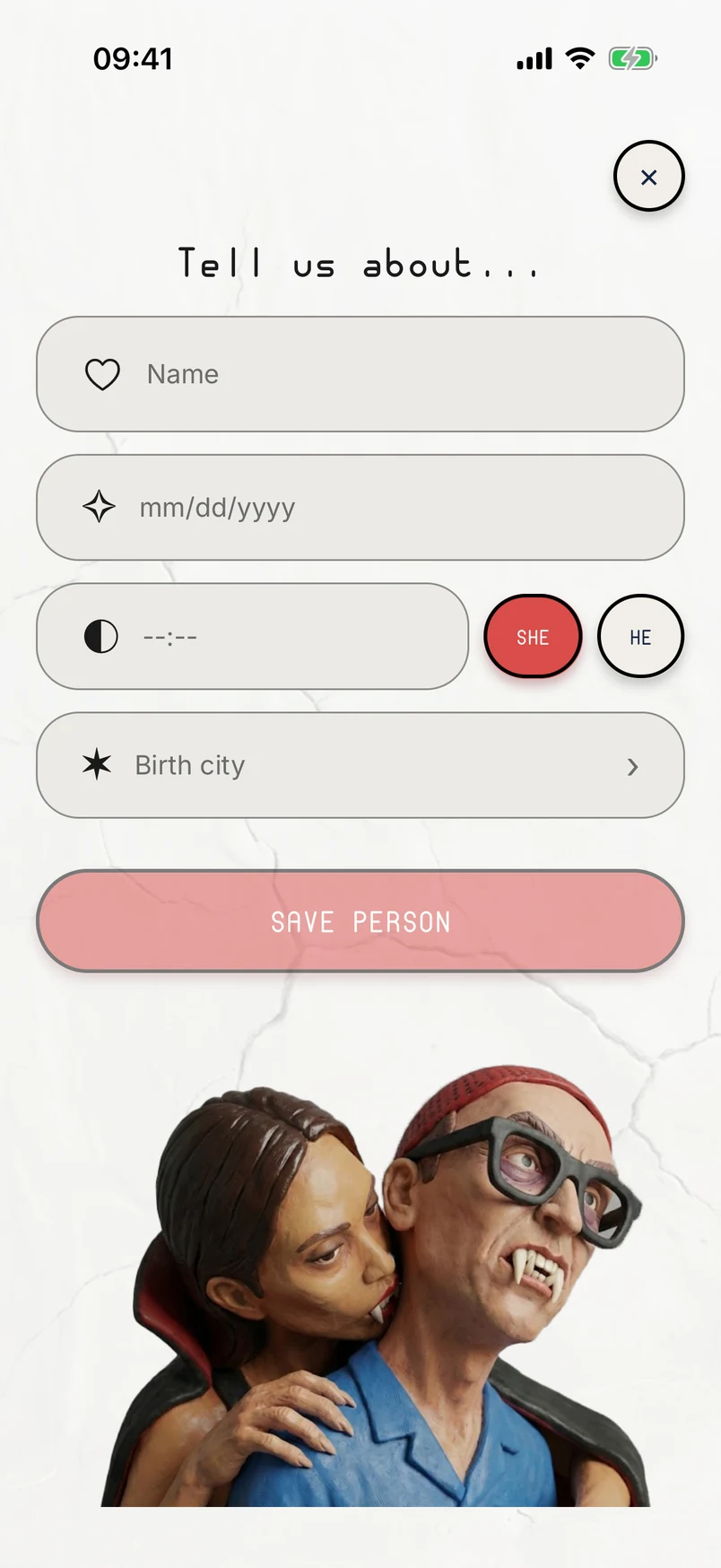
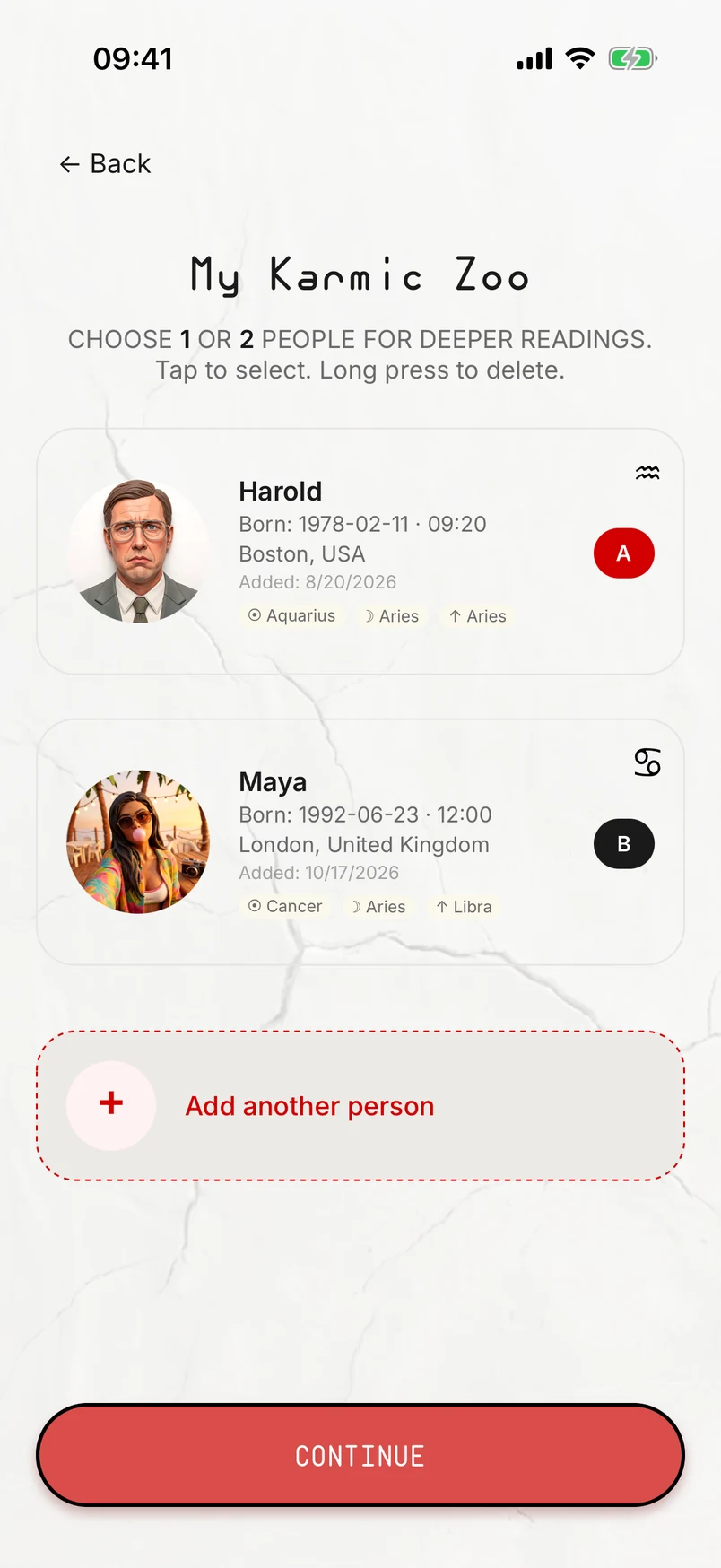
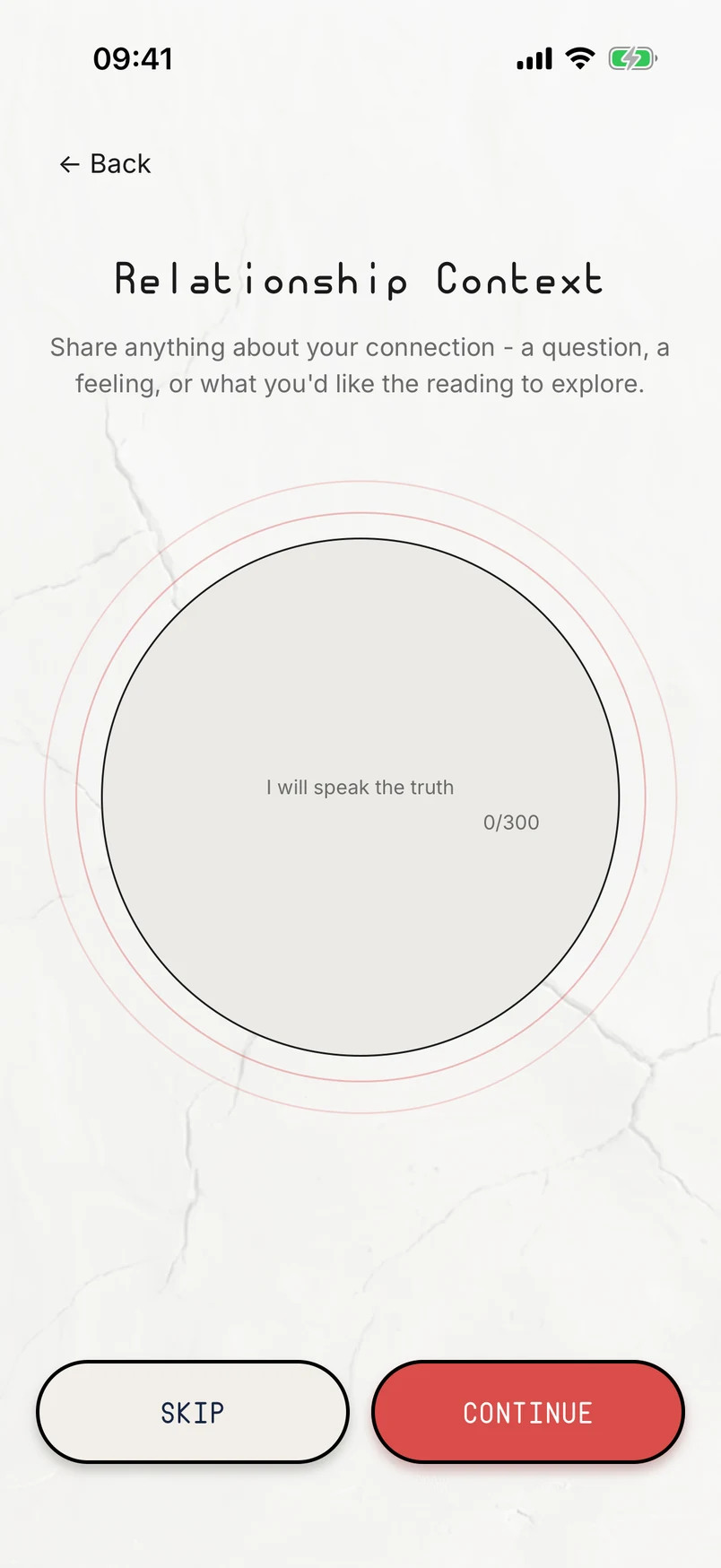
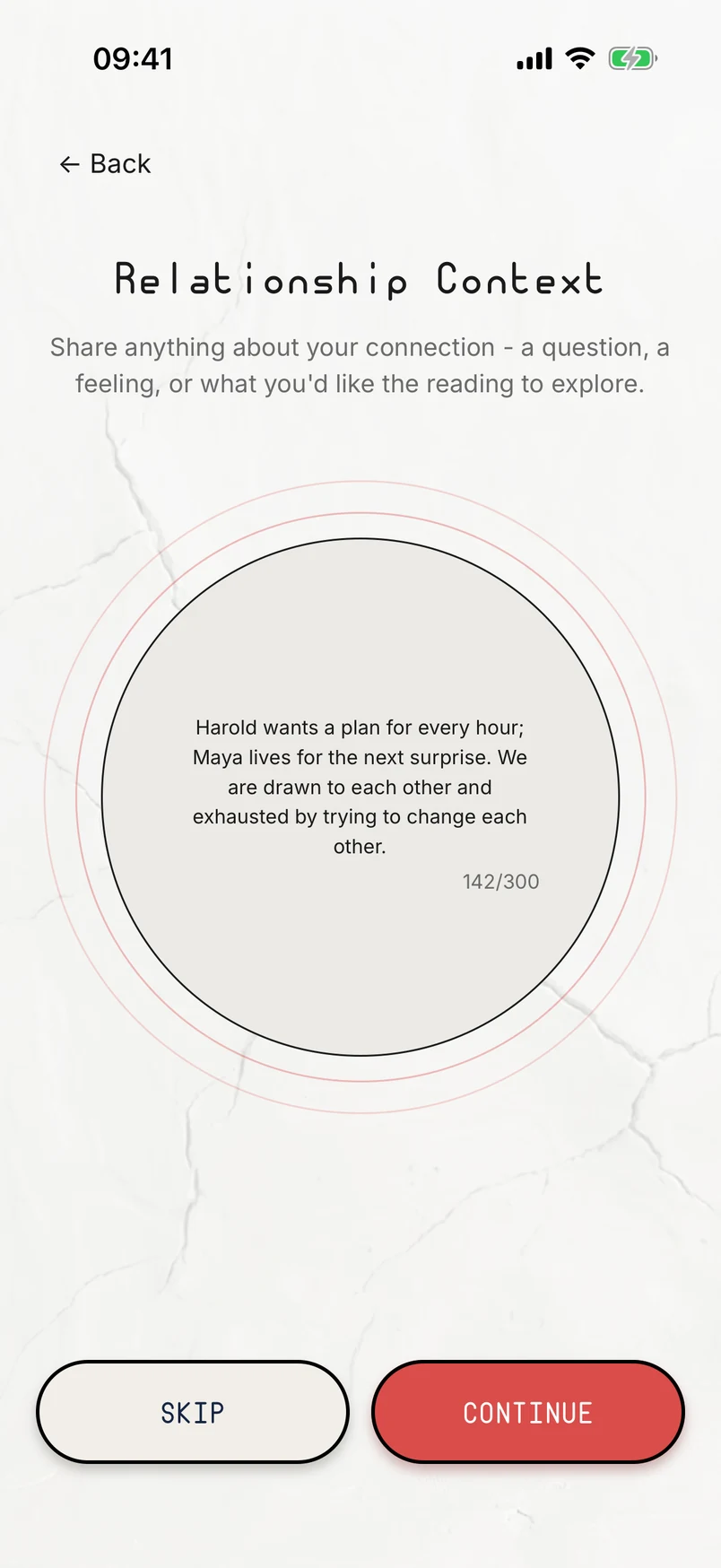
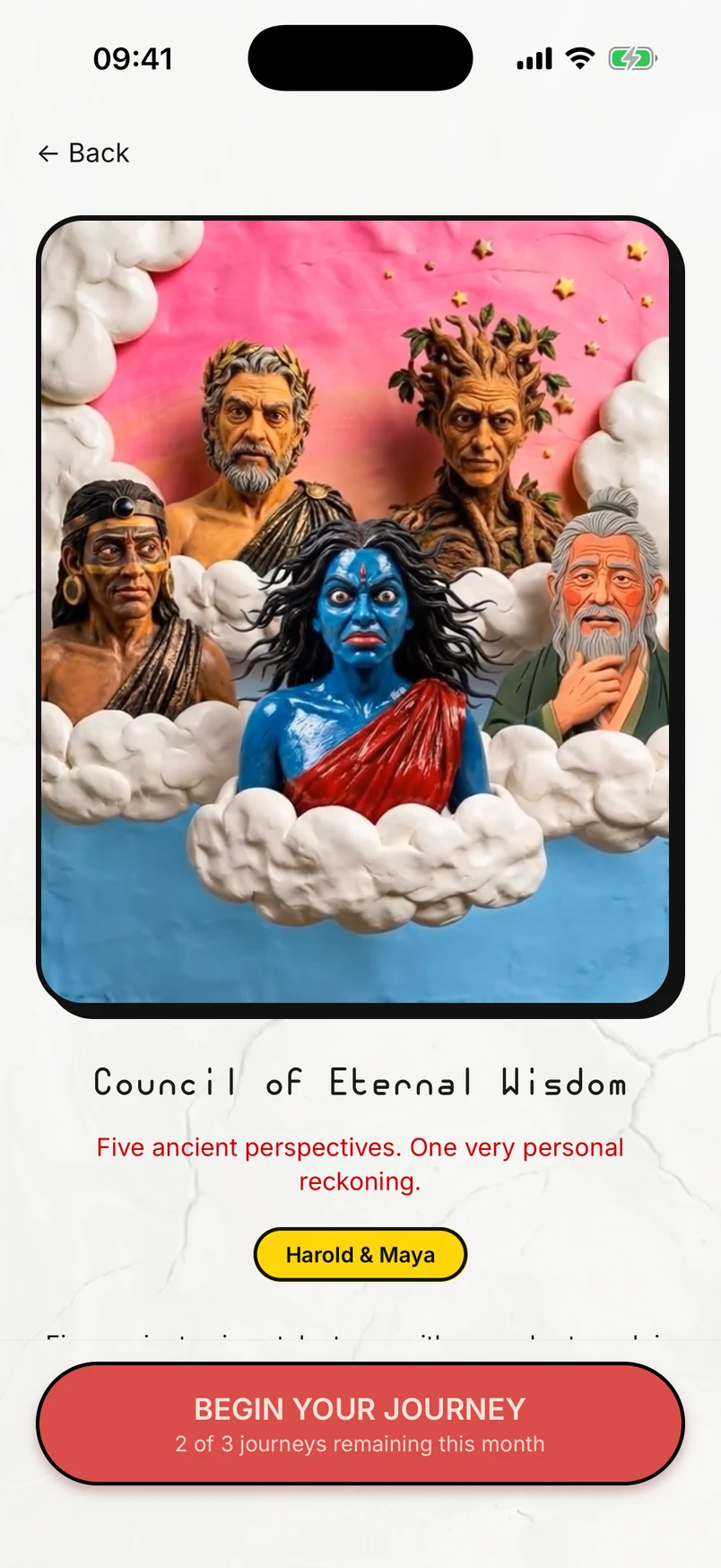
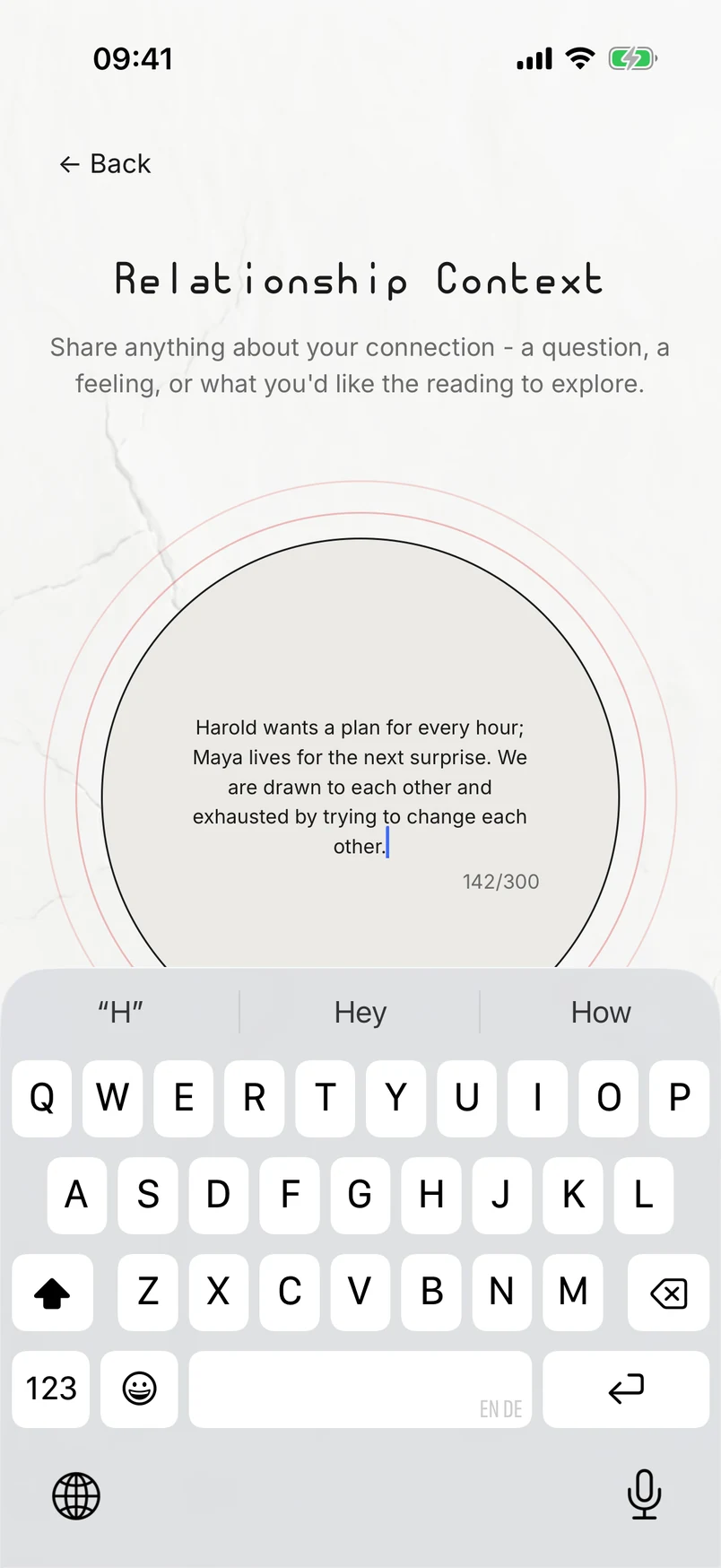
In the Karmic Zoo, select Harold and Maya together to open the Council’s pair-reading setup. Add relationship context, then choose the language for the reading.
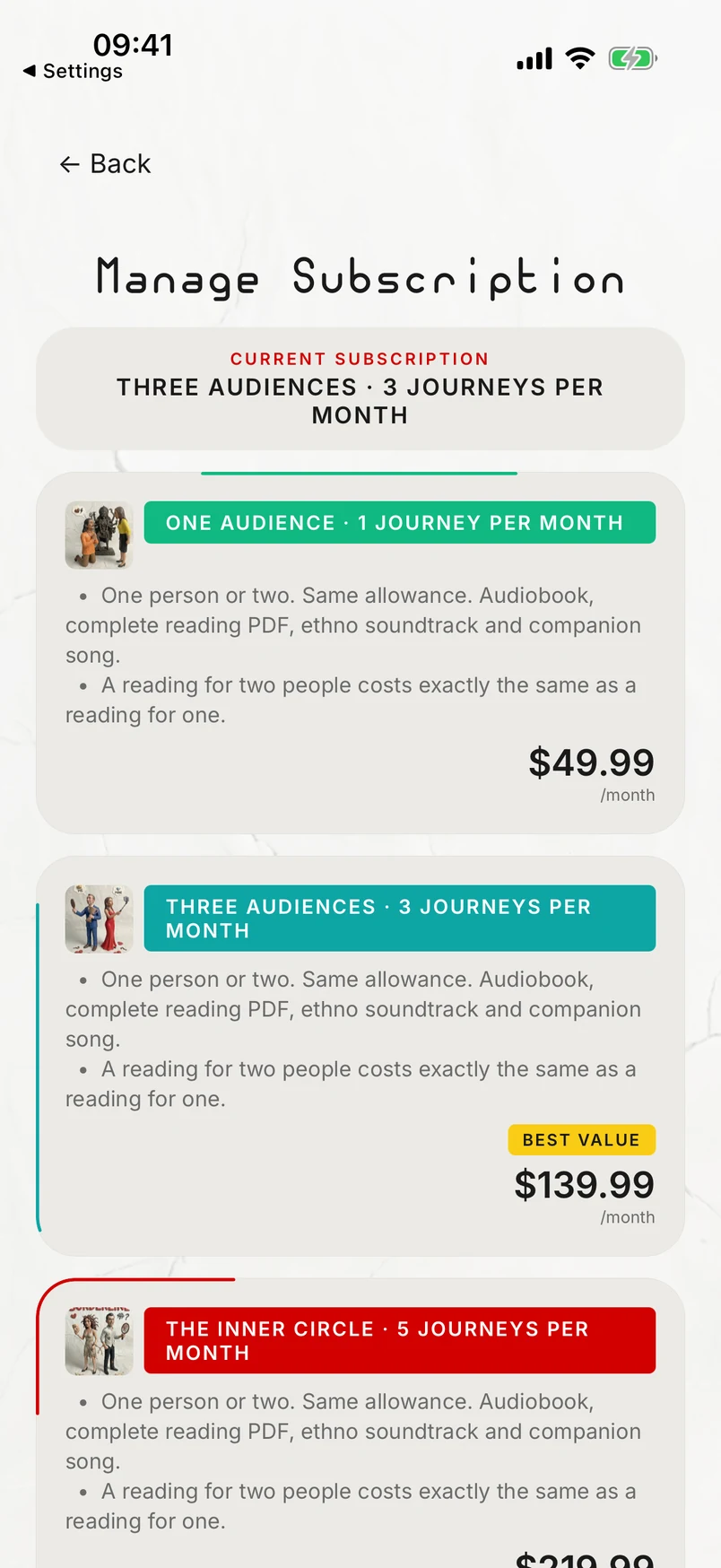
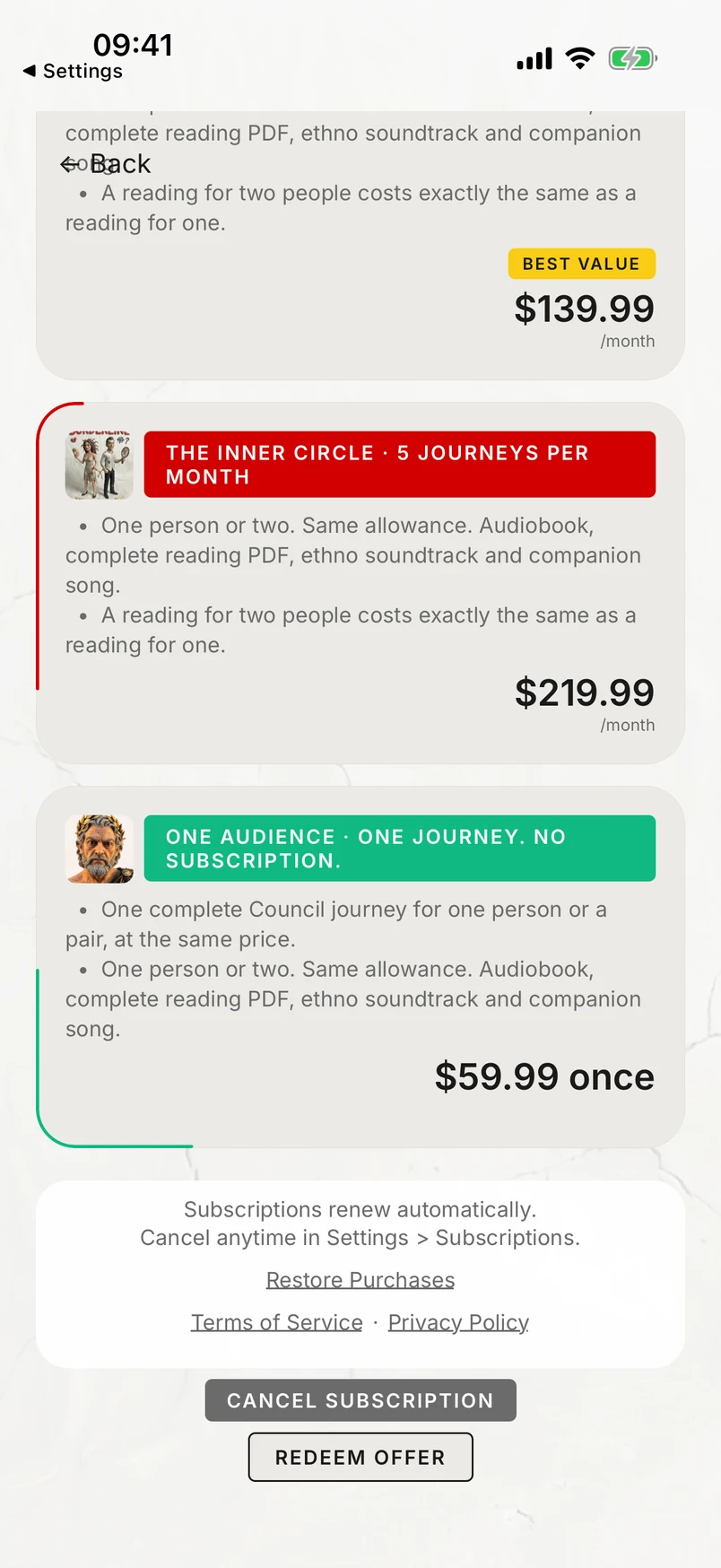
Compare the current plans and what each includes. The plan screen keeps the price, reading allowance and subscription details together.
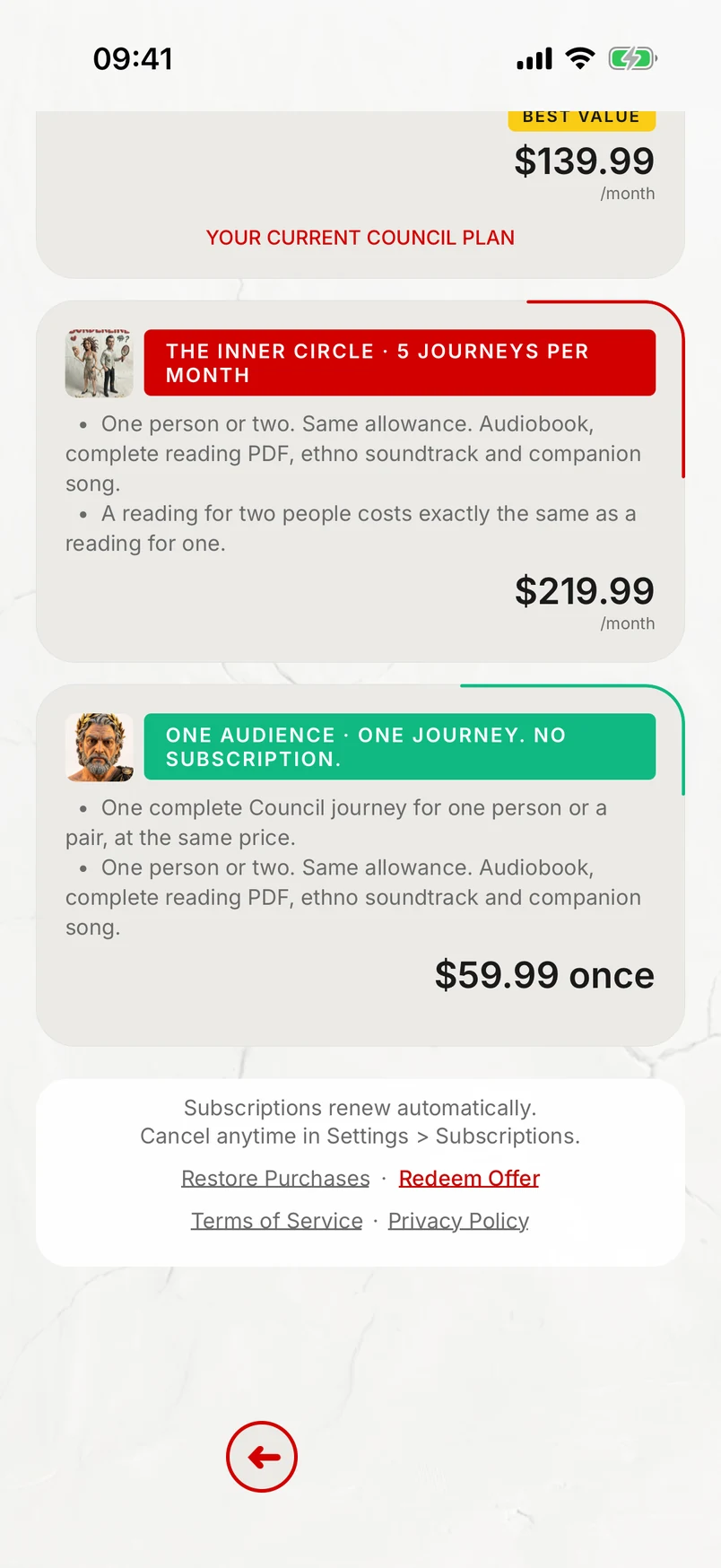
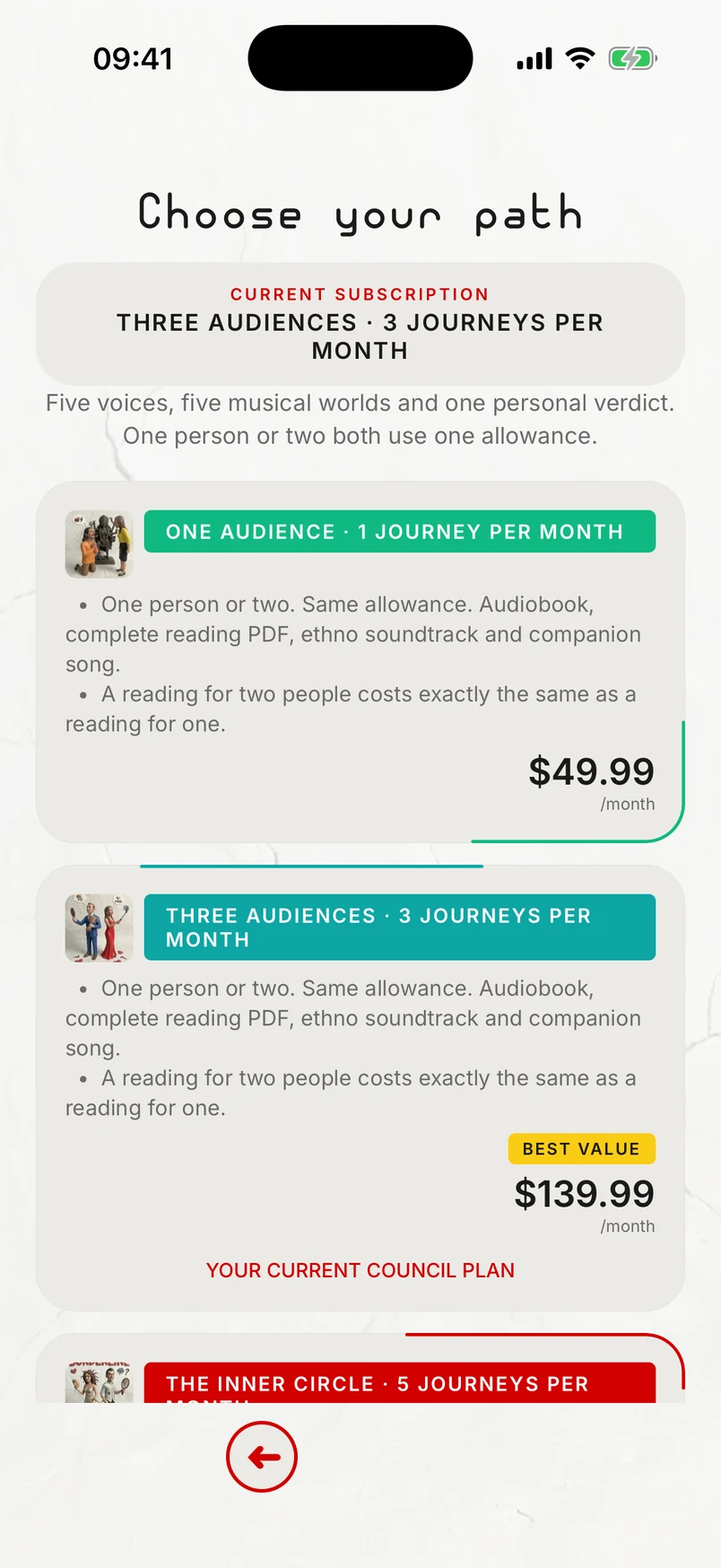
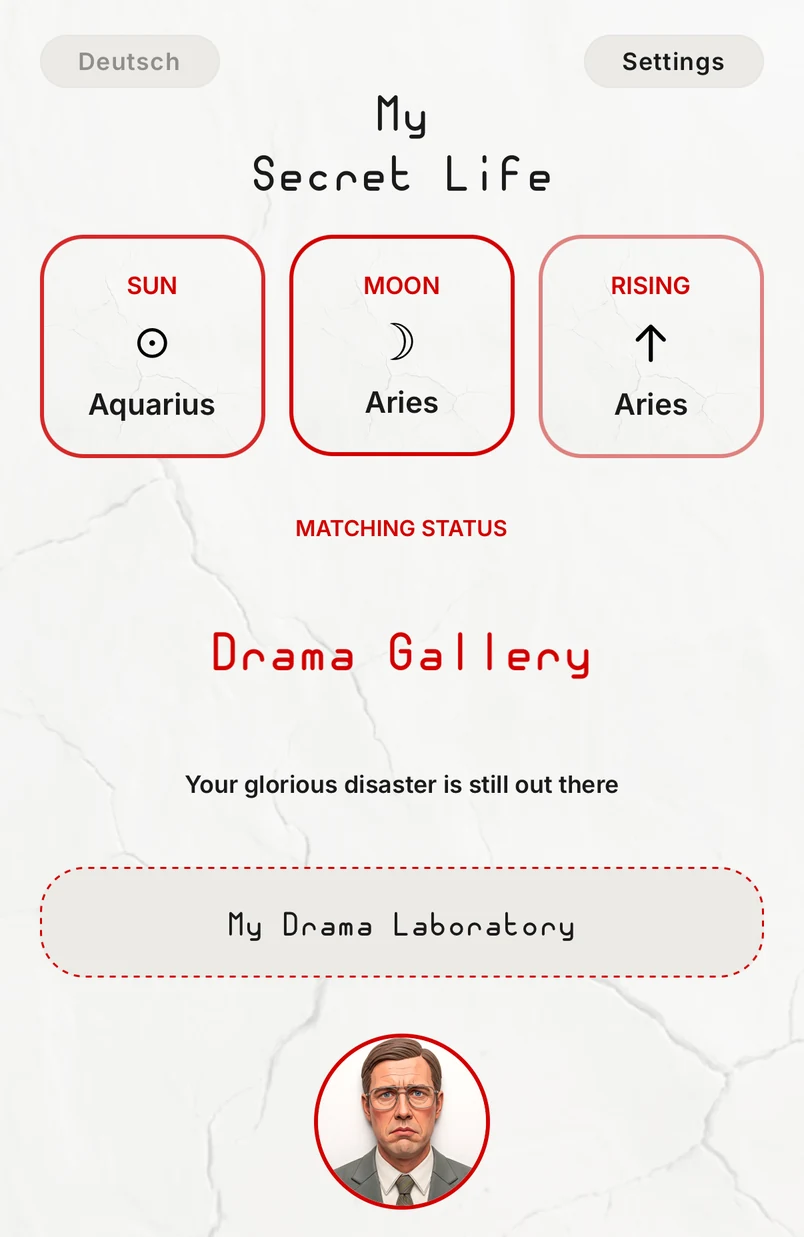
The dashboard brings your signs, profile portrait, matching status and plan together. From here, return to your people or head into the Laboratory.
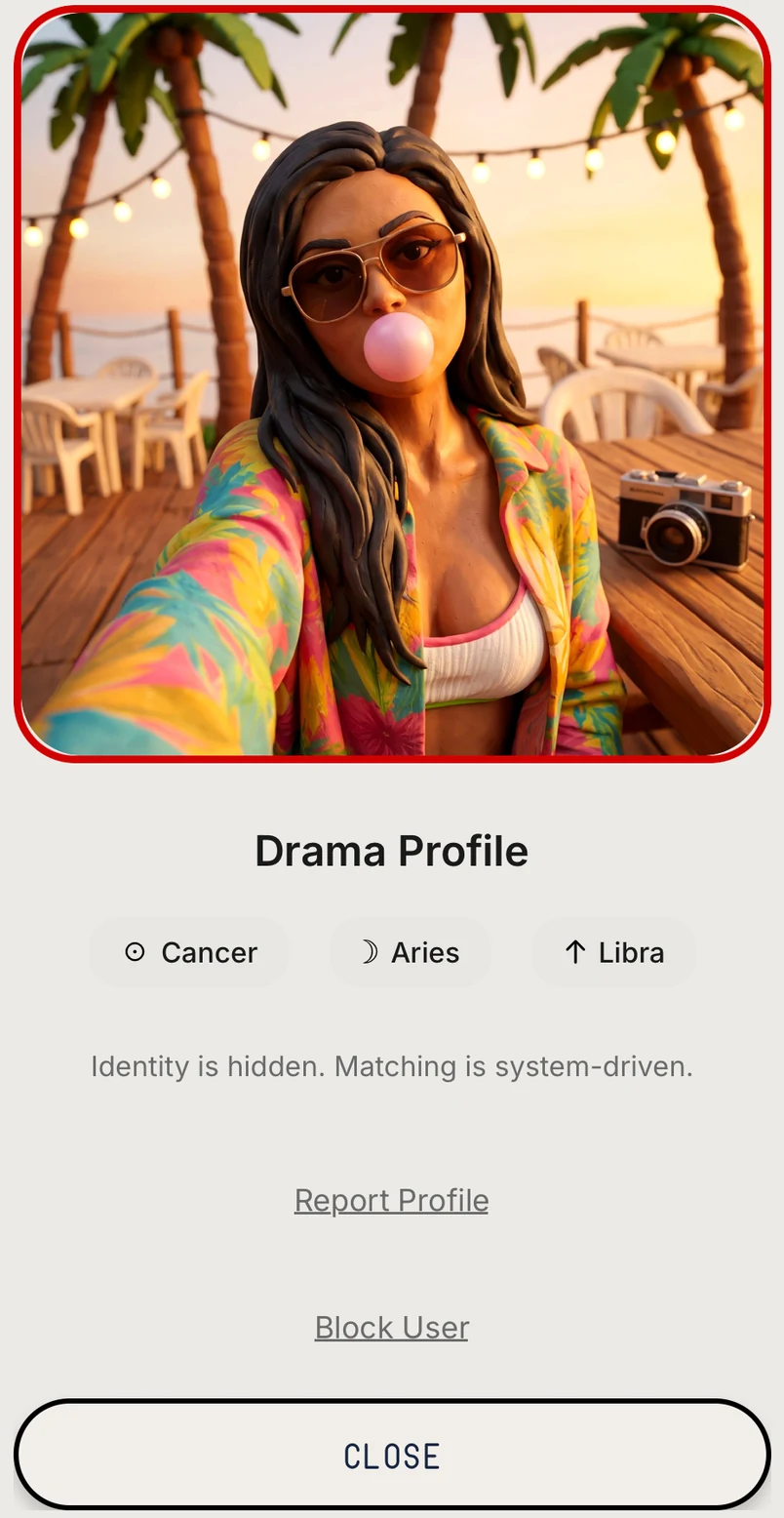
Browse the gallery’s anonymous portrait cards and signs, then open a profile for a closer look. Your gallery privacy controls are available separately.
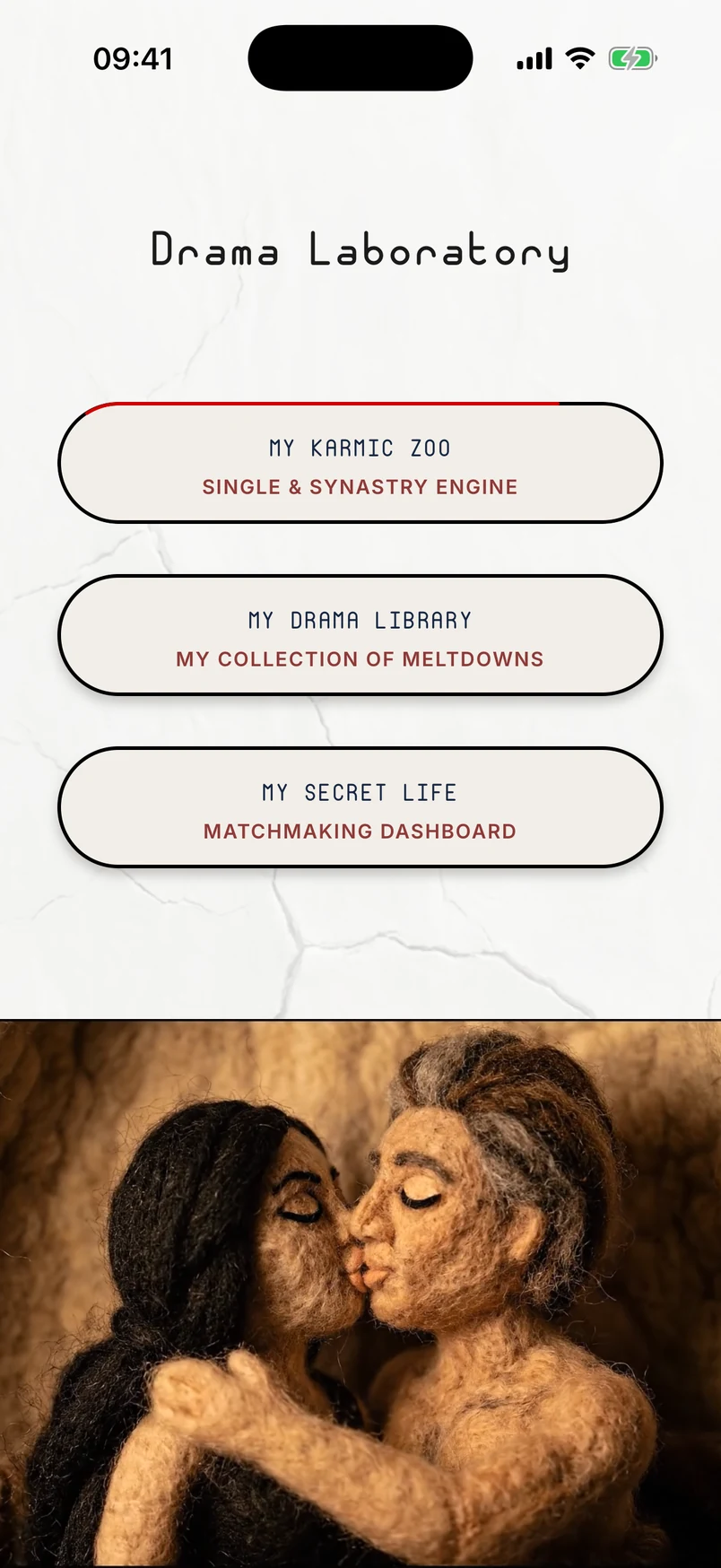
Three doors into your world: the Karmic Zoo, your Drama Library and your Secret Life. Choose a person, return to a reading, or explore your own profile.
Select Harold for an individual reading, or Harold and Maya together to explore their relationship.
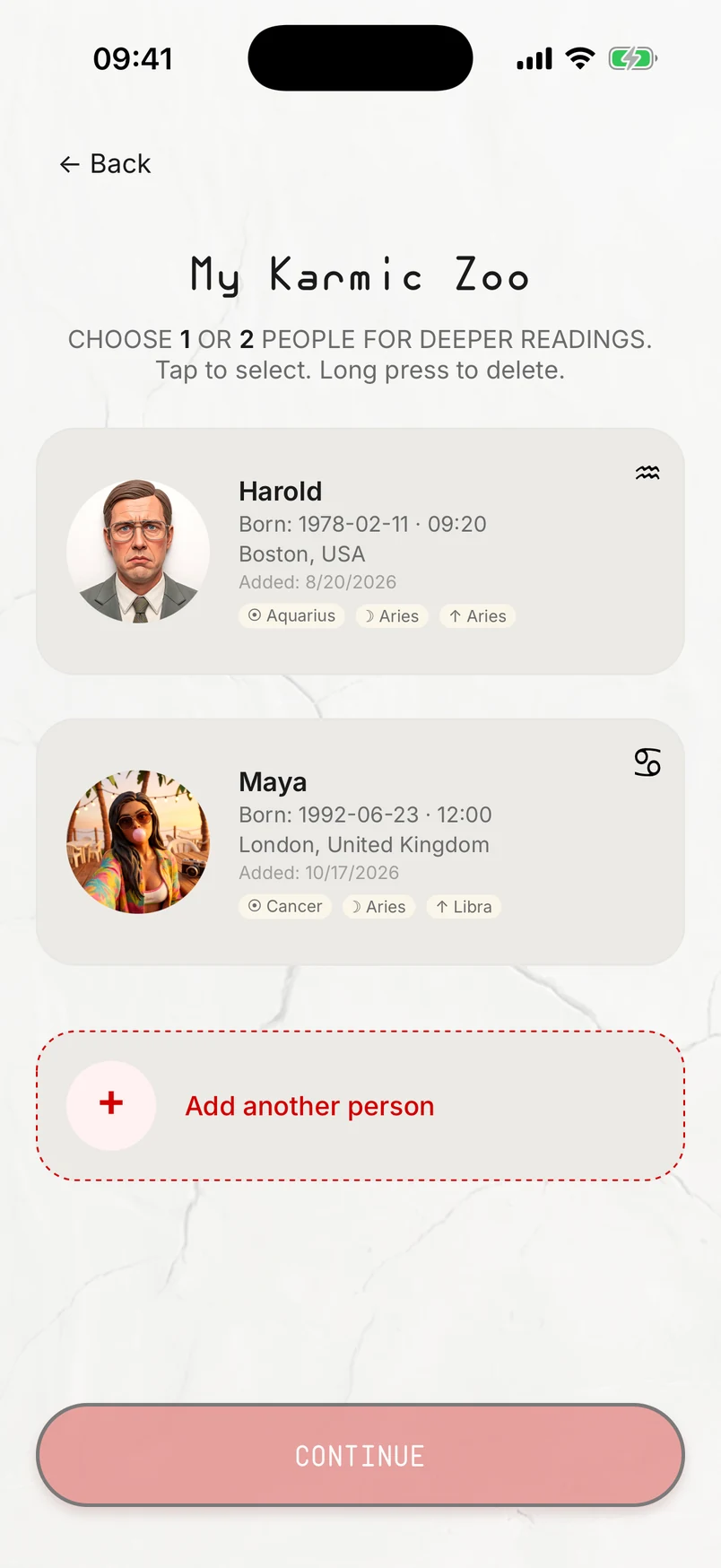
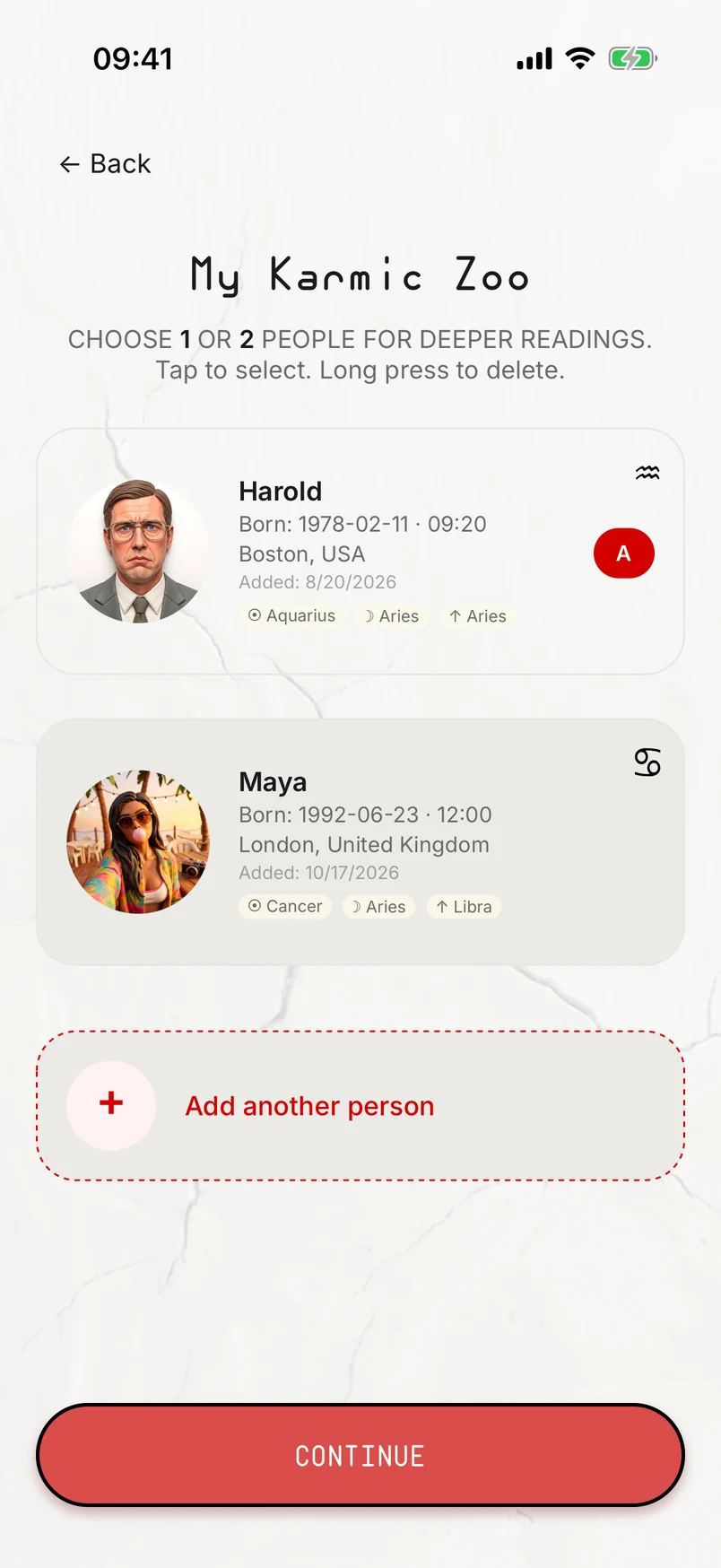
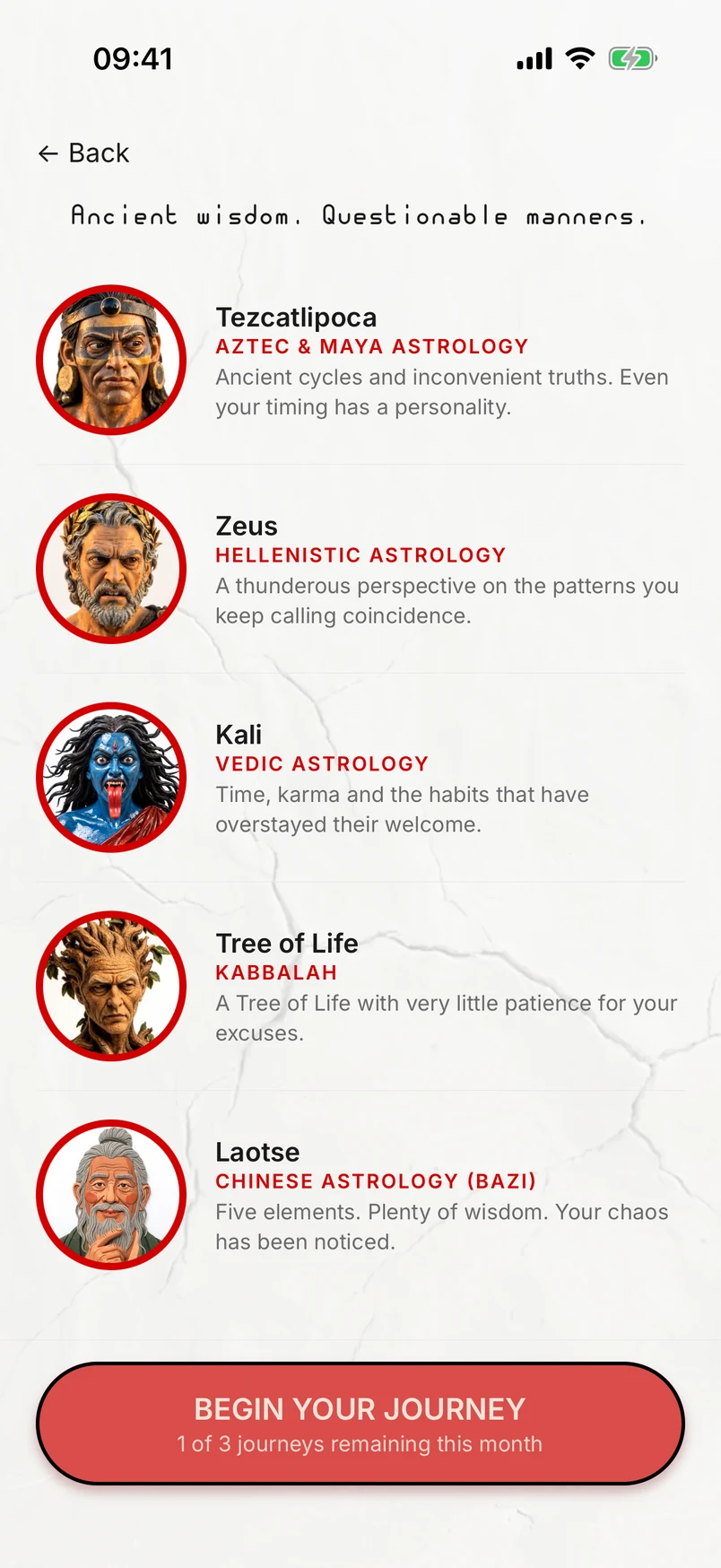
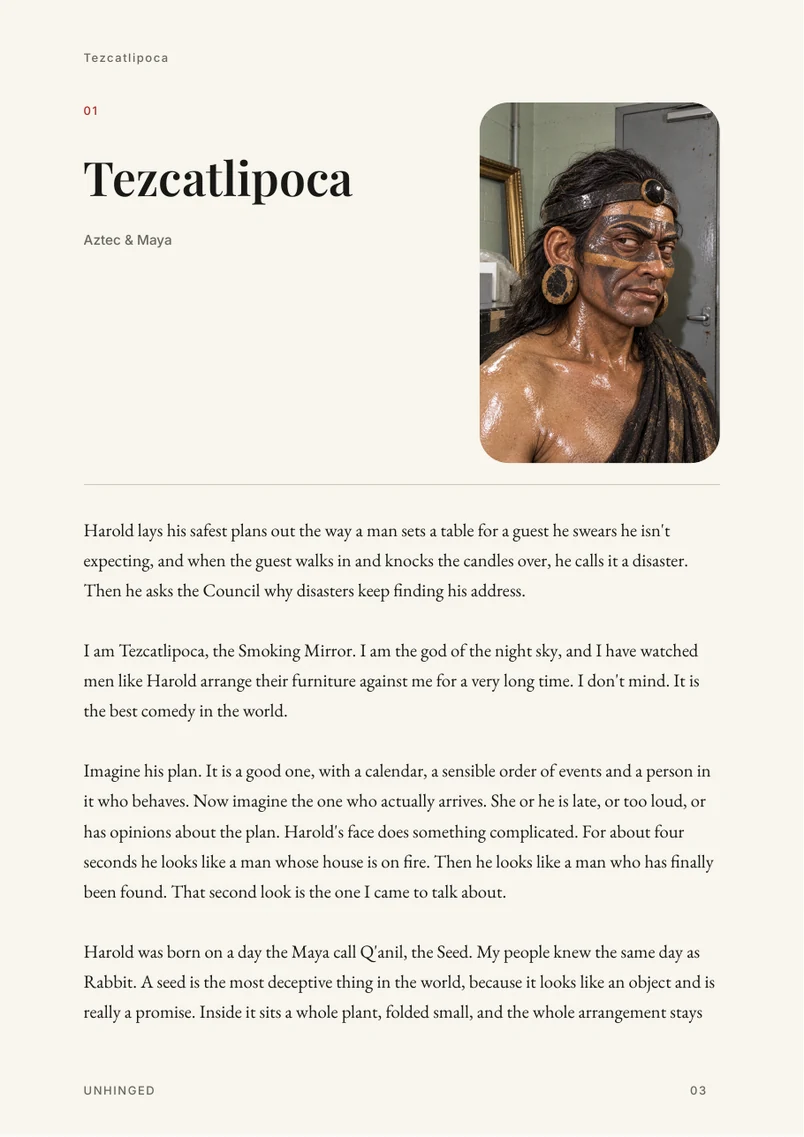
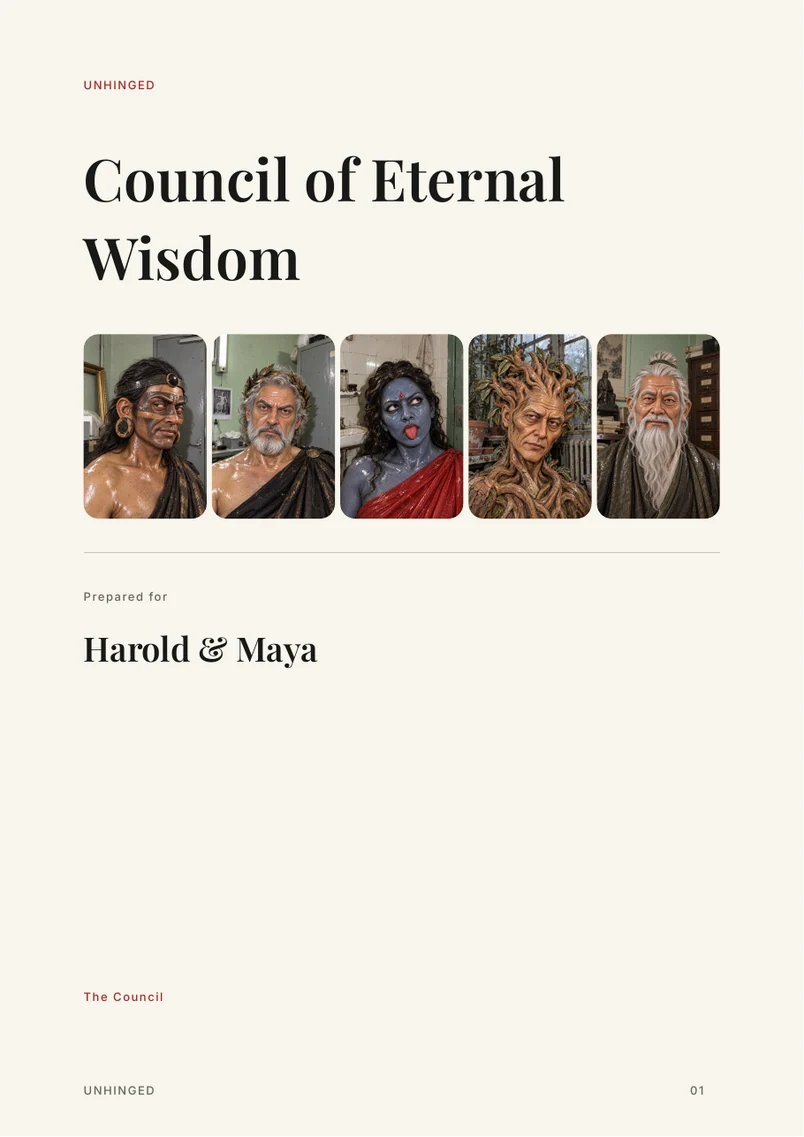
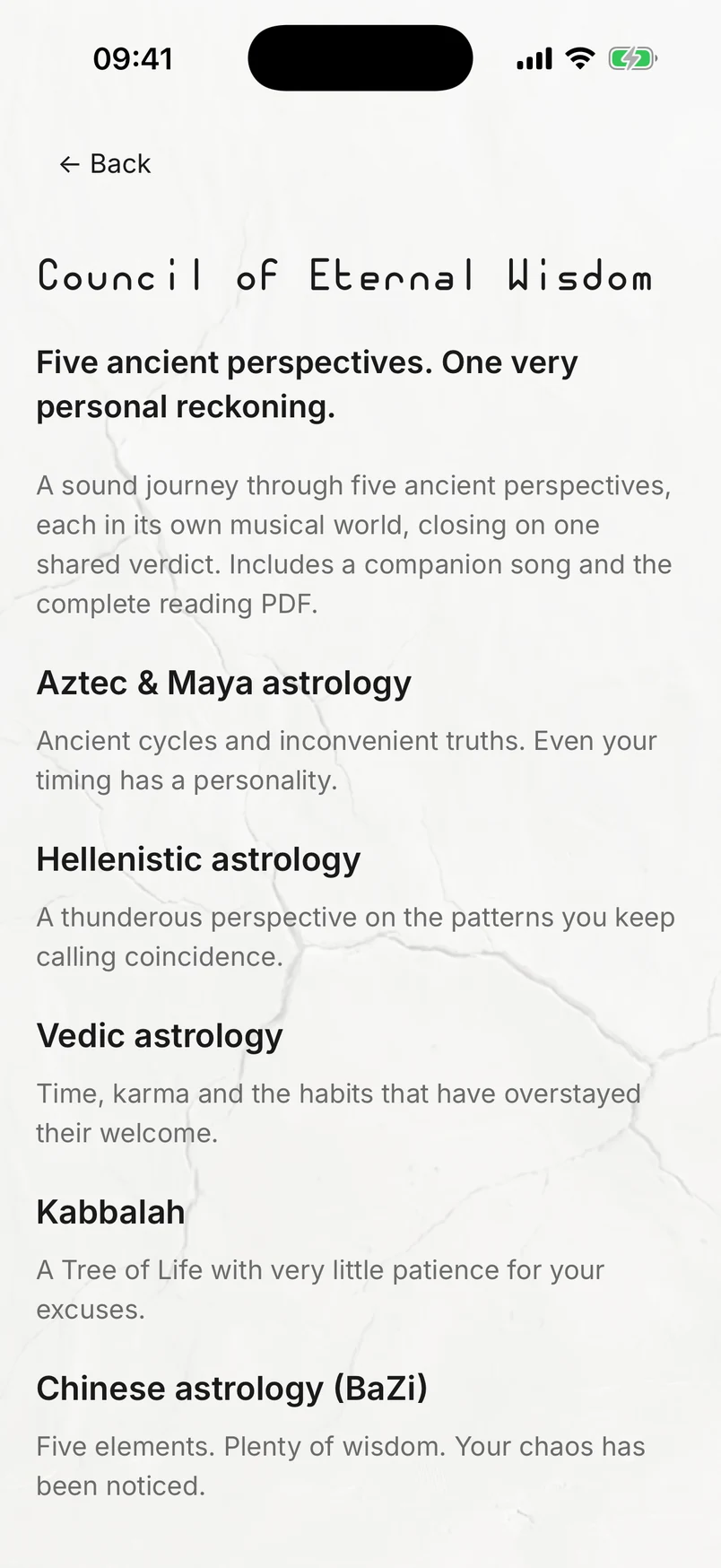
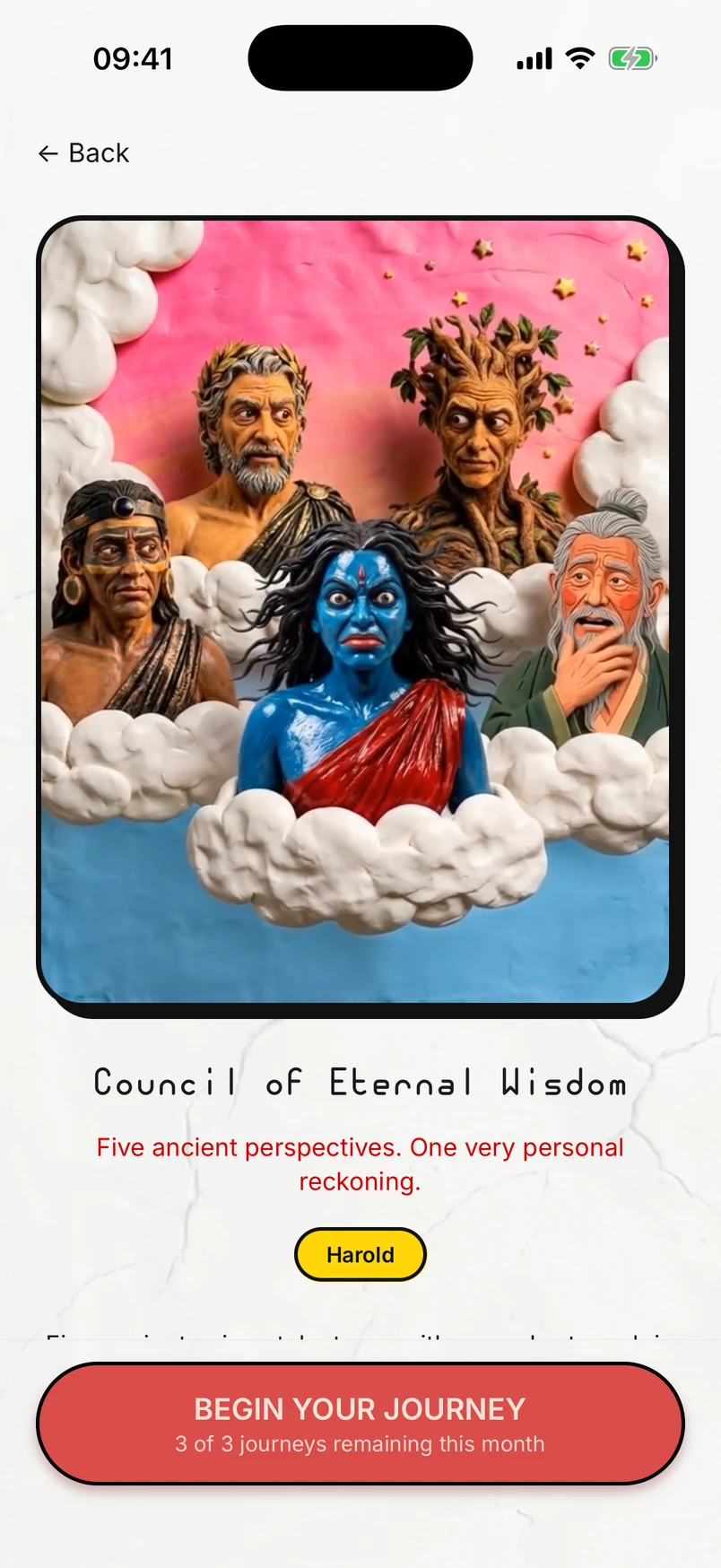
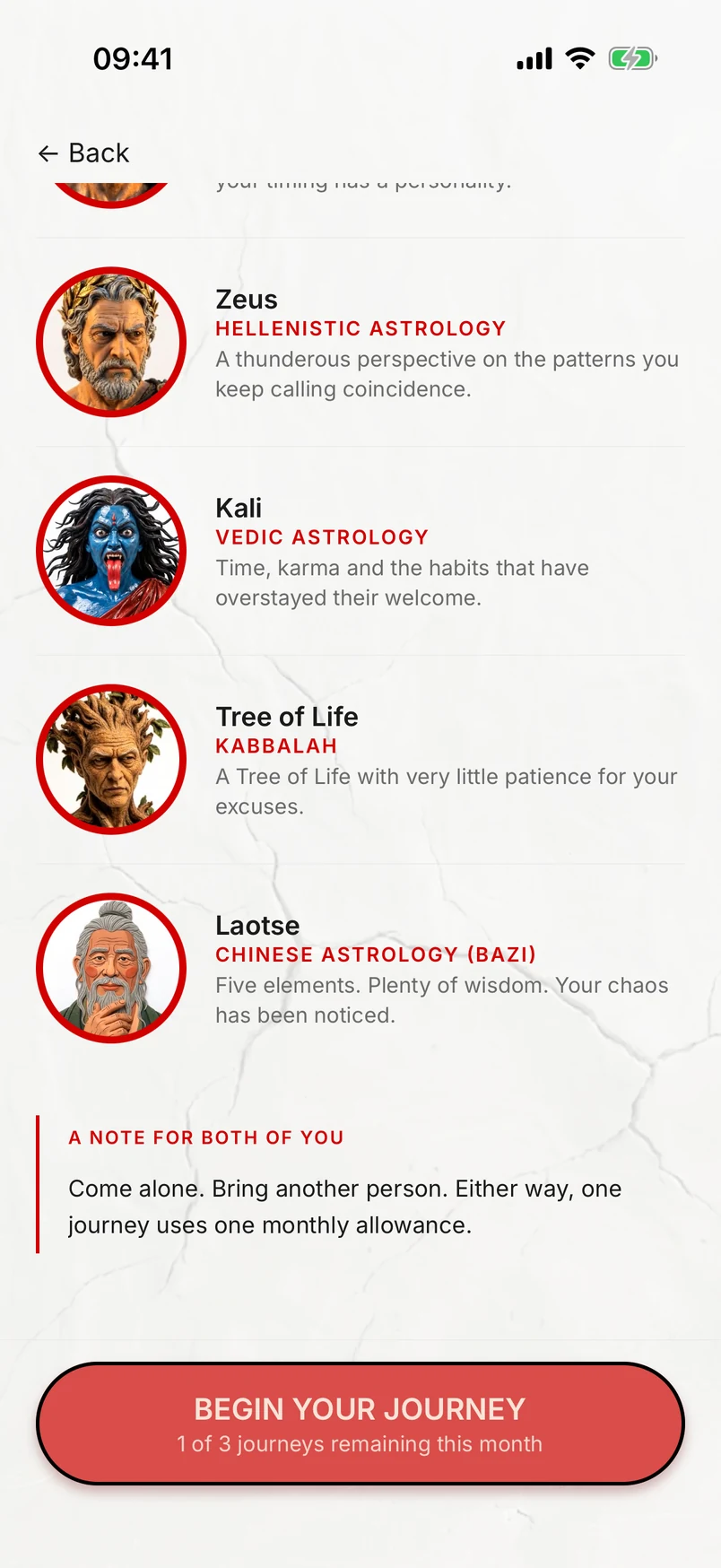
The Council brings five traditions into one reading. Meet the members, explore their gifts, and choose the reading you want to begin.
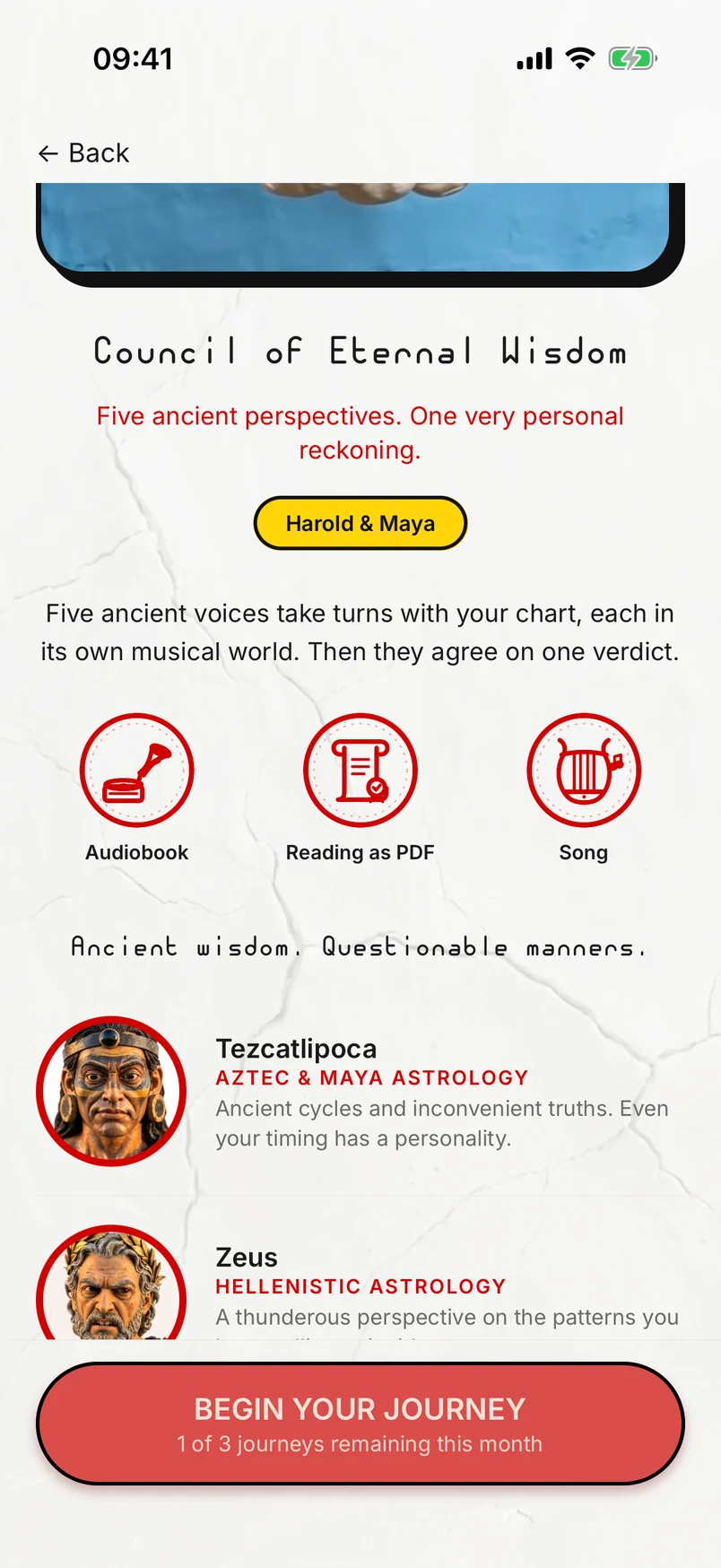
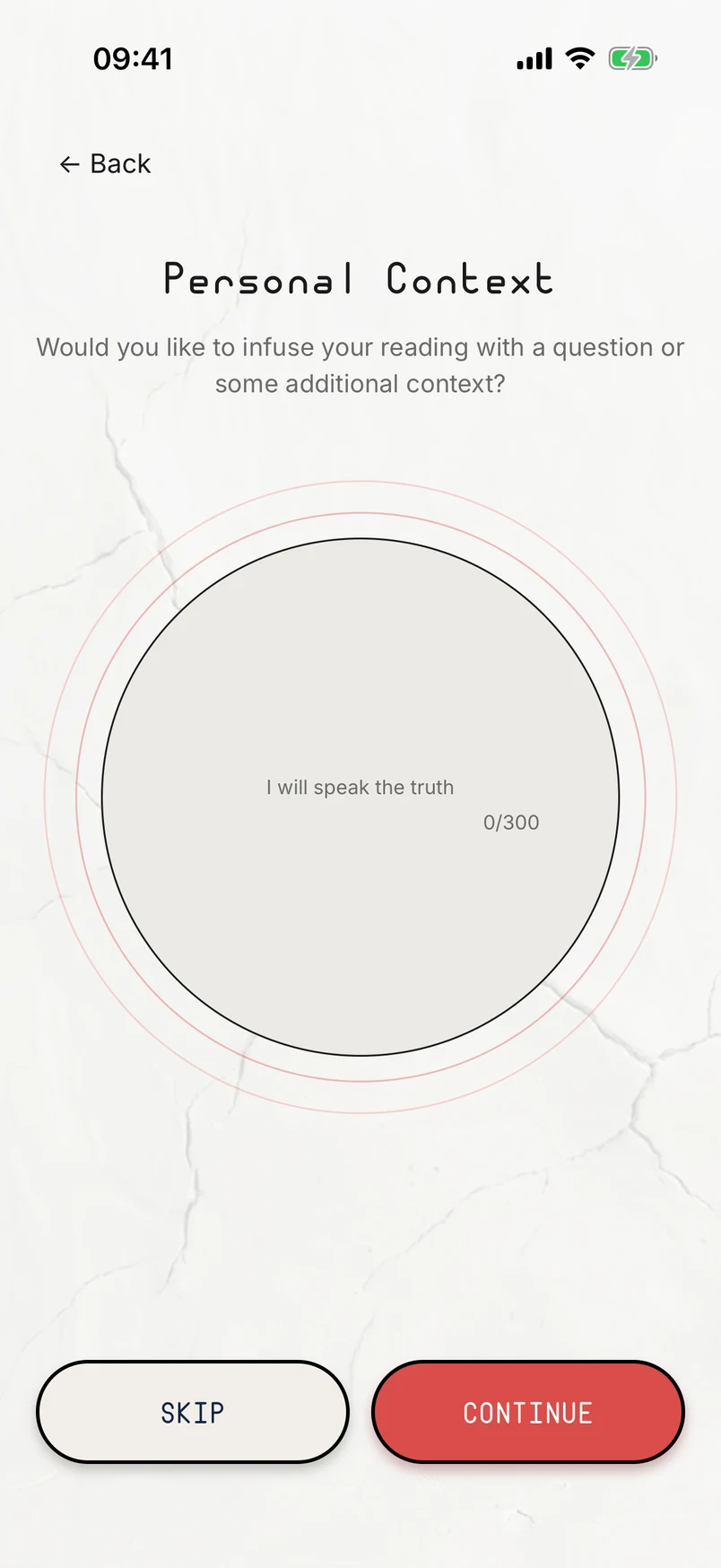
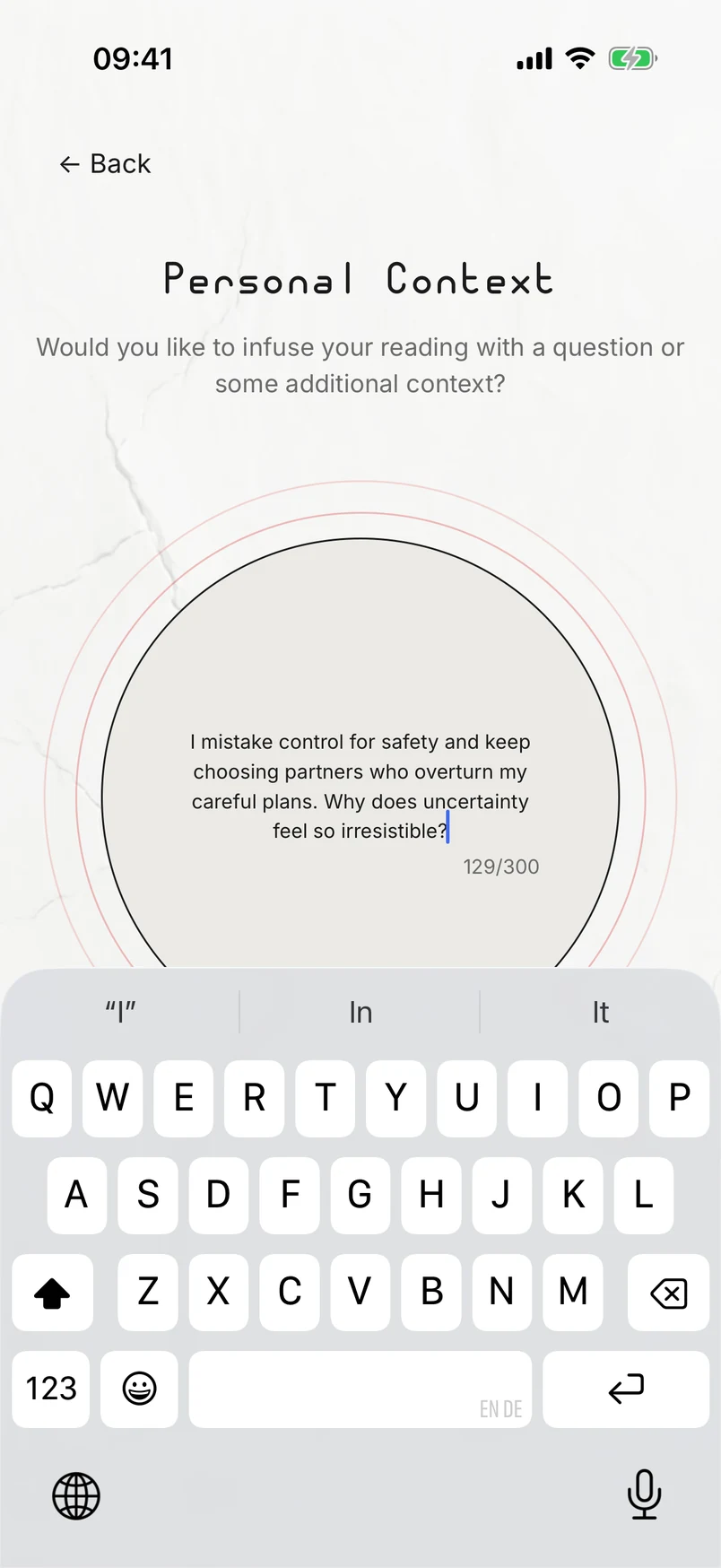
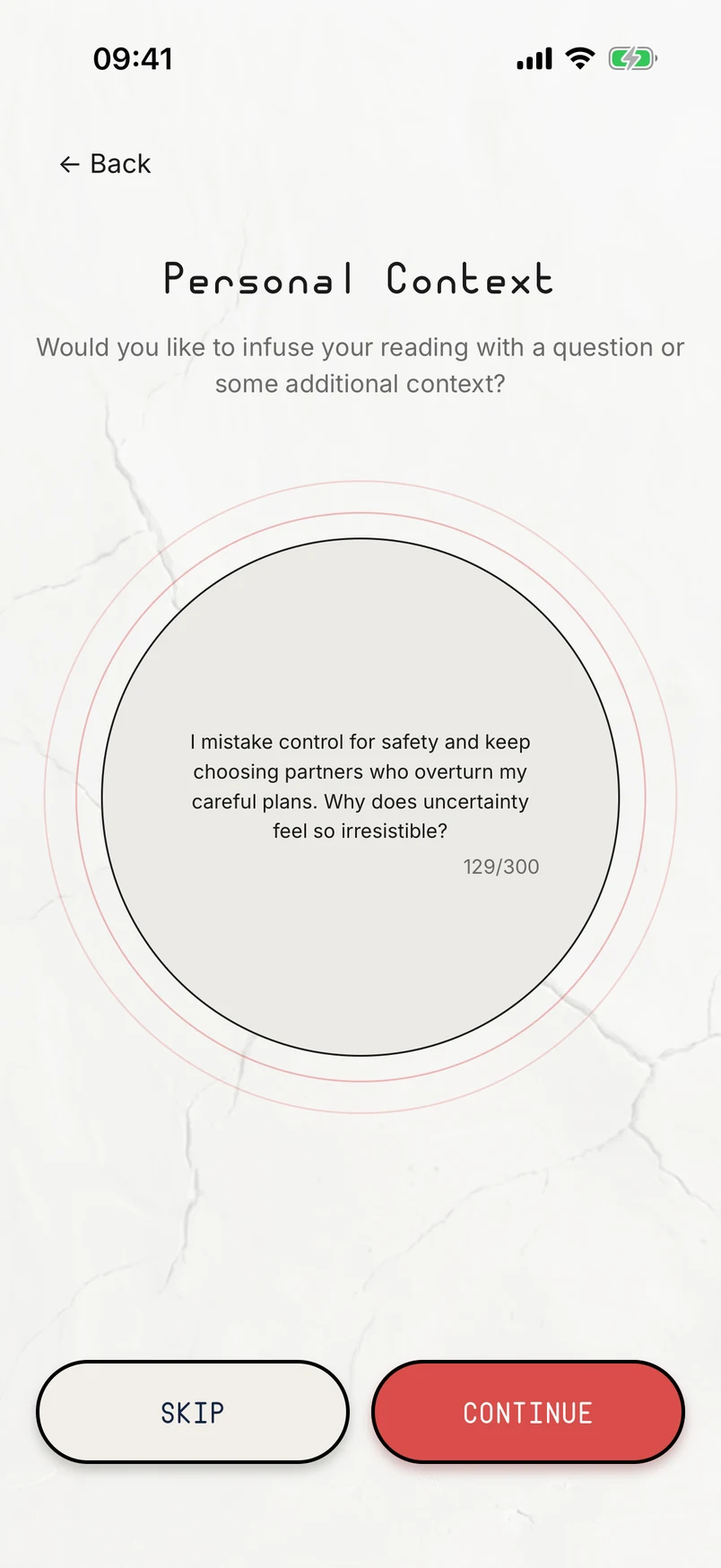
Add personal or relationship context if there is something you want the reading to consider. You can leave this optional step blank.
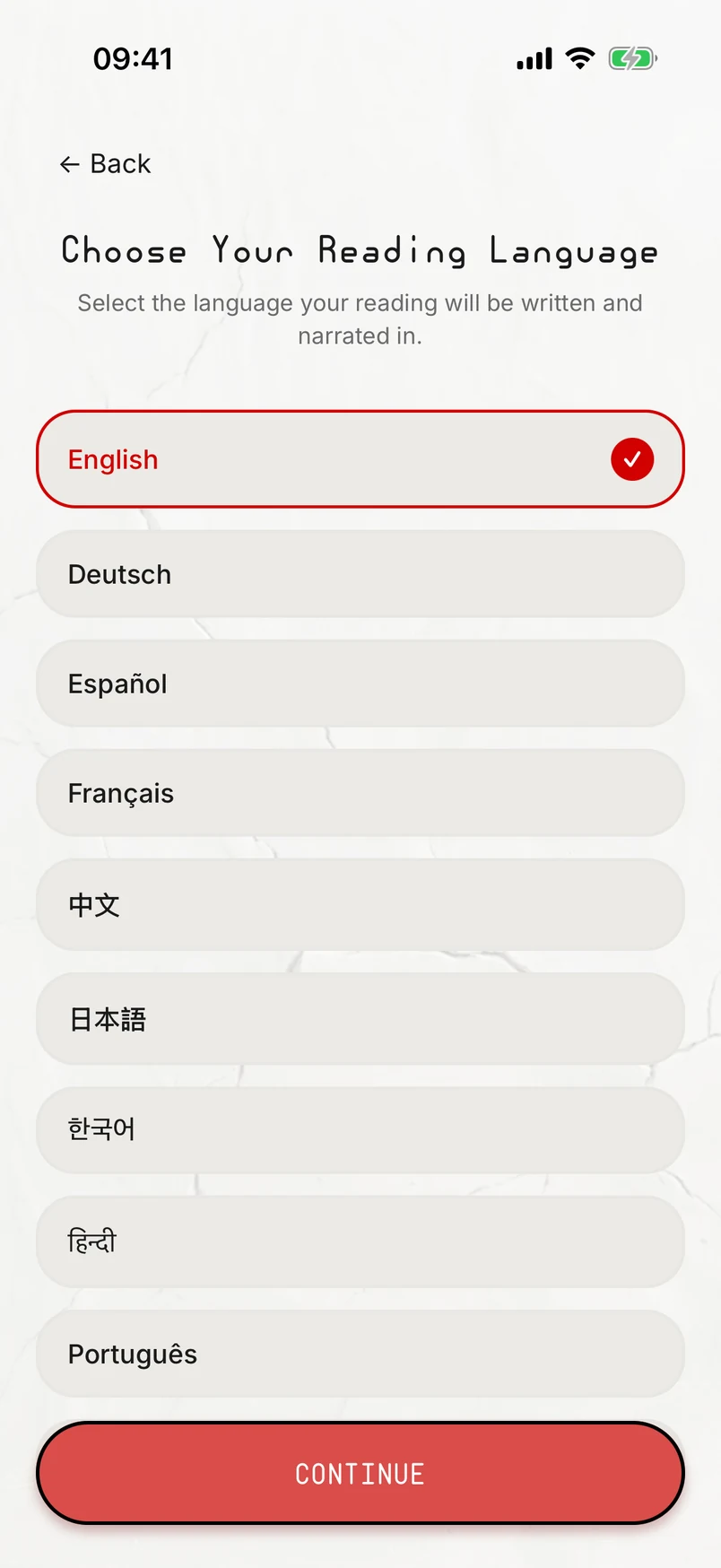
Set the language for this Council reading before you begin.
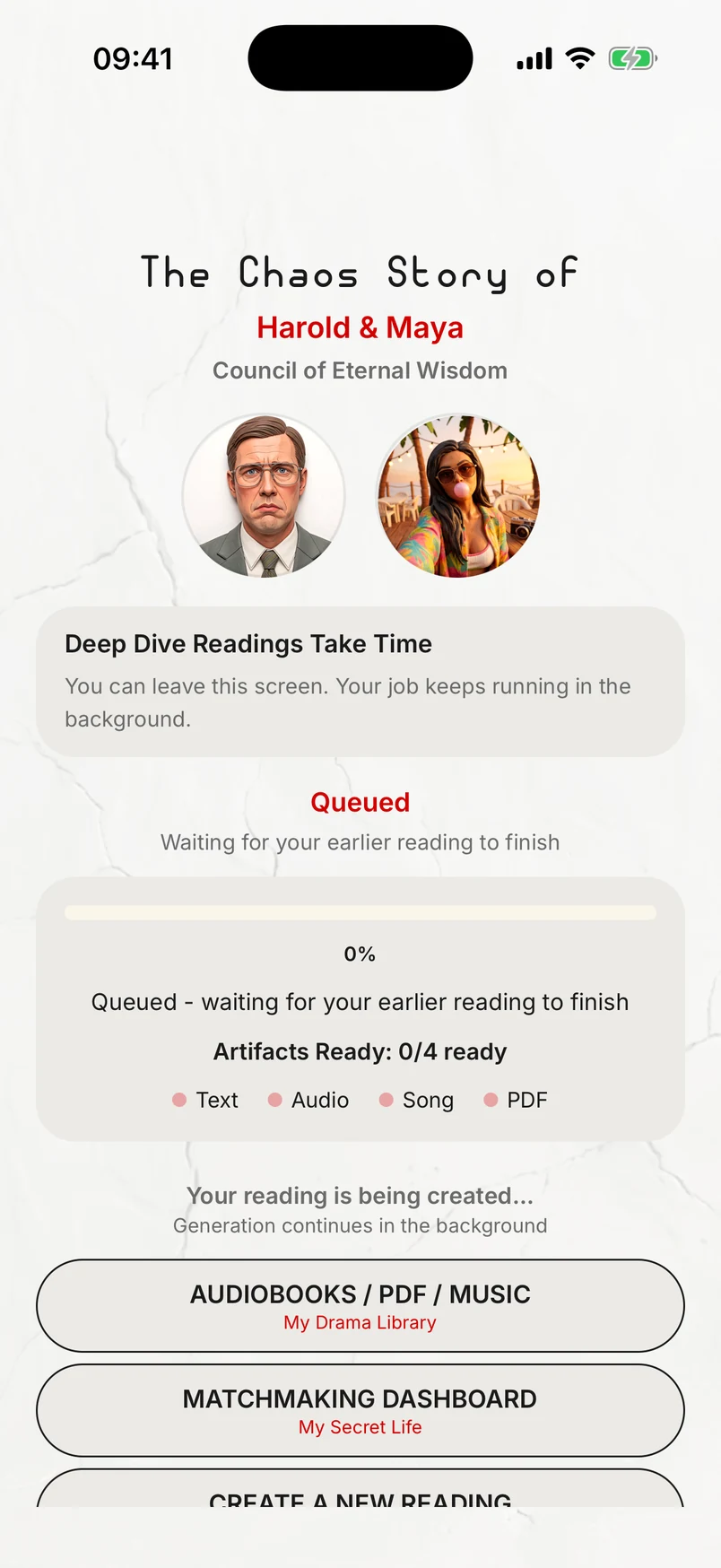
Follow its progress, then return to your library to open it when it is ready.
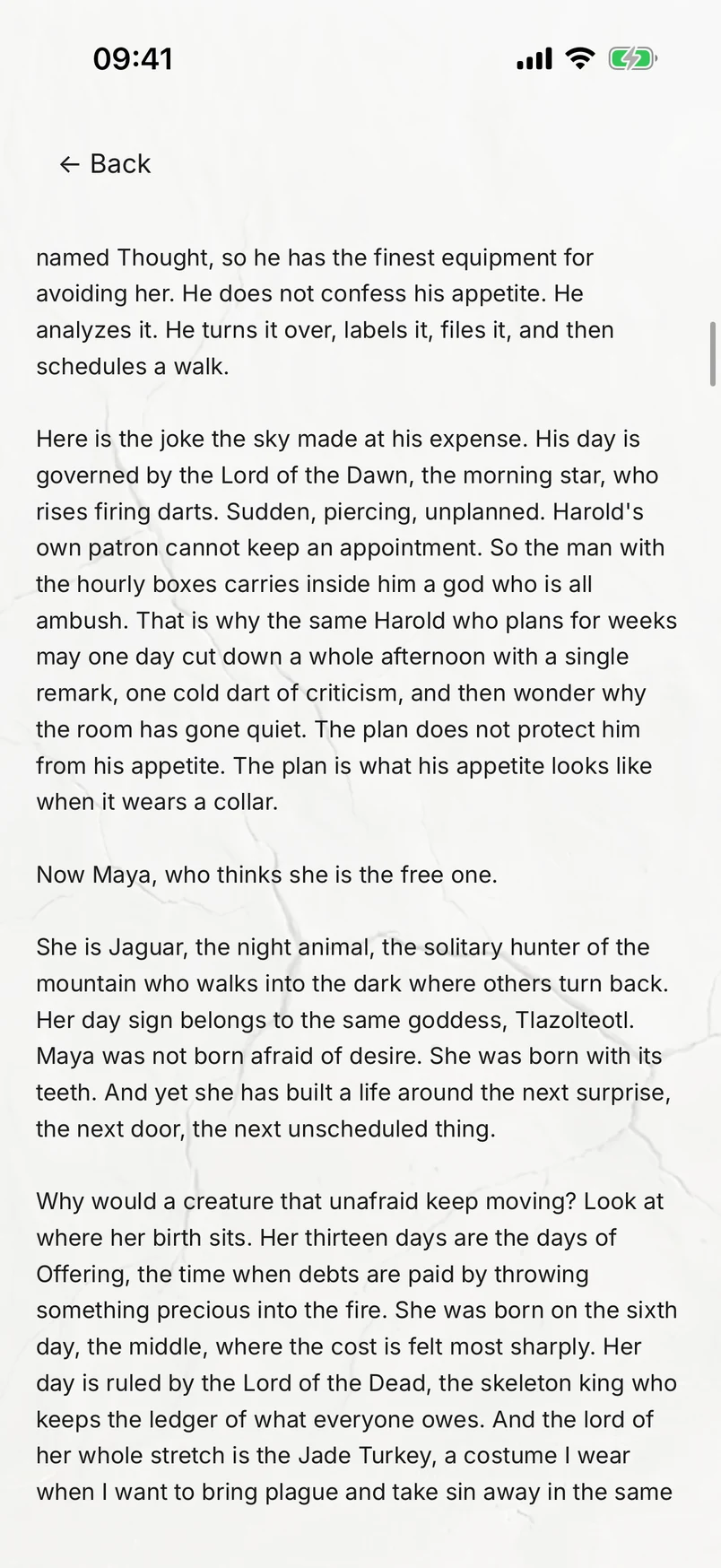
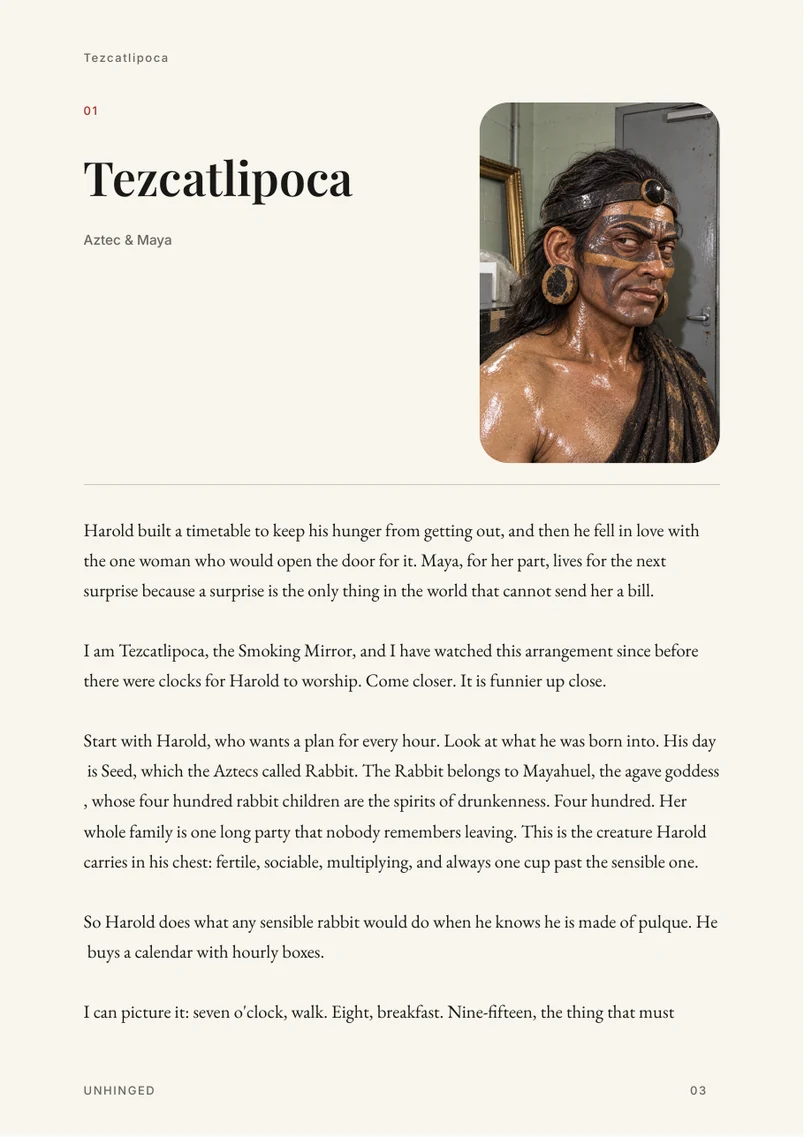
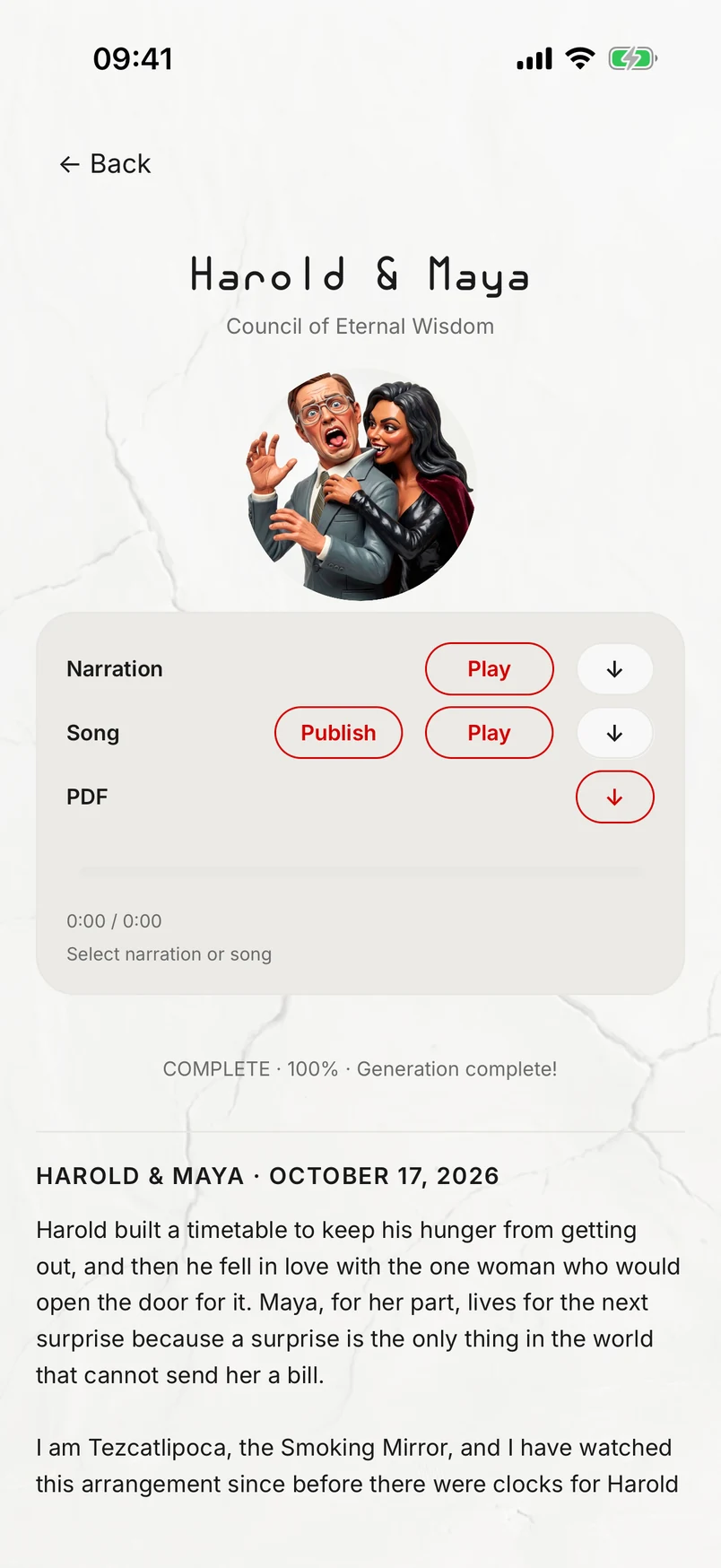
Read for one person or explore a relationship together. Move through the chapters and return to the verdict whenever you want another look.
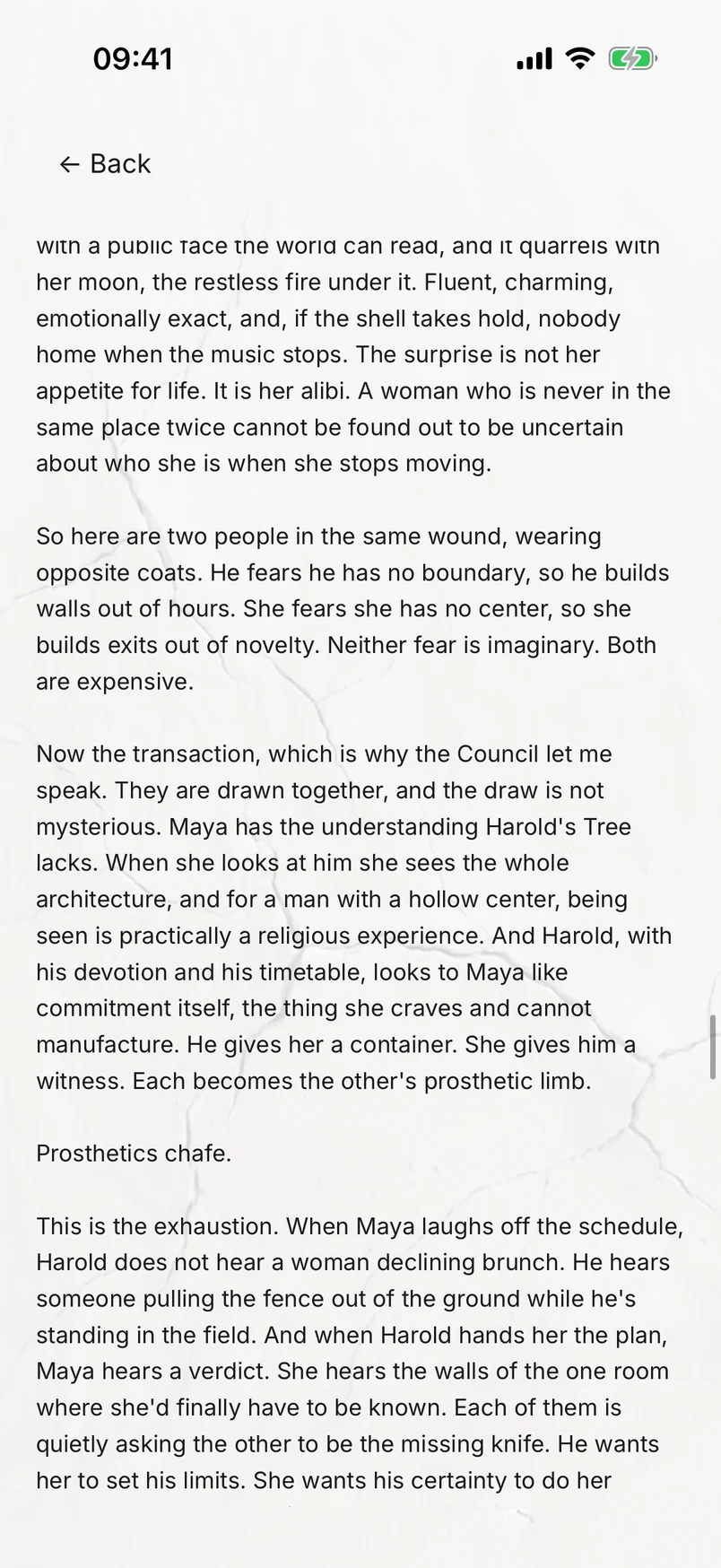
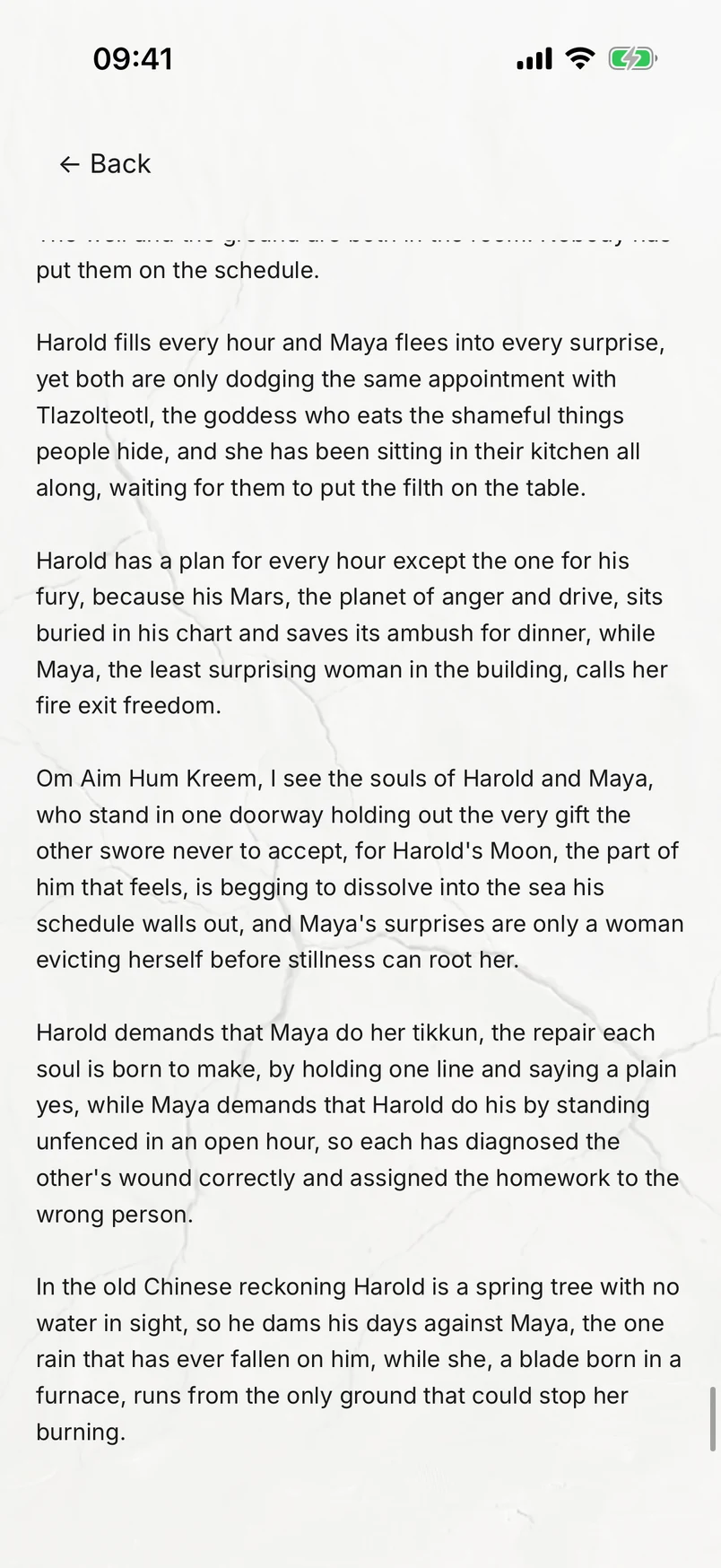
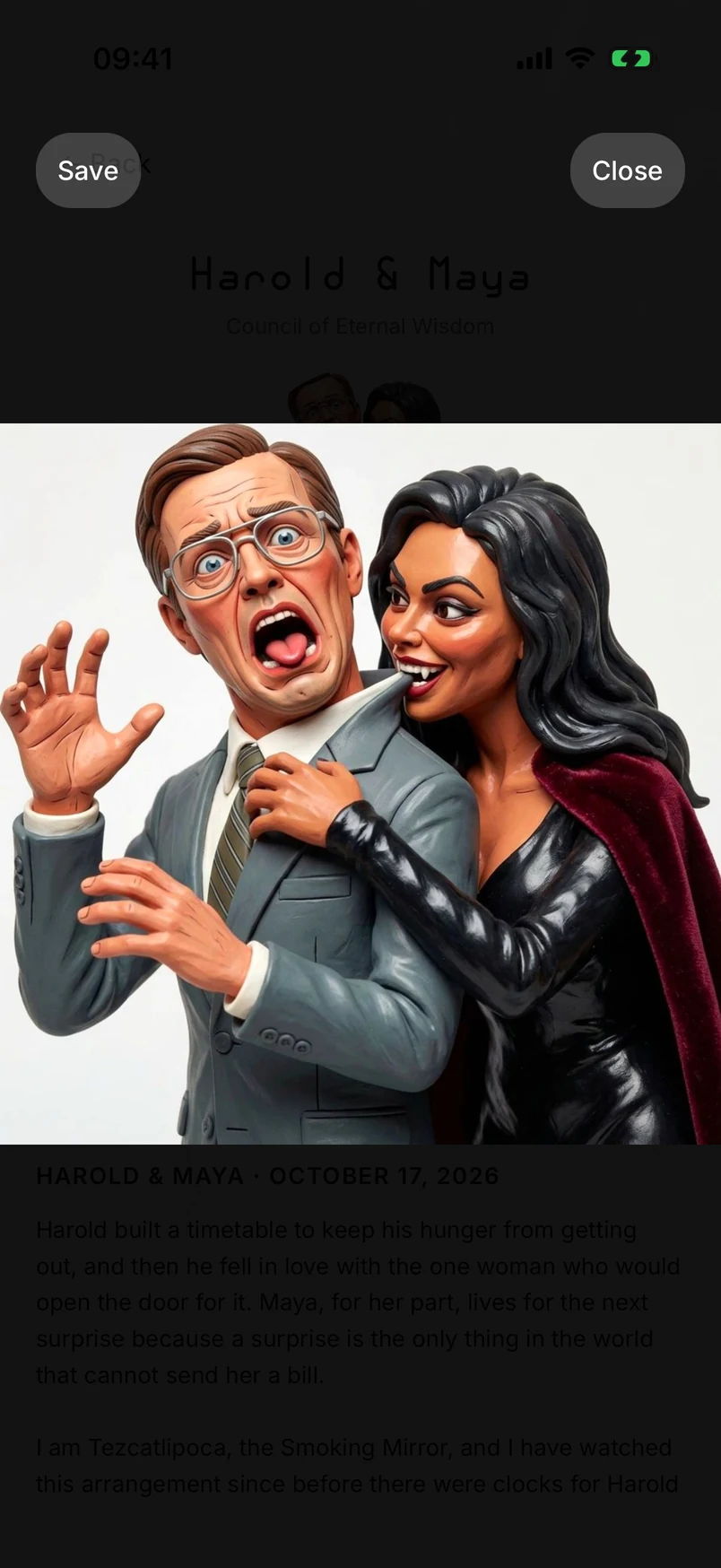
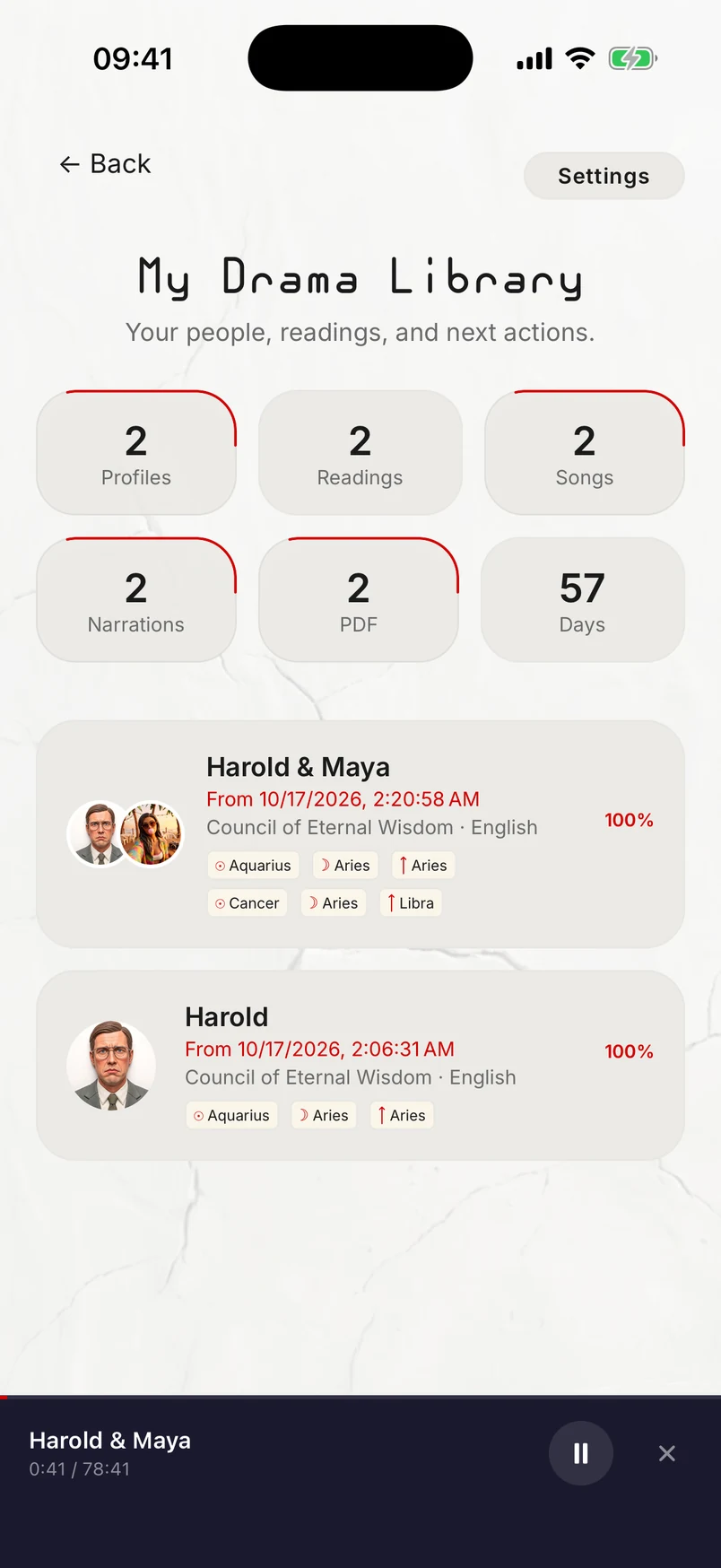
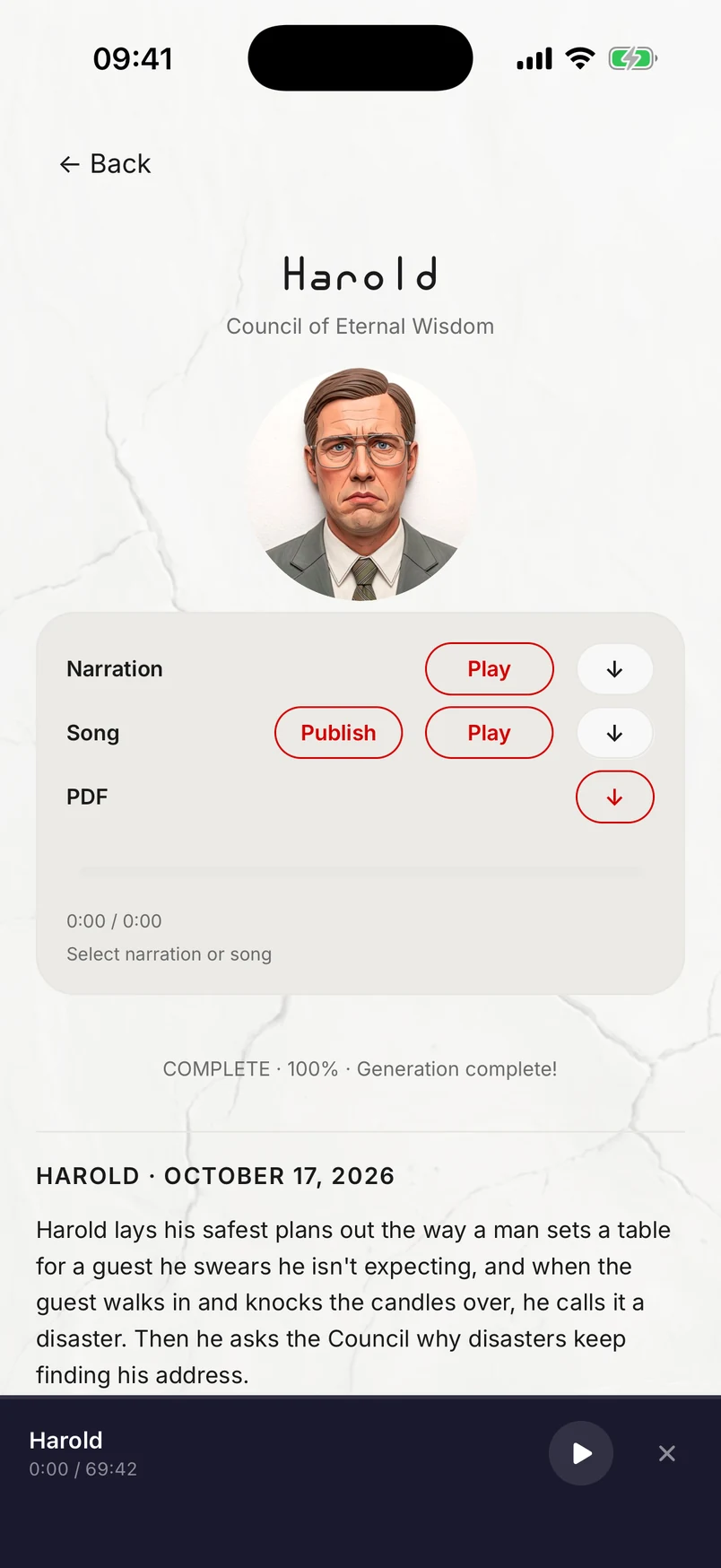
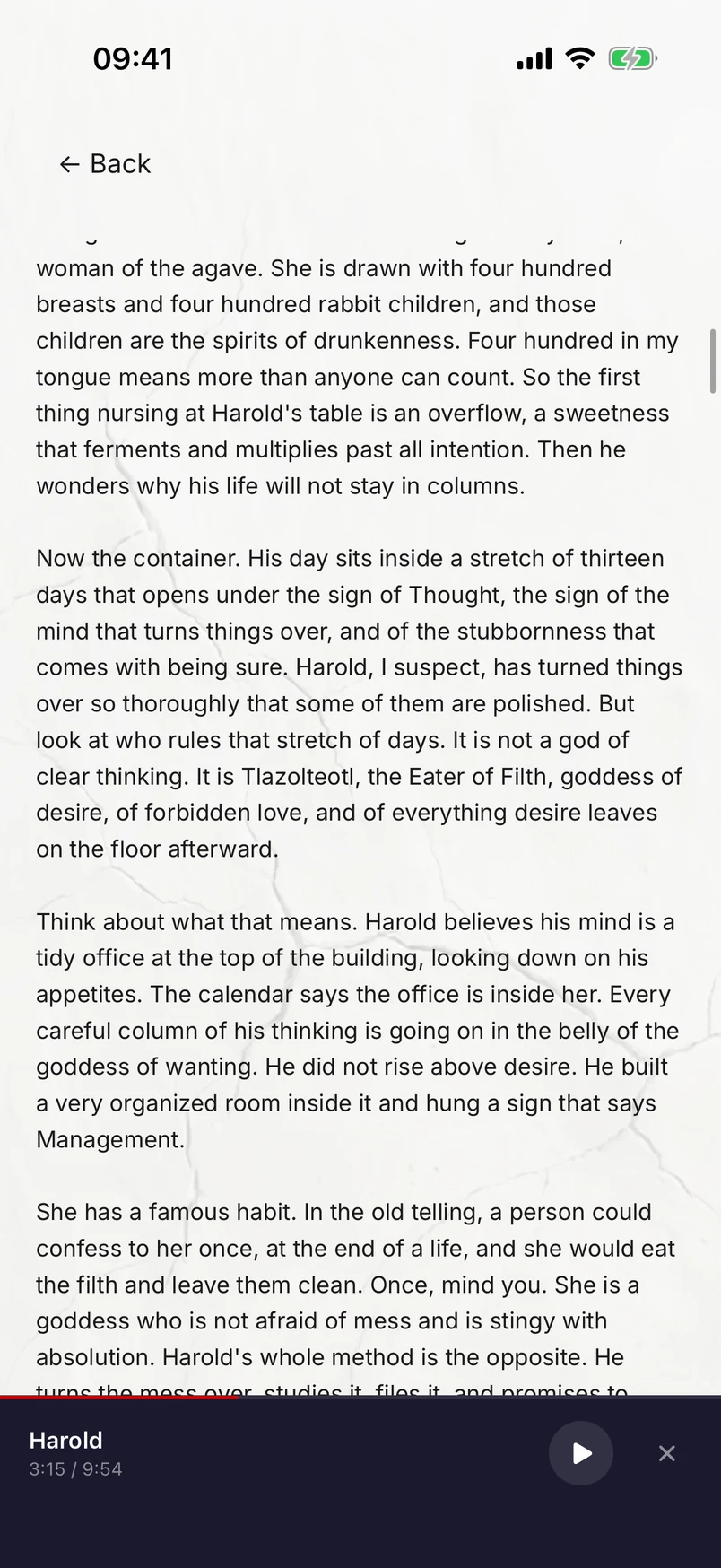
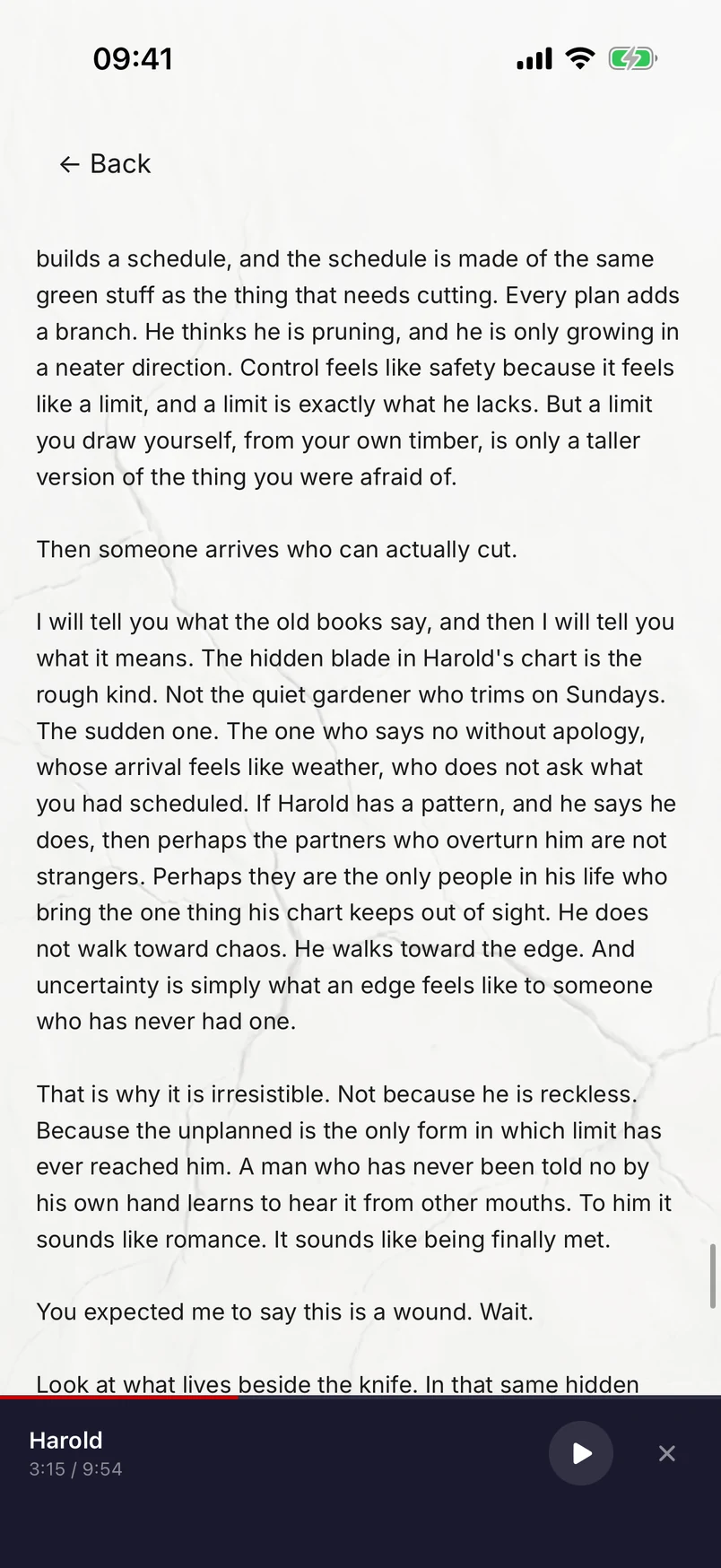
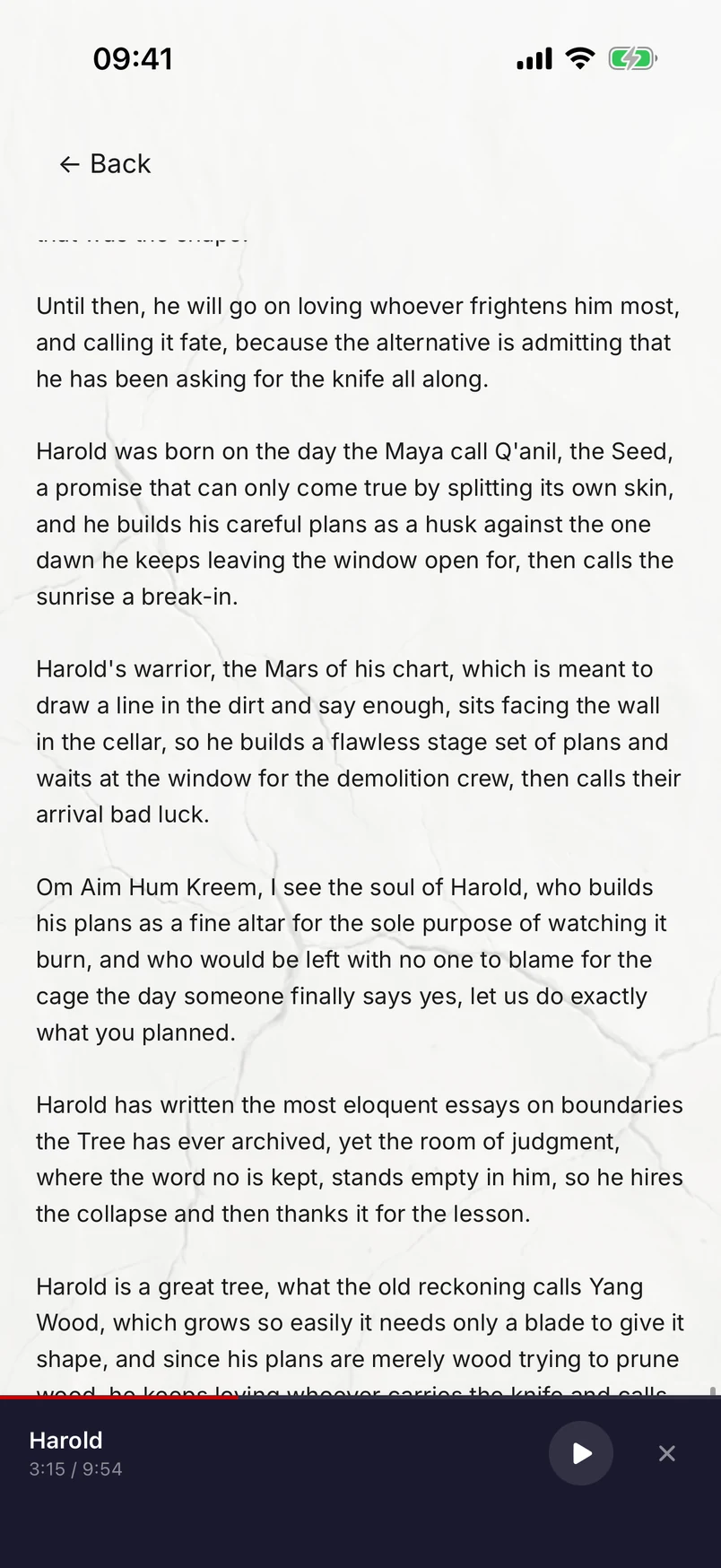
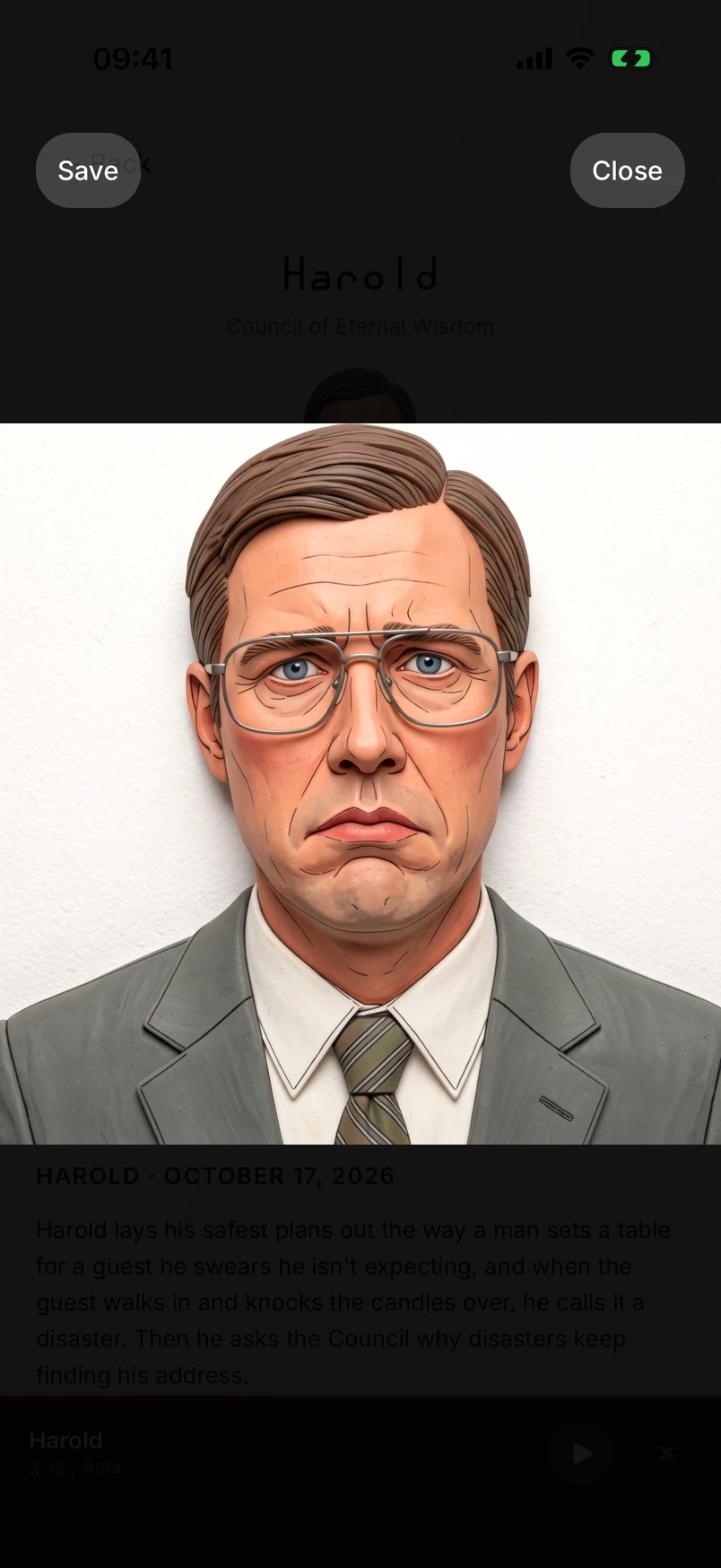
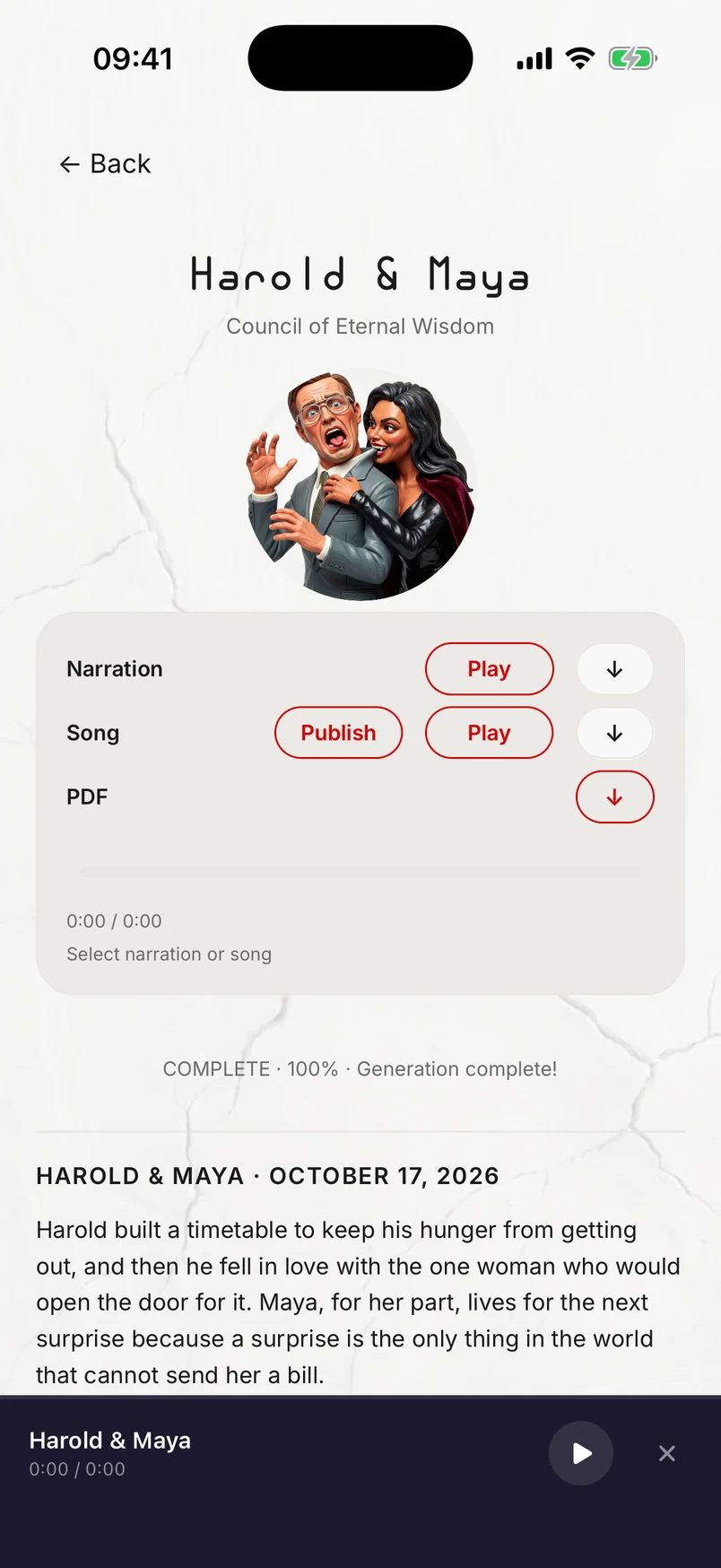
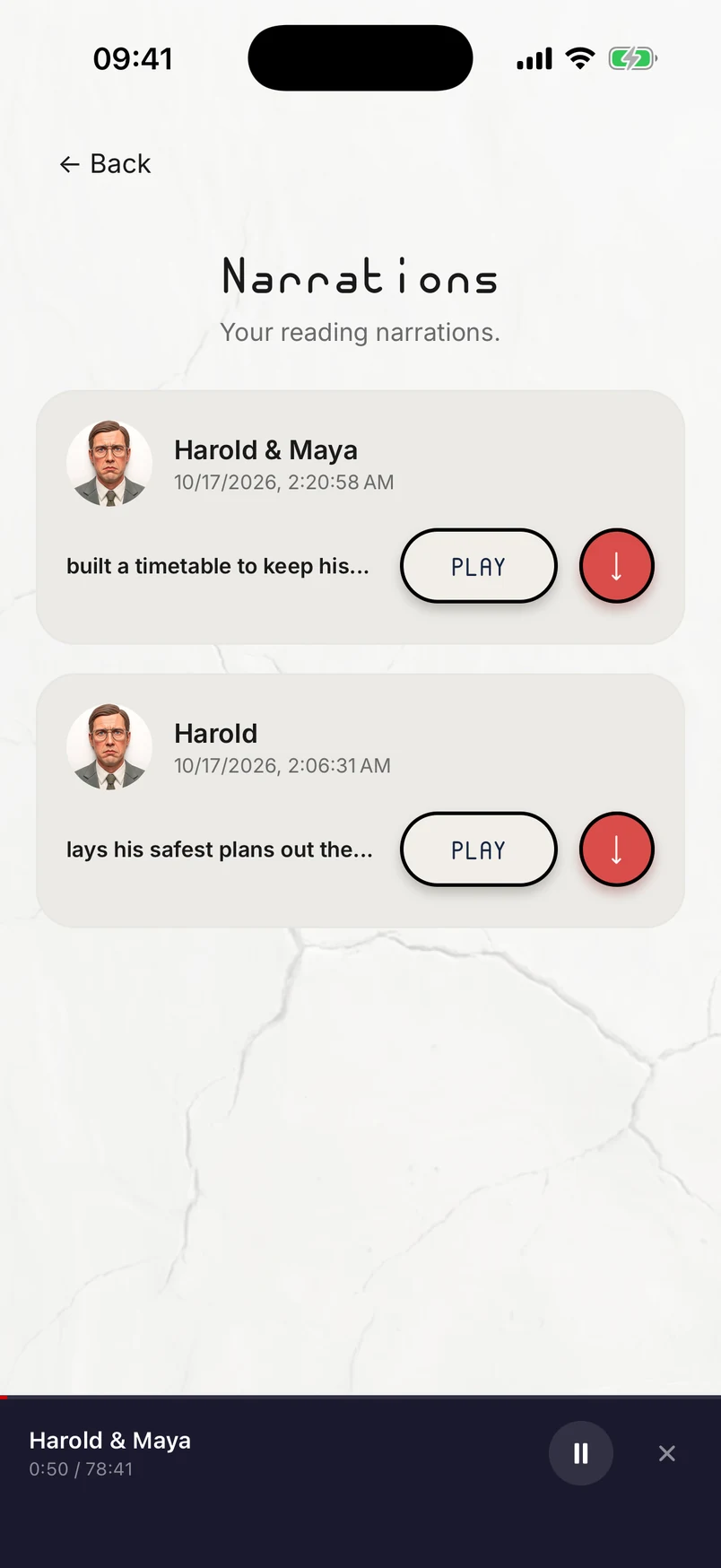
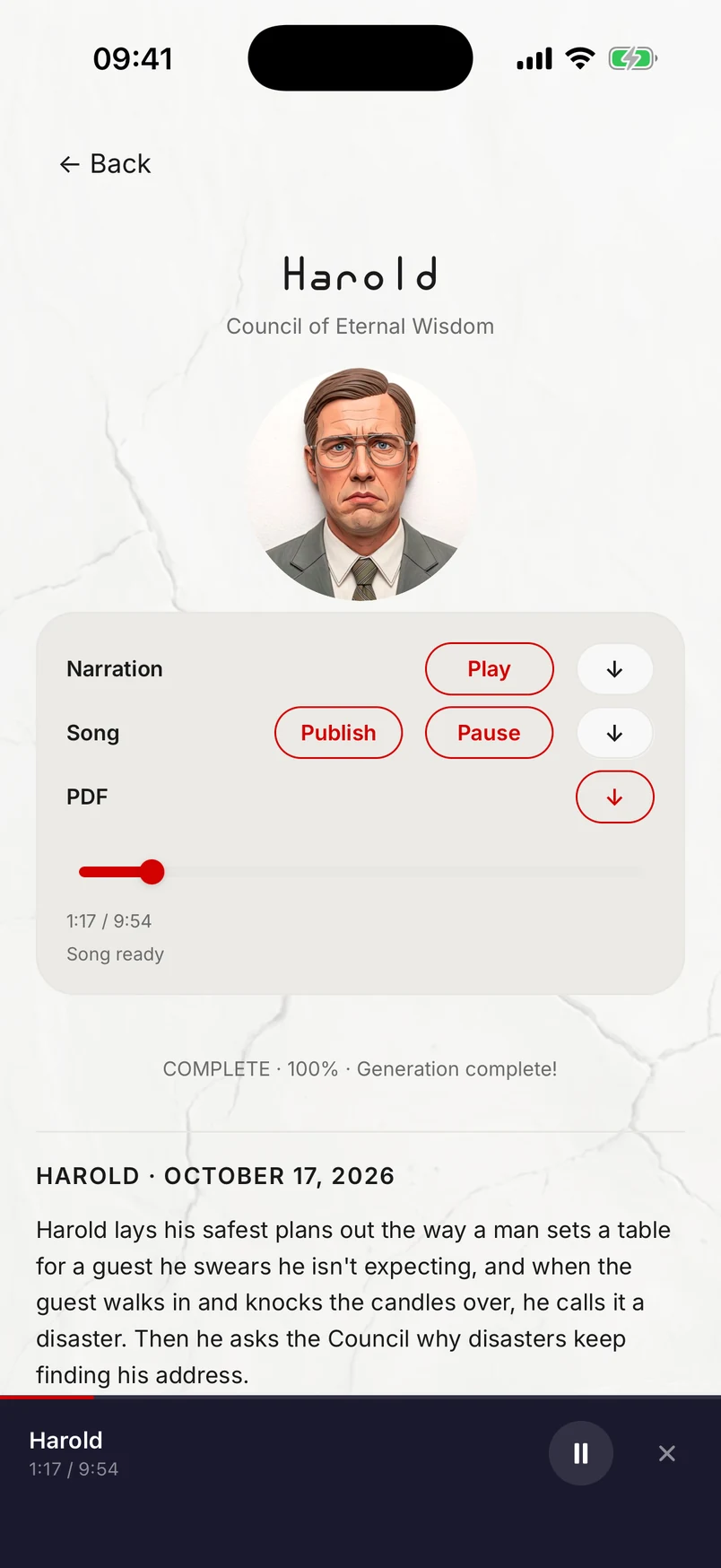
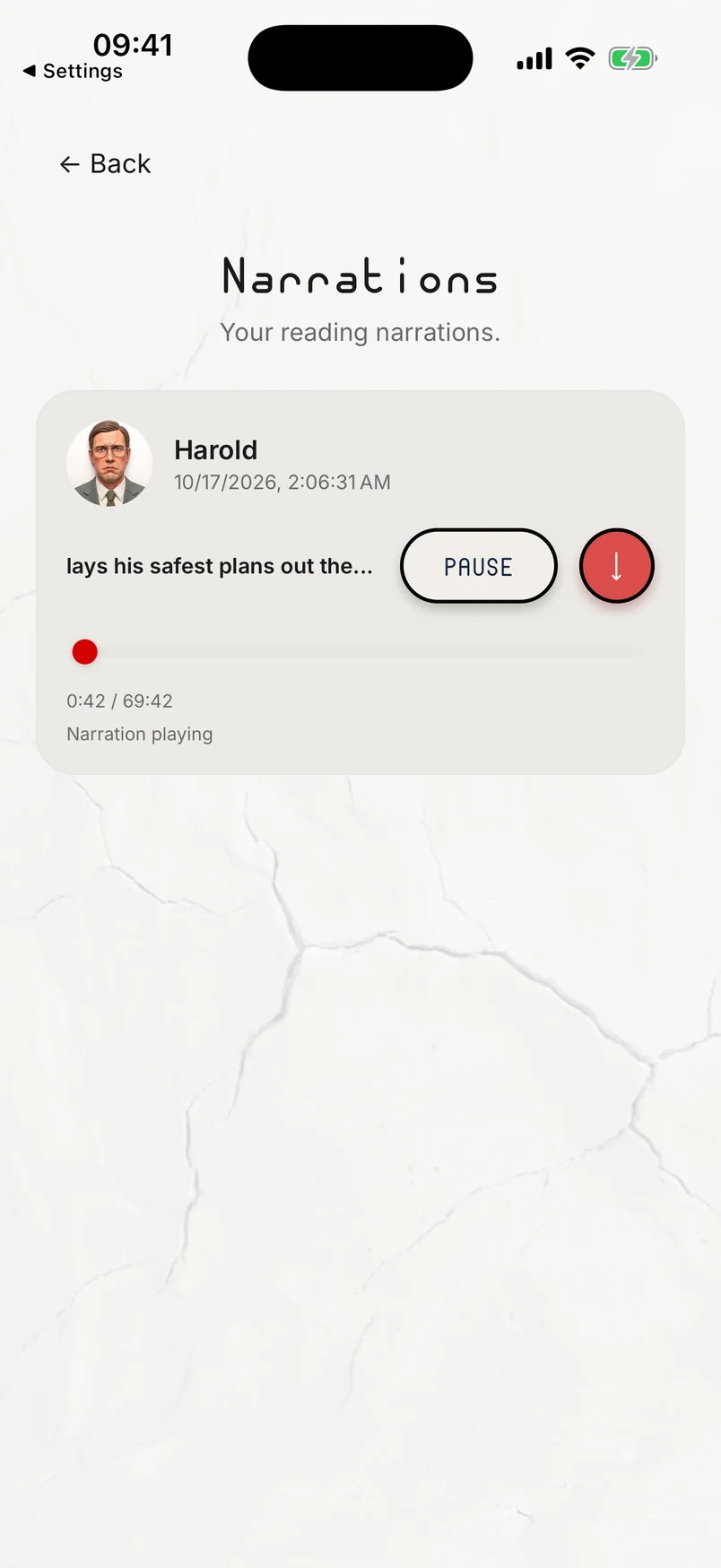
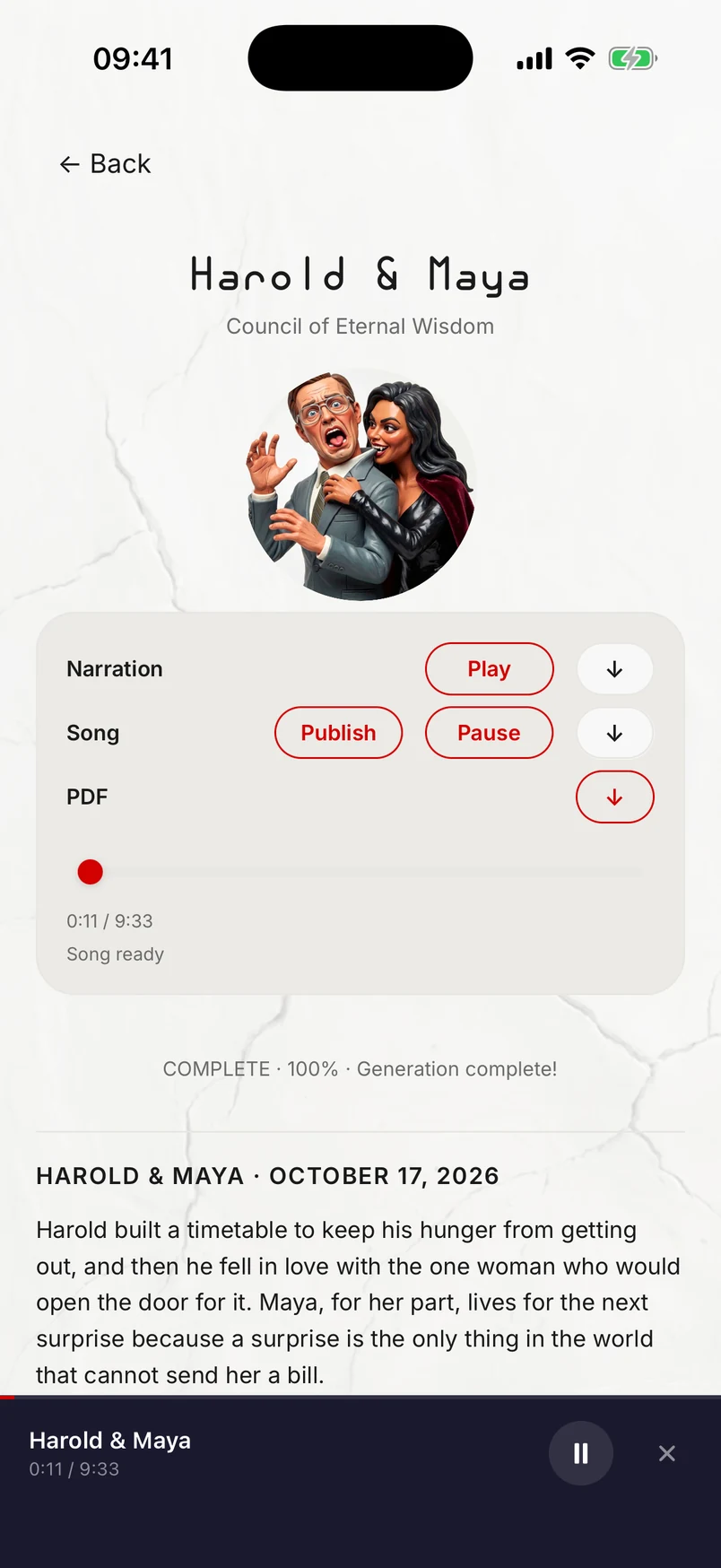
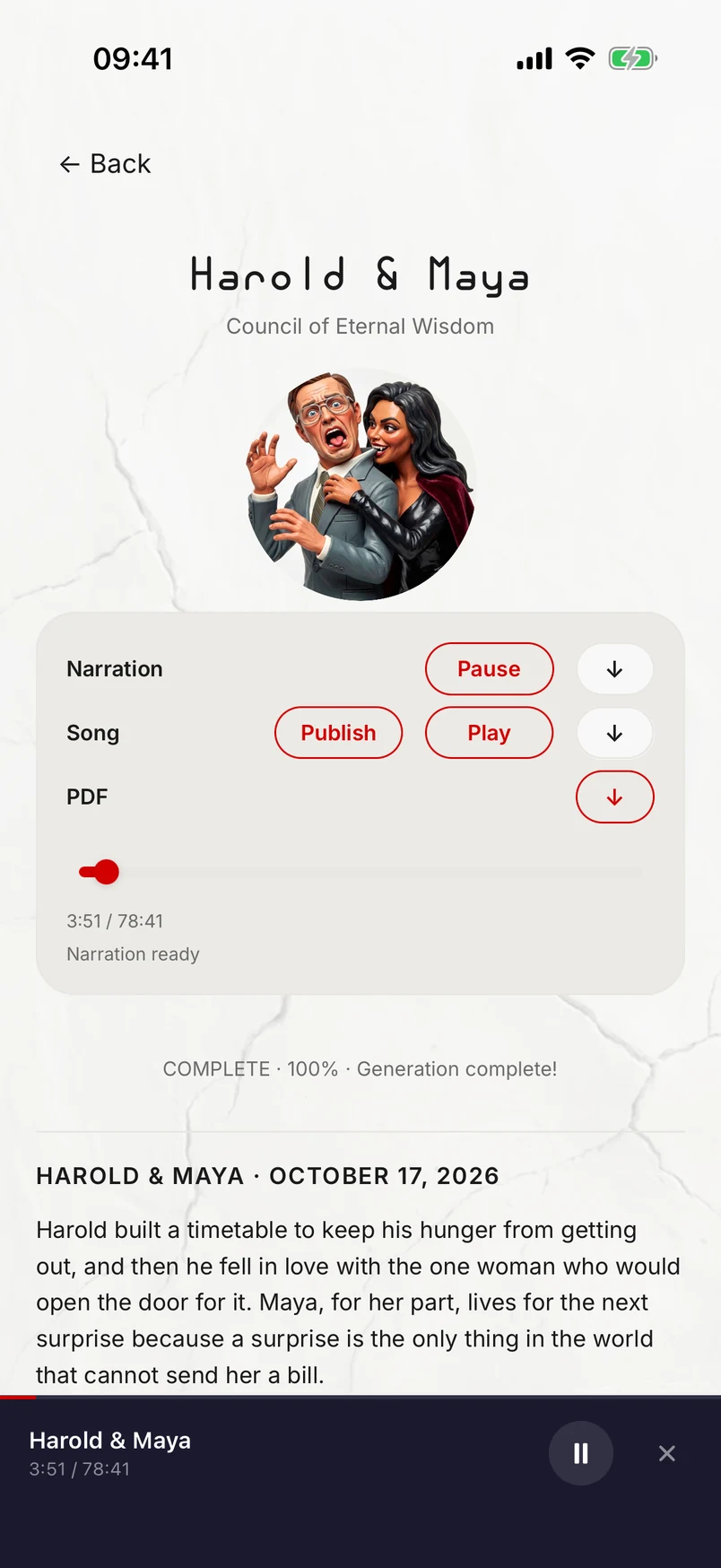
Open an individual or pair reading and follow the narration with its playback controls. Find the completed recordings together in Narrations.
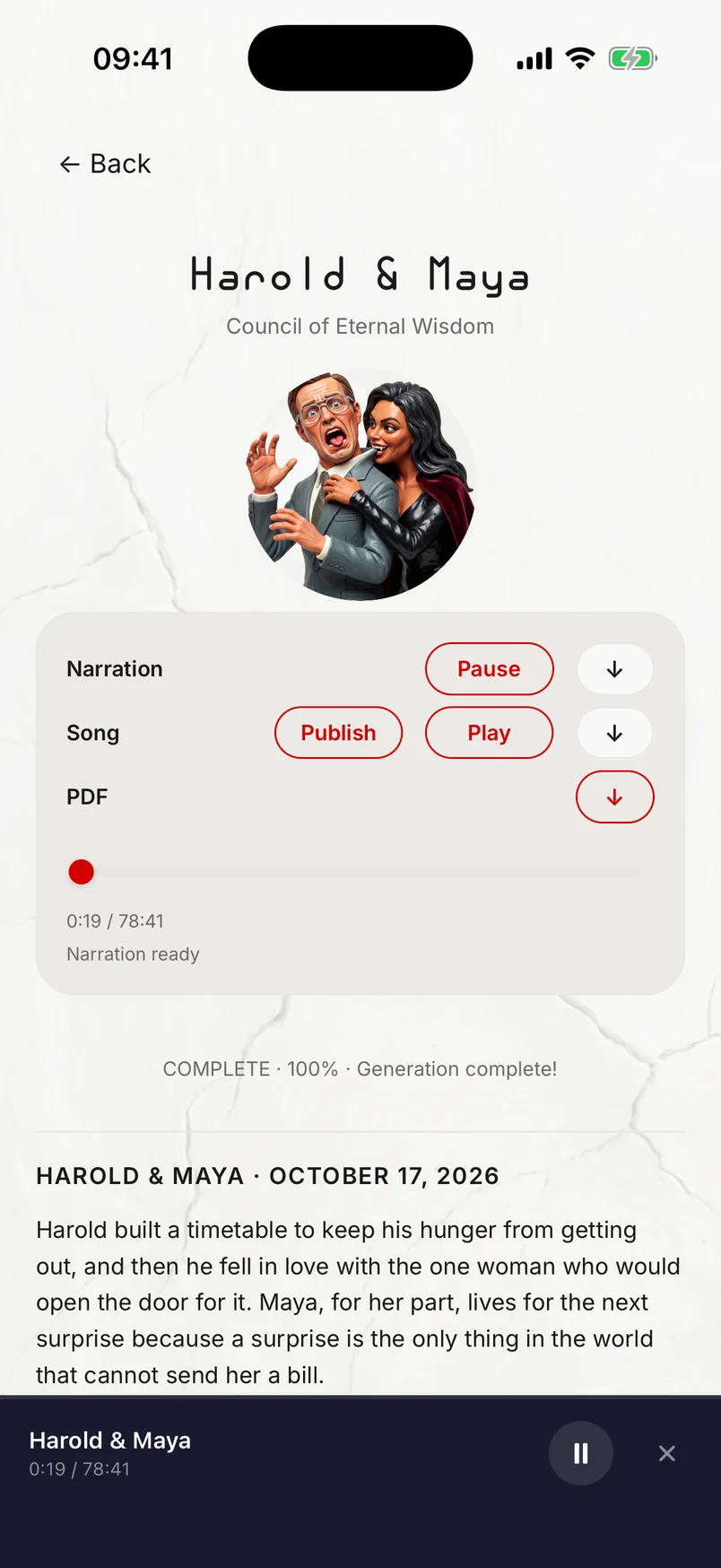
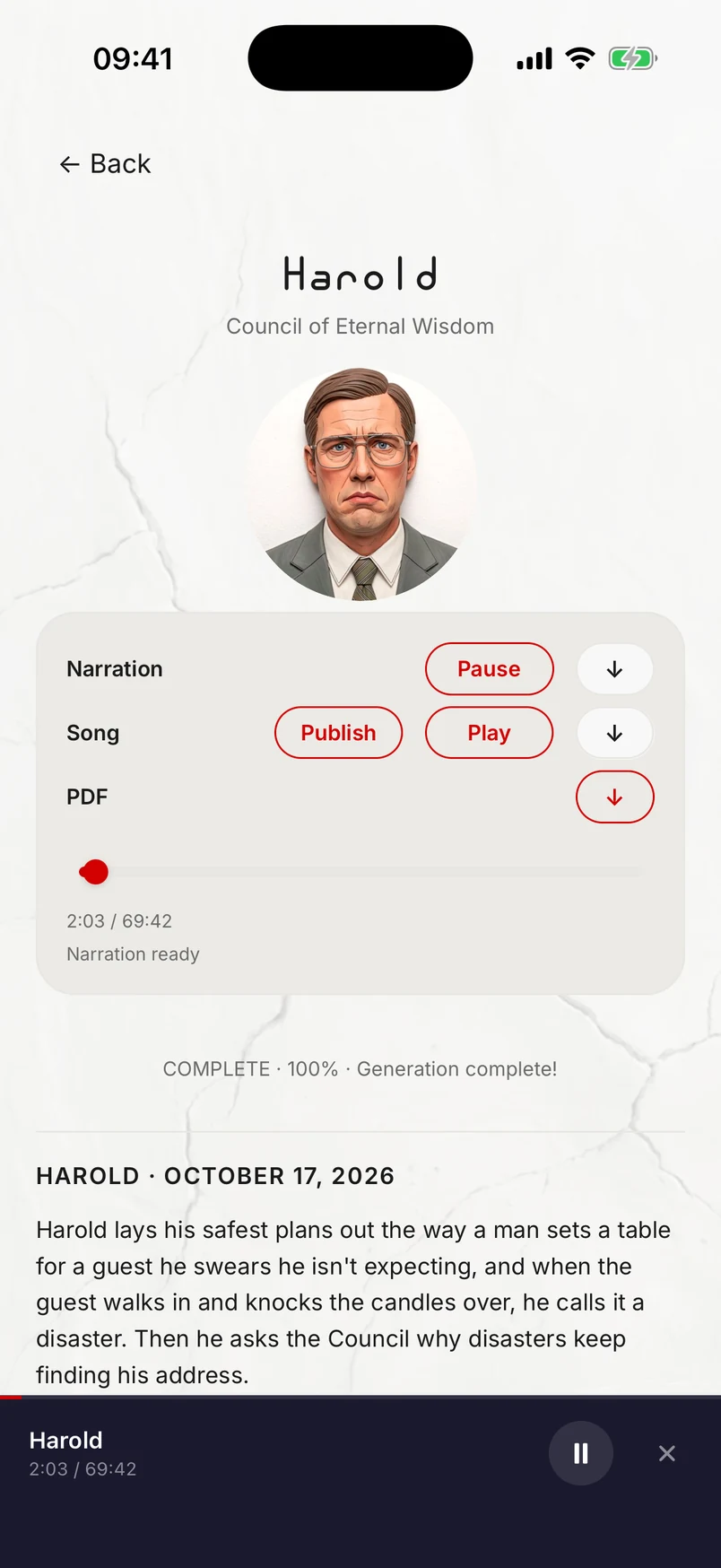
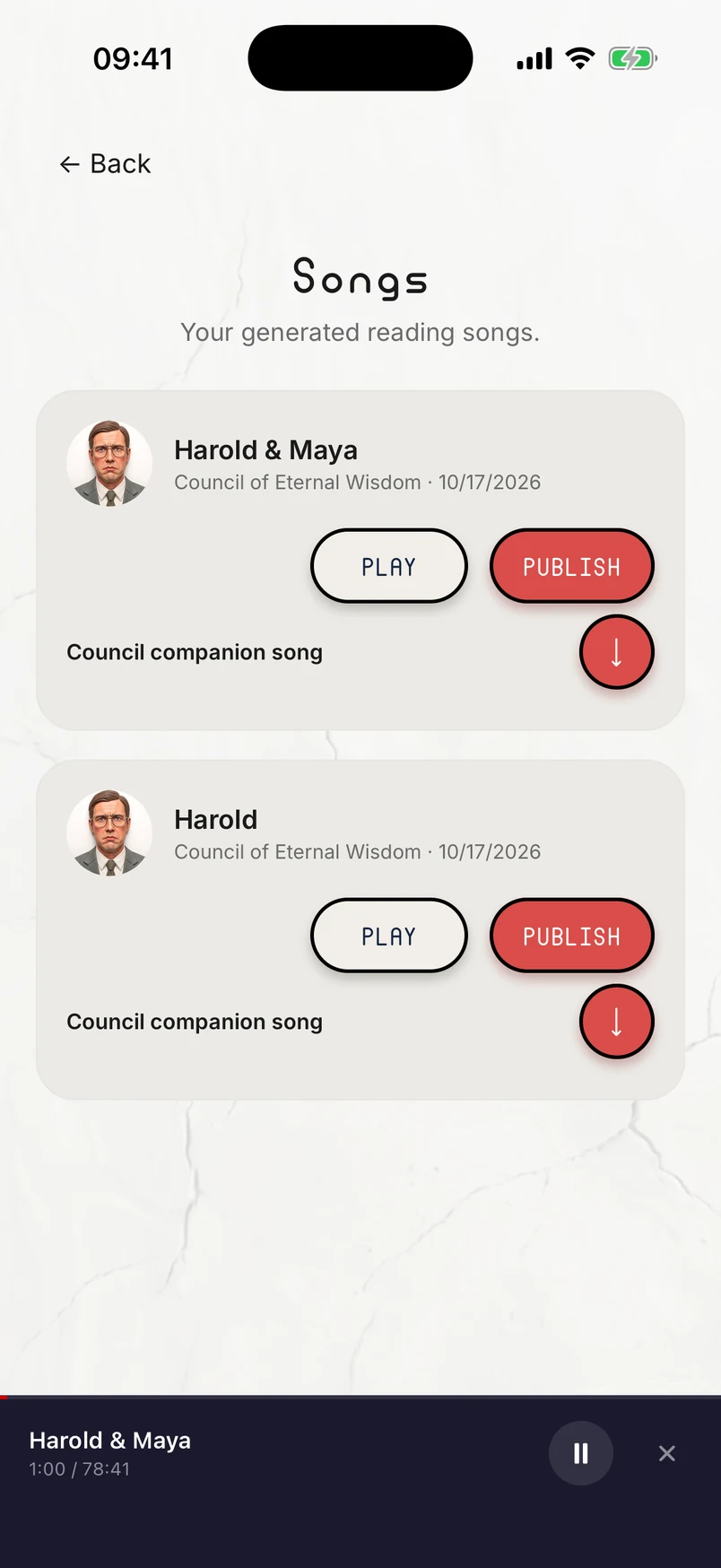
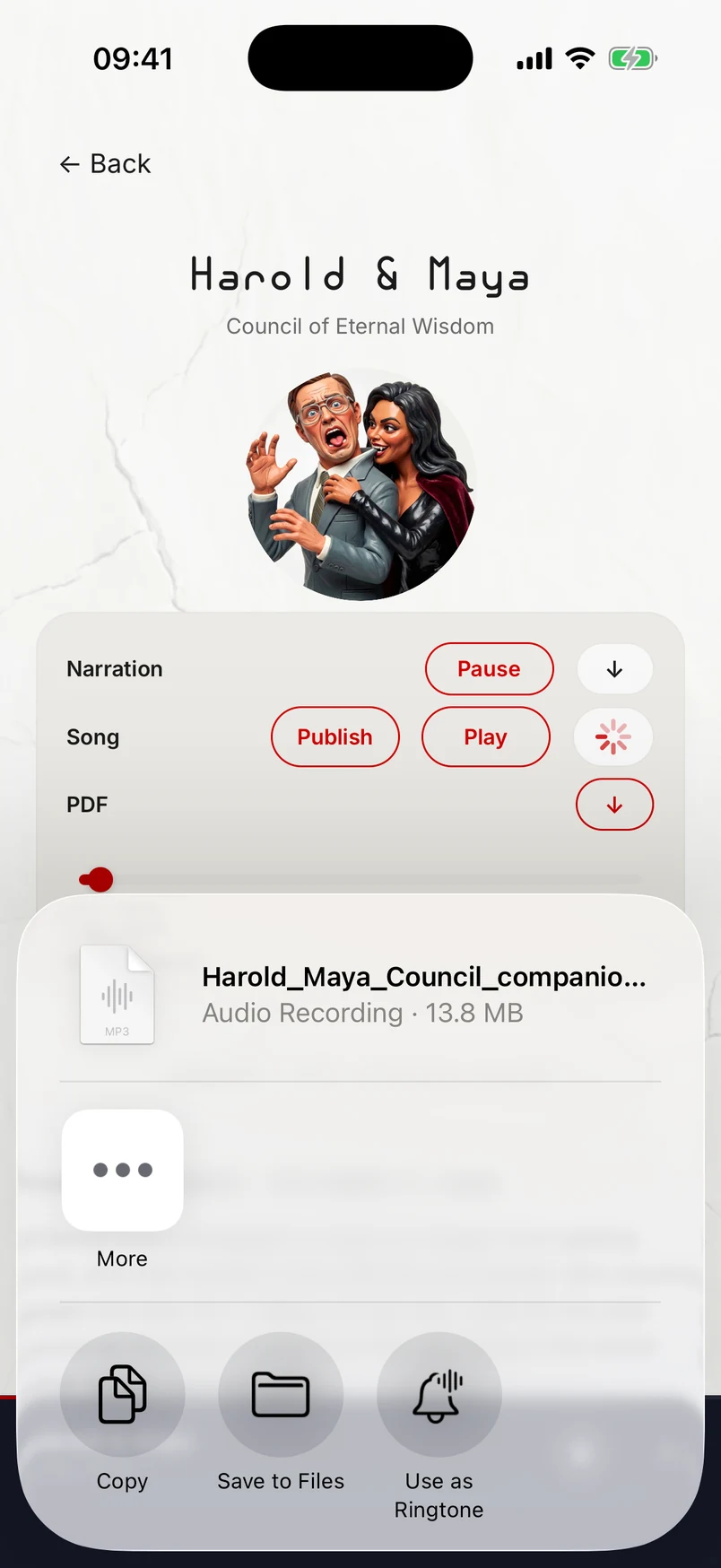
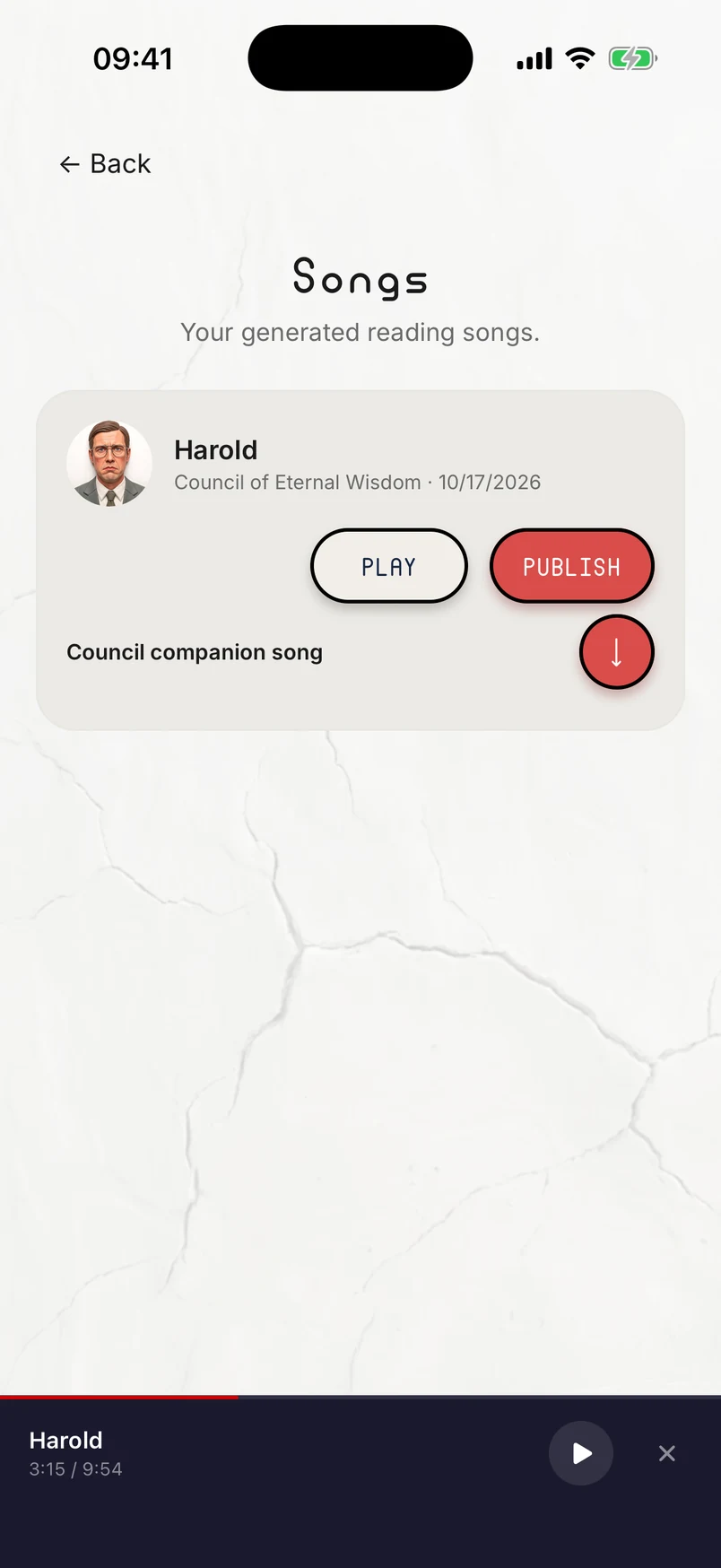
Open the companion song from the reading or find it again in Songs. Its player keeps the artwork and playback controls together.
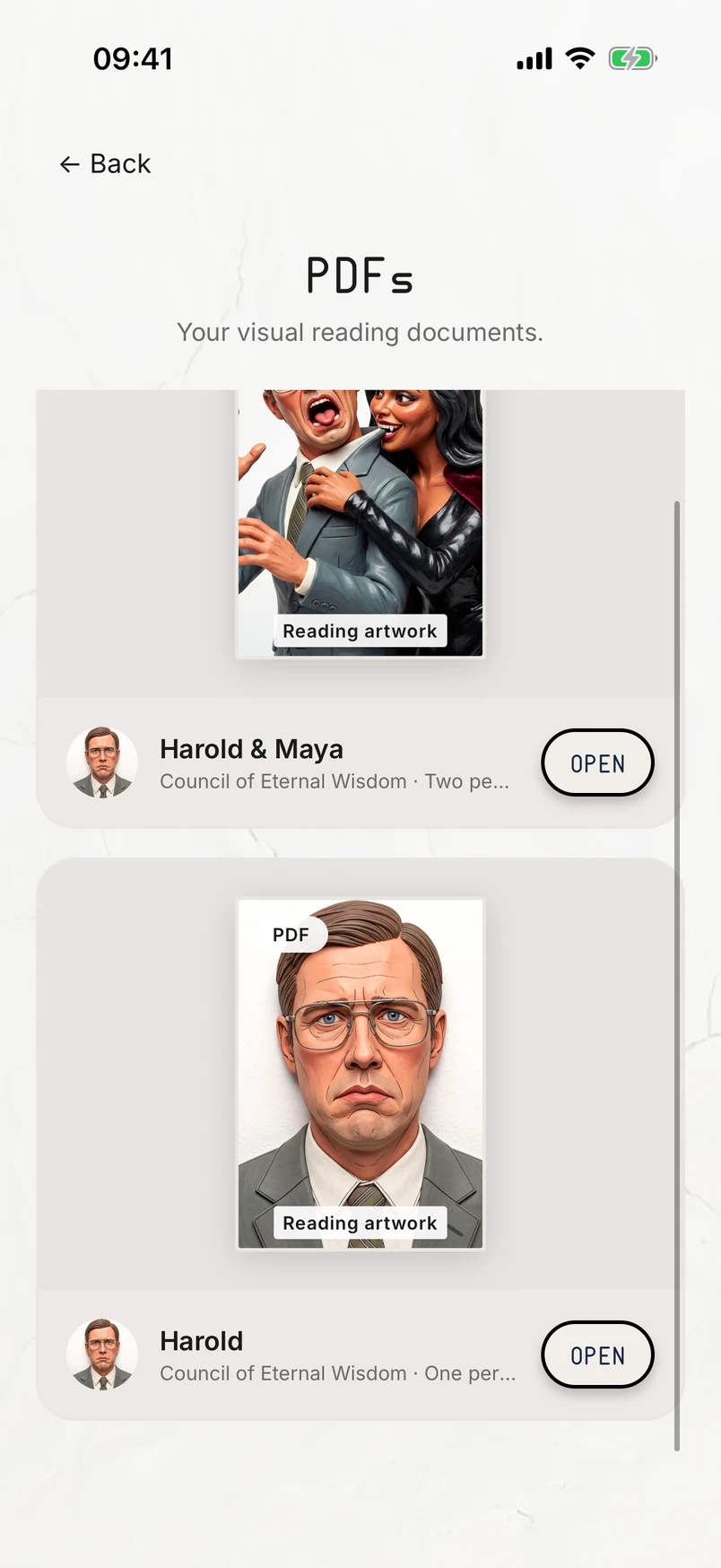
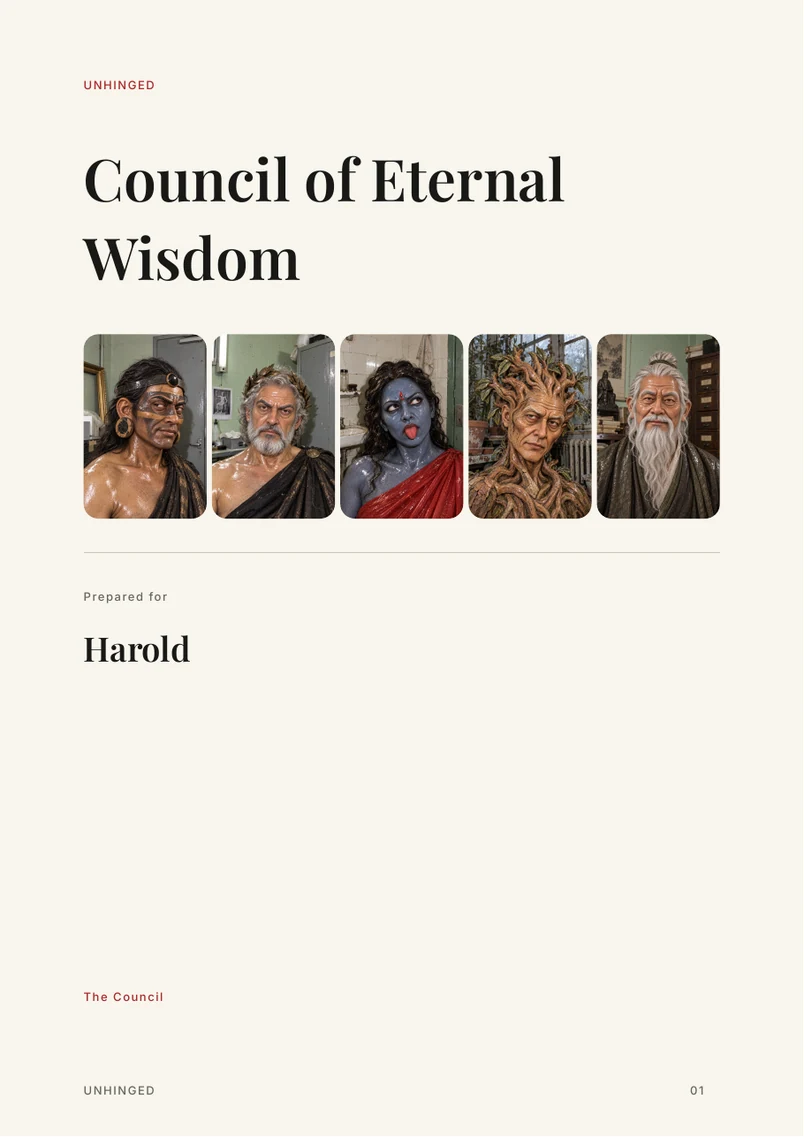
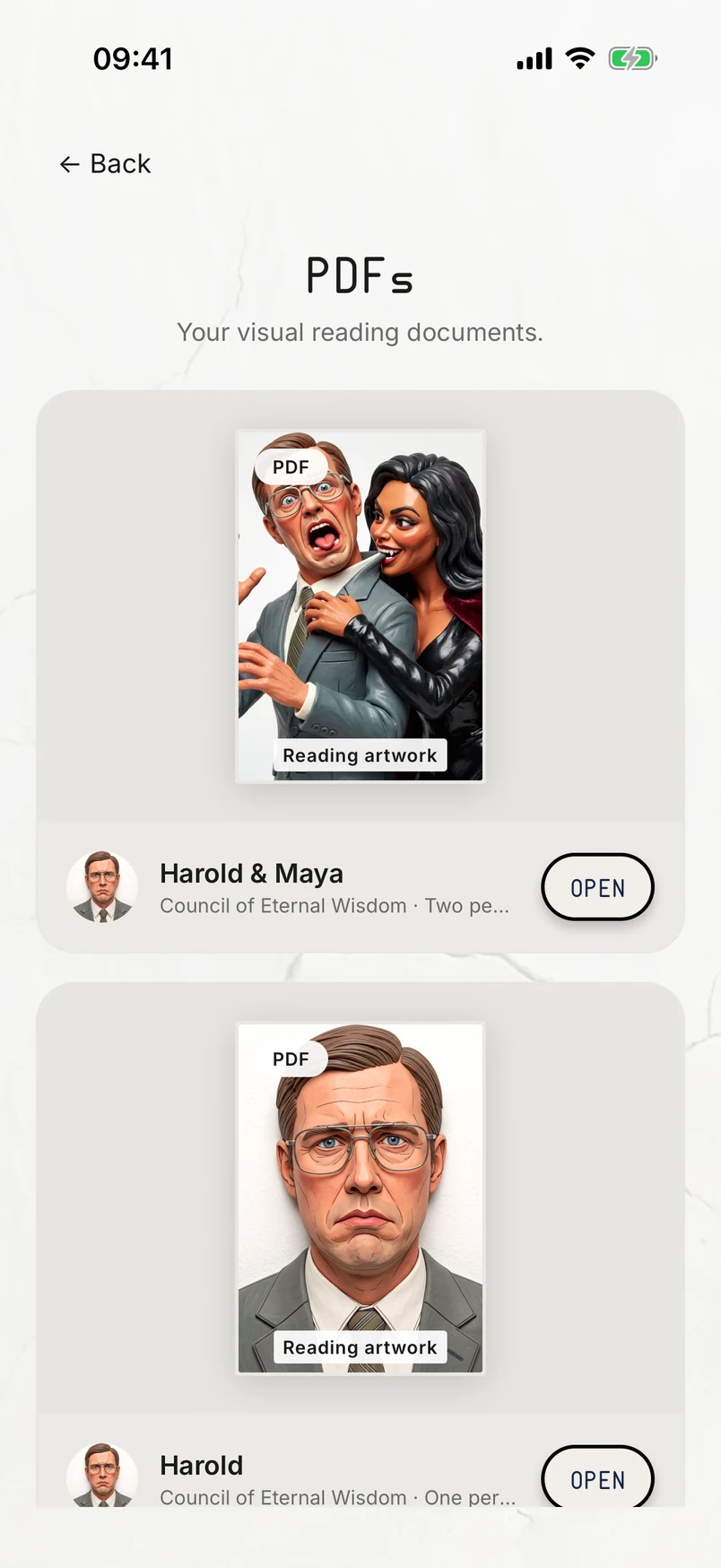
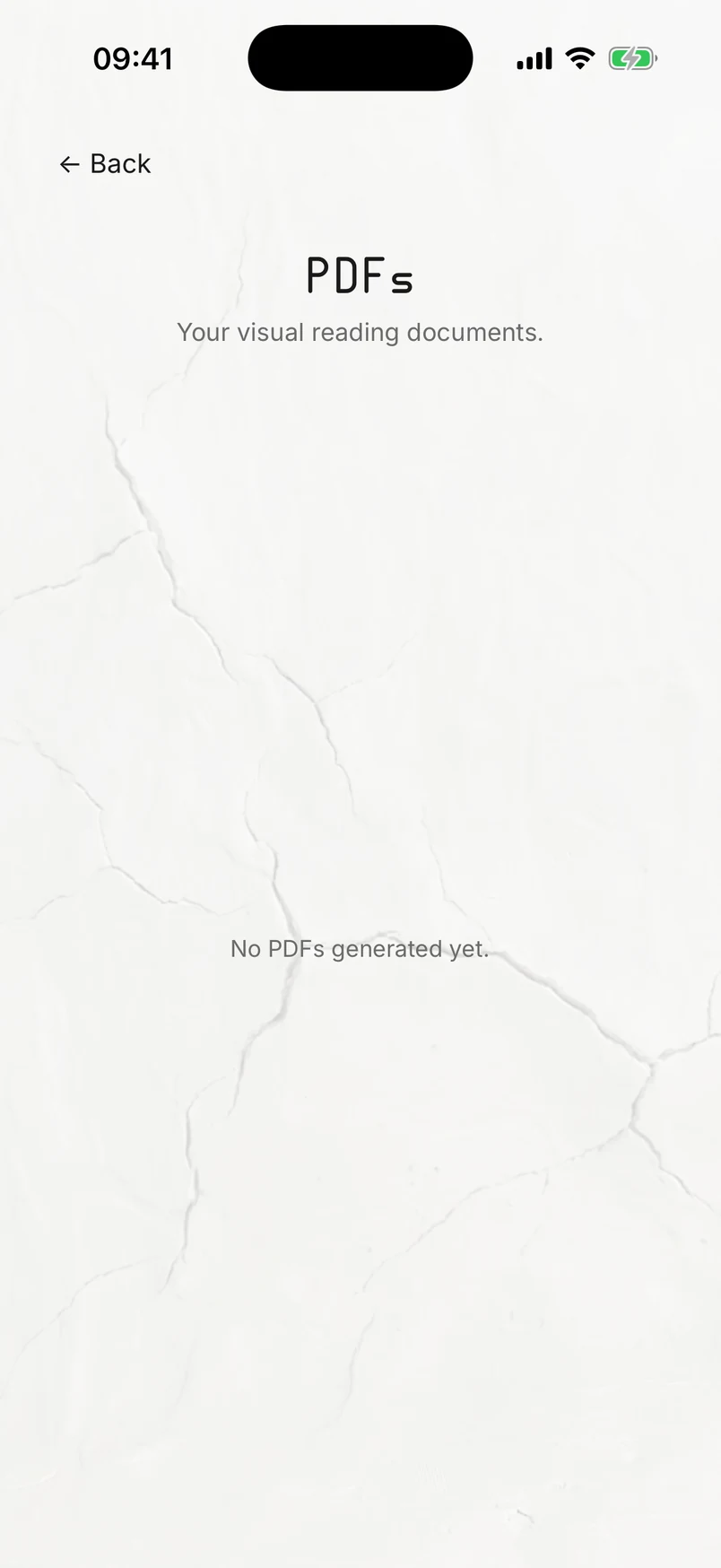
Find the available document in PDFs and use the app’s document controls to open or share it. Saved reading artwork helps you recognise each entry.
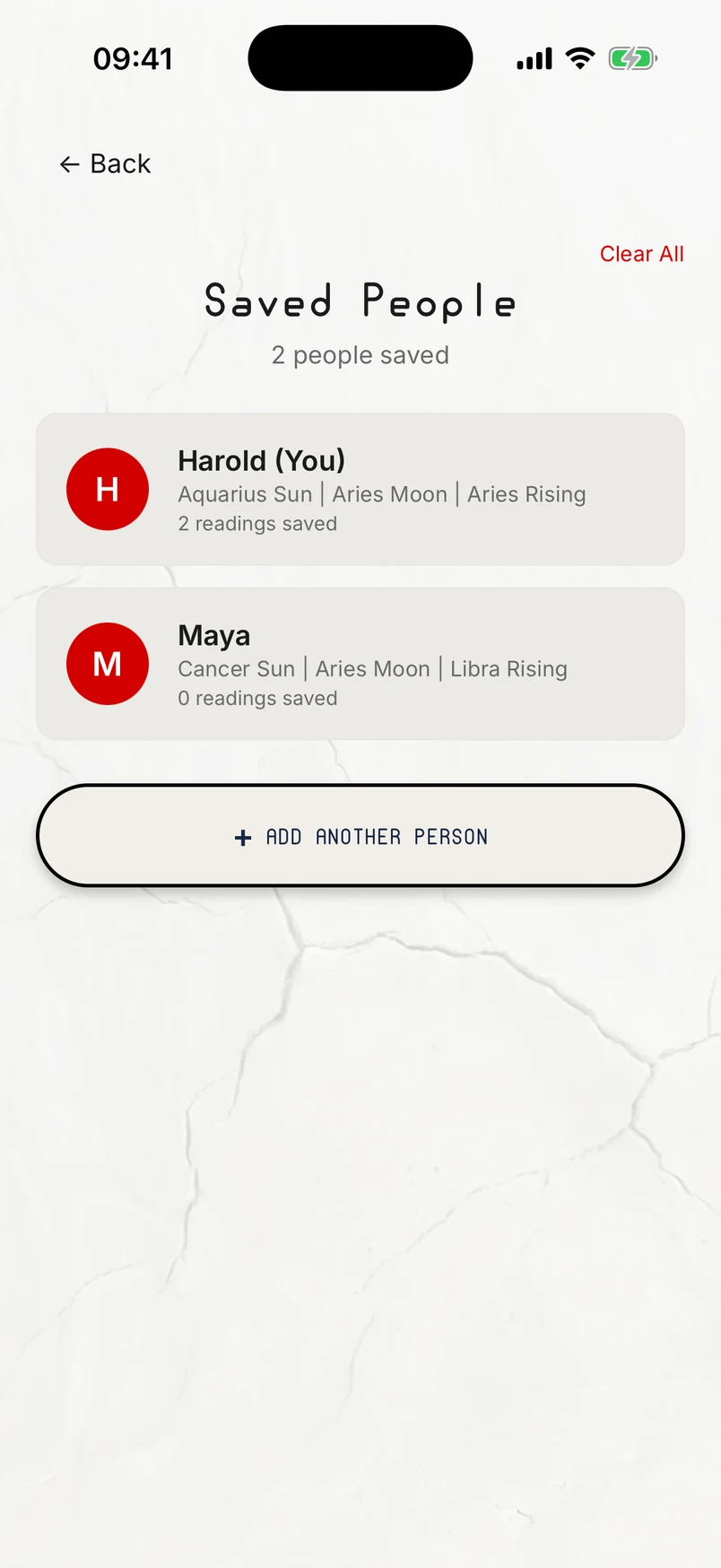
Keep Harold and Maya together in People. Open a profile or use Add Person to enter someone else’s details.
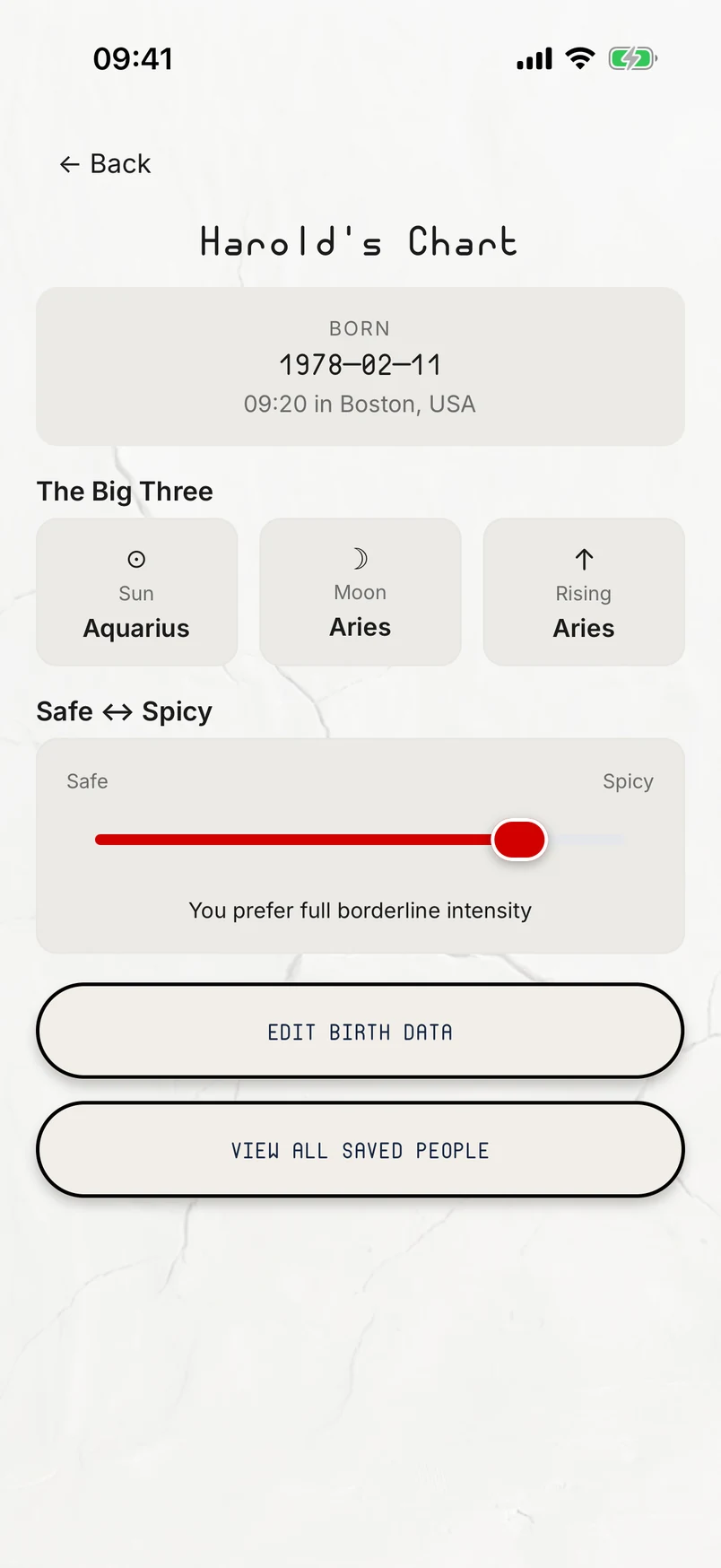
See the chart connected to your profile and return to your birth details when you need to review them.
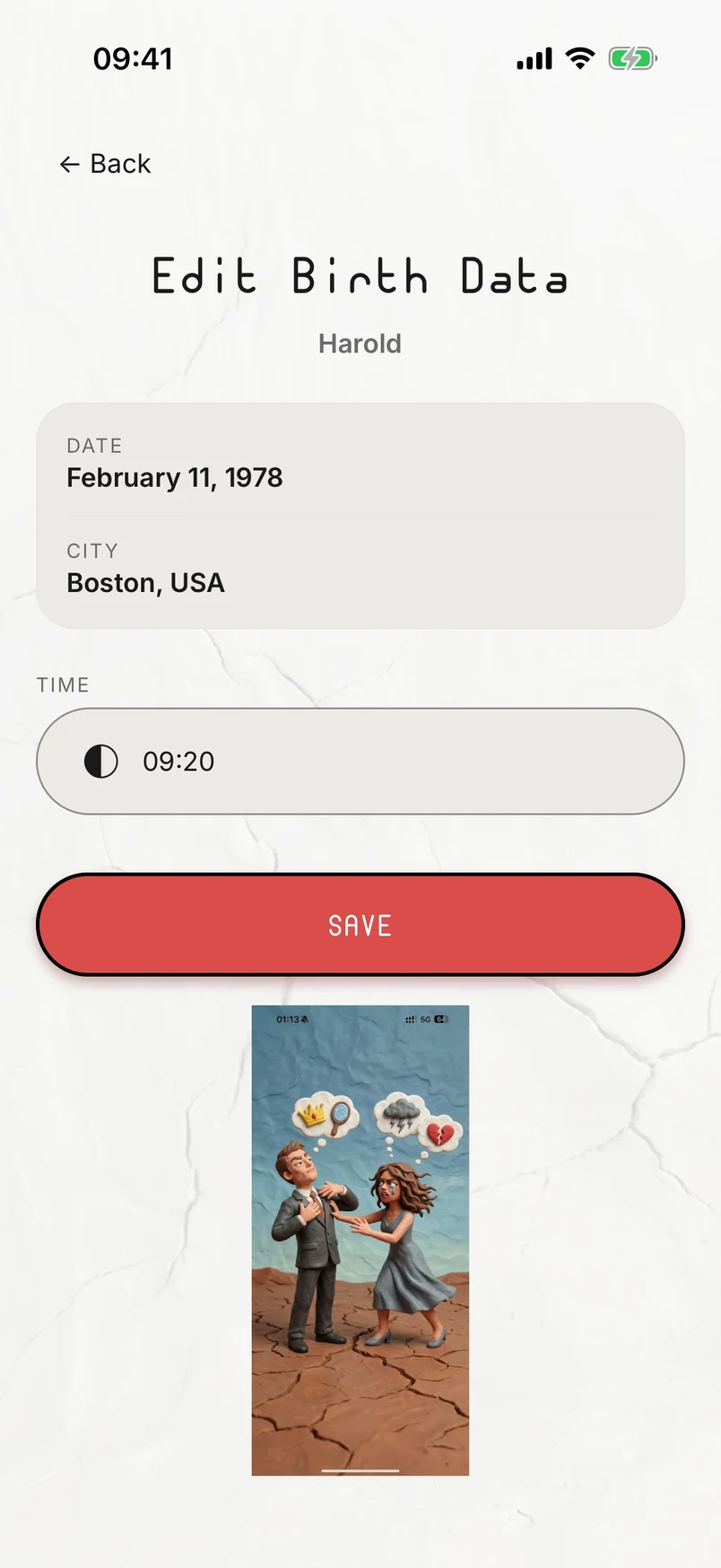
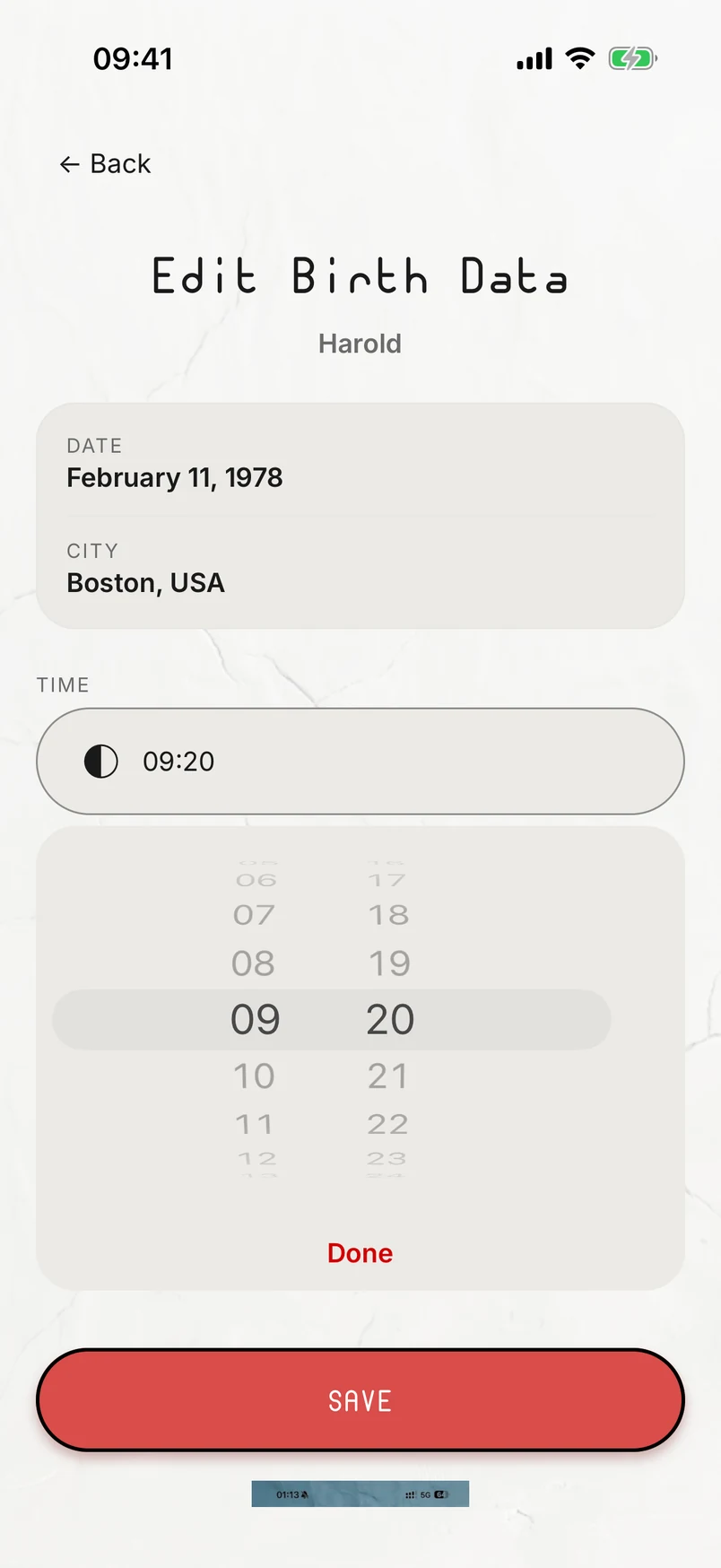
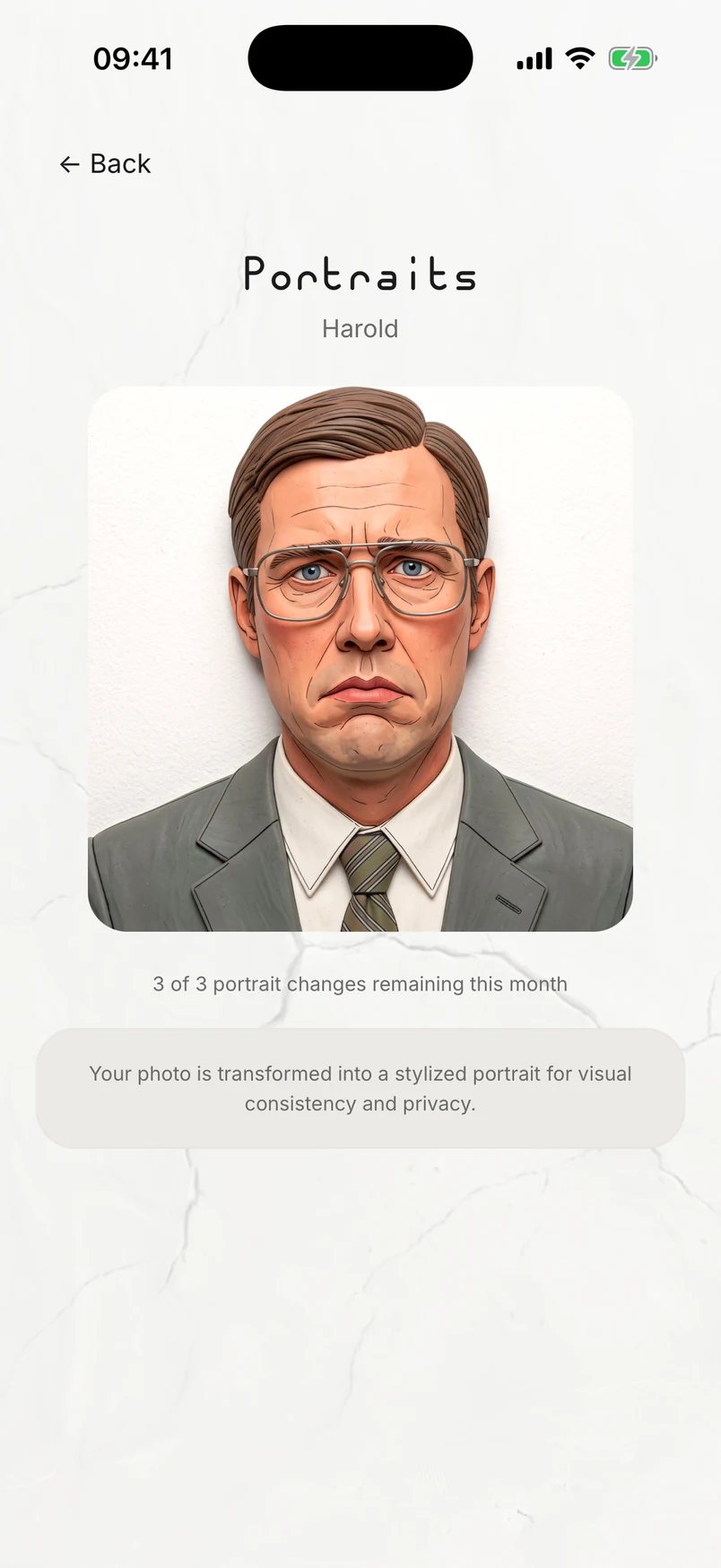
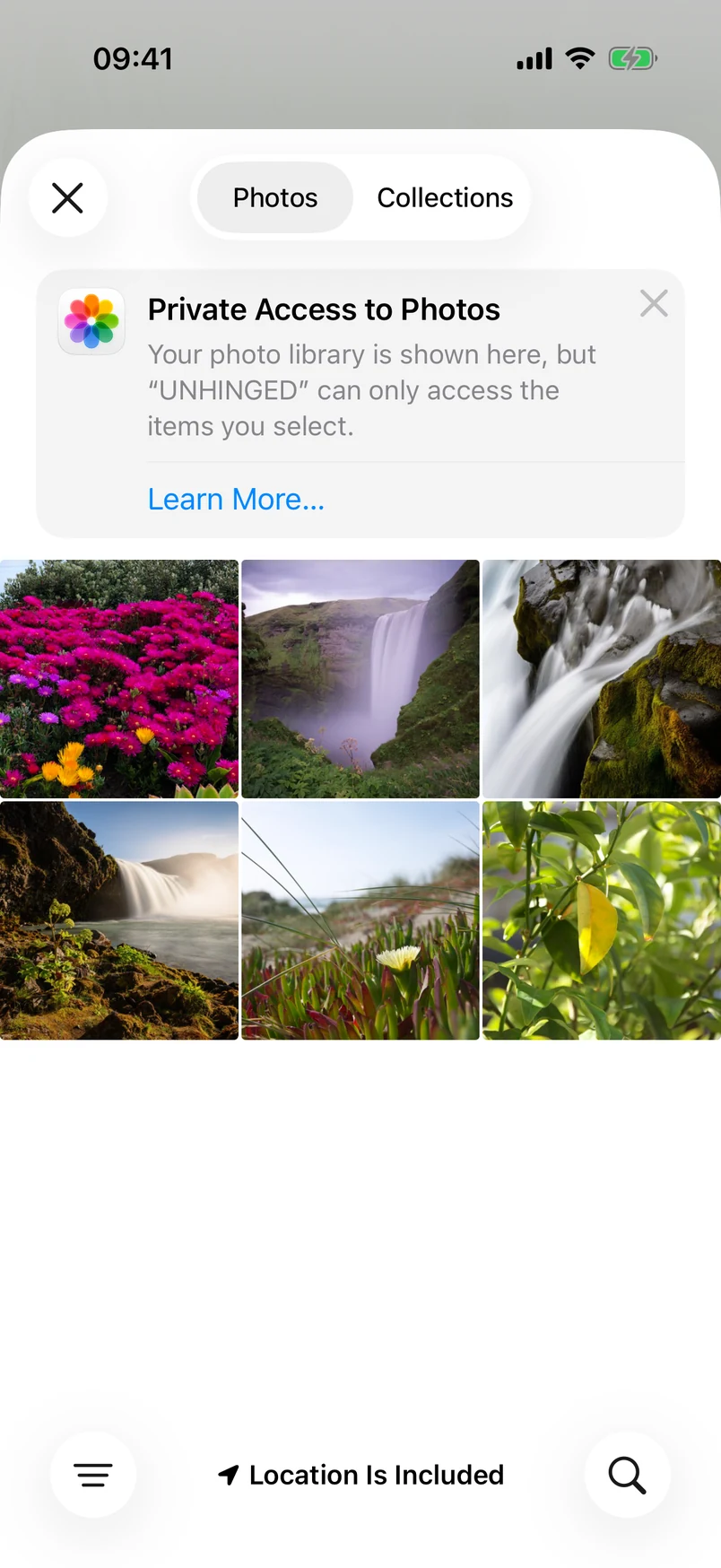
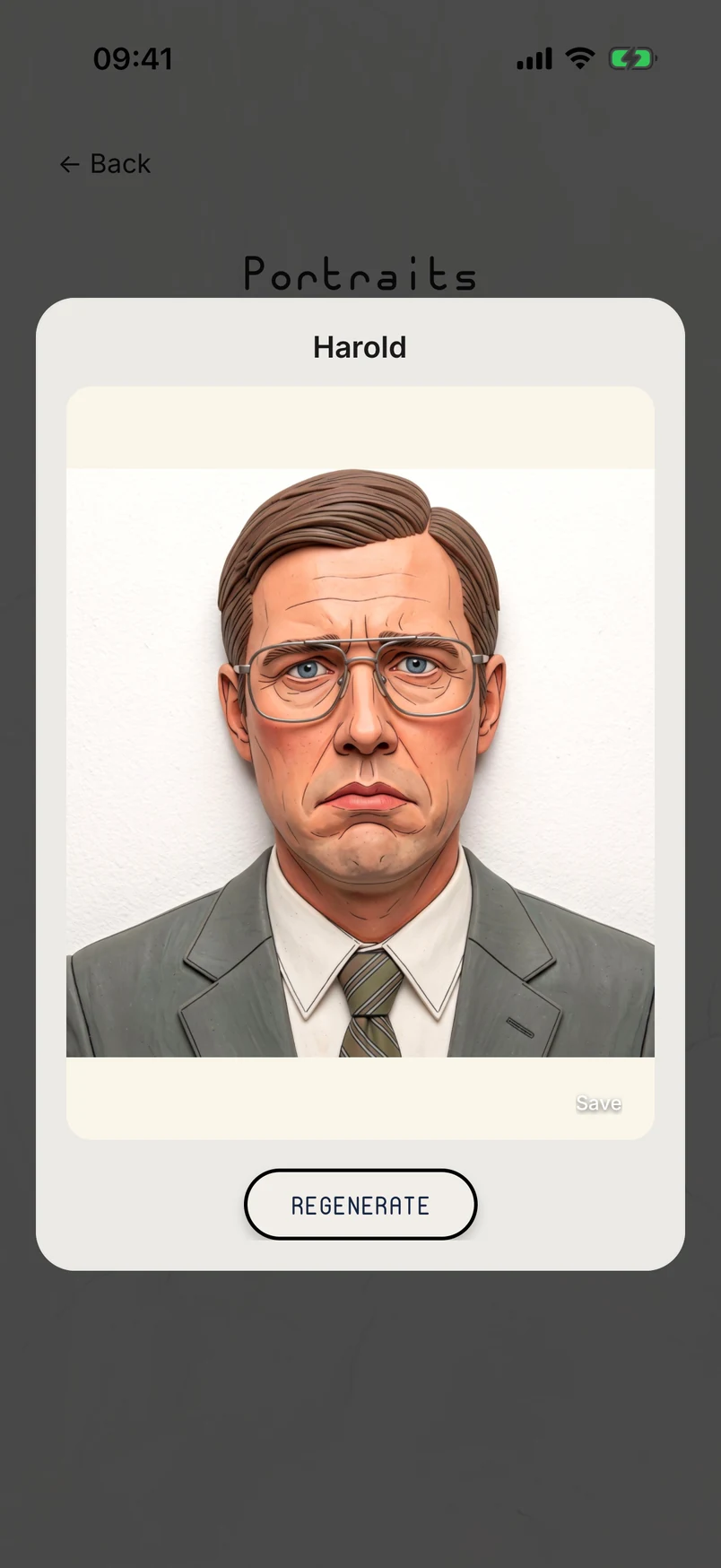
Review the saved portrait or choose a photo through the app’s photo controls. Harold and Maya’s portraits come from the original fictional campaign.
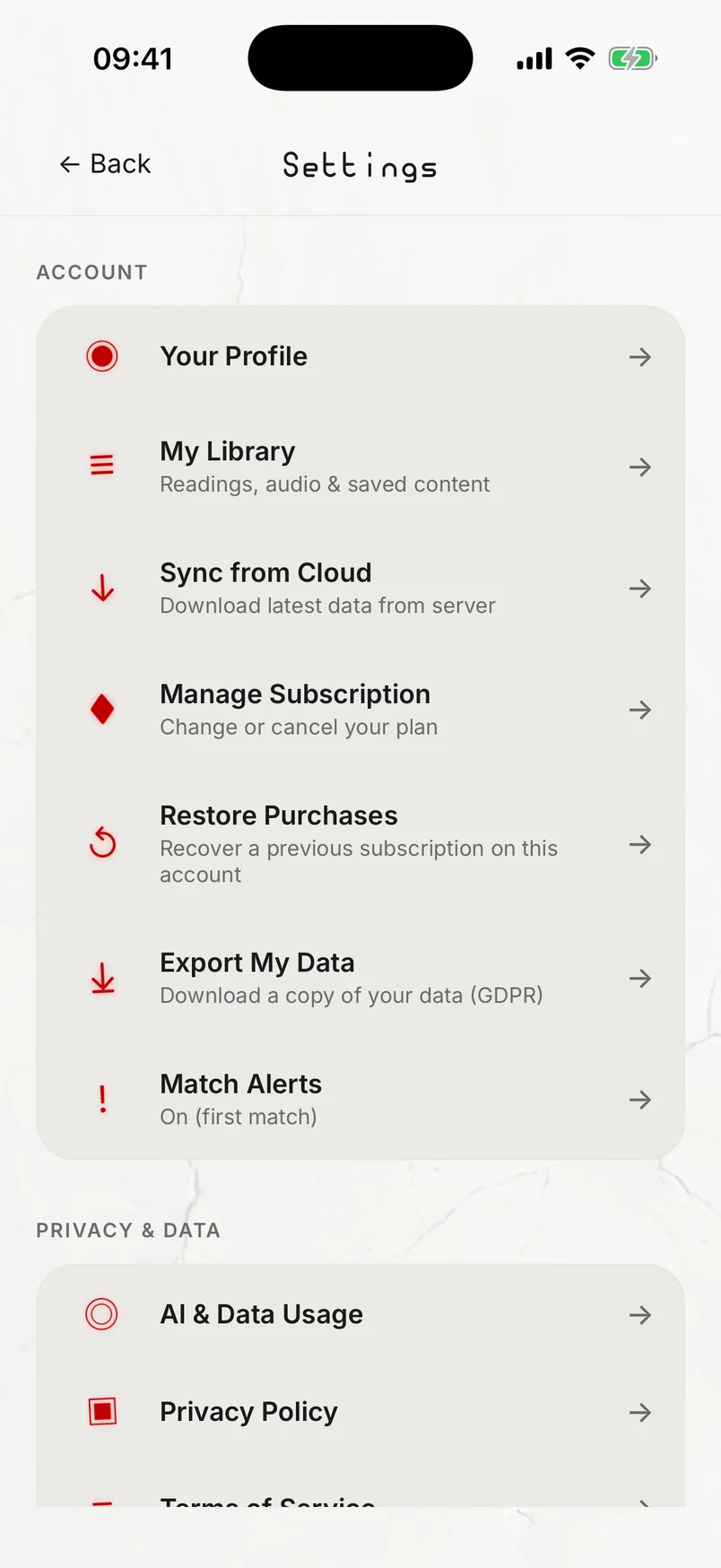
Find language preferences, your profile and subscription-management options in Settings.
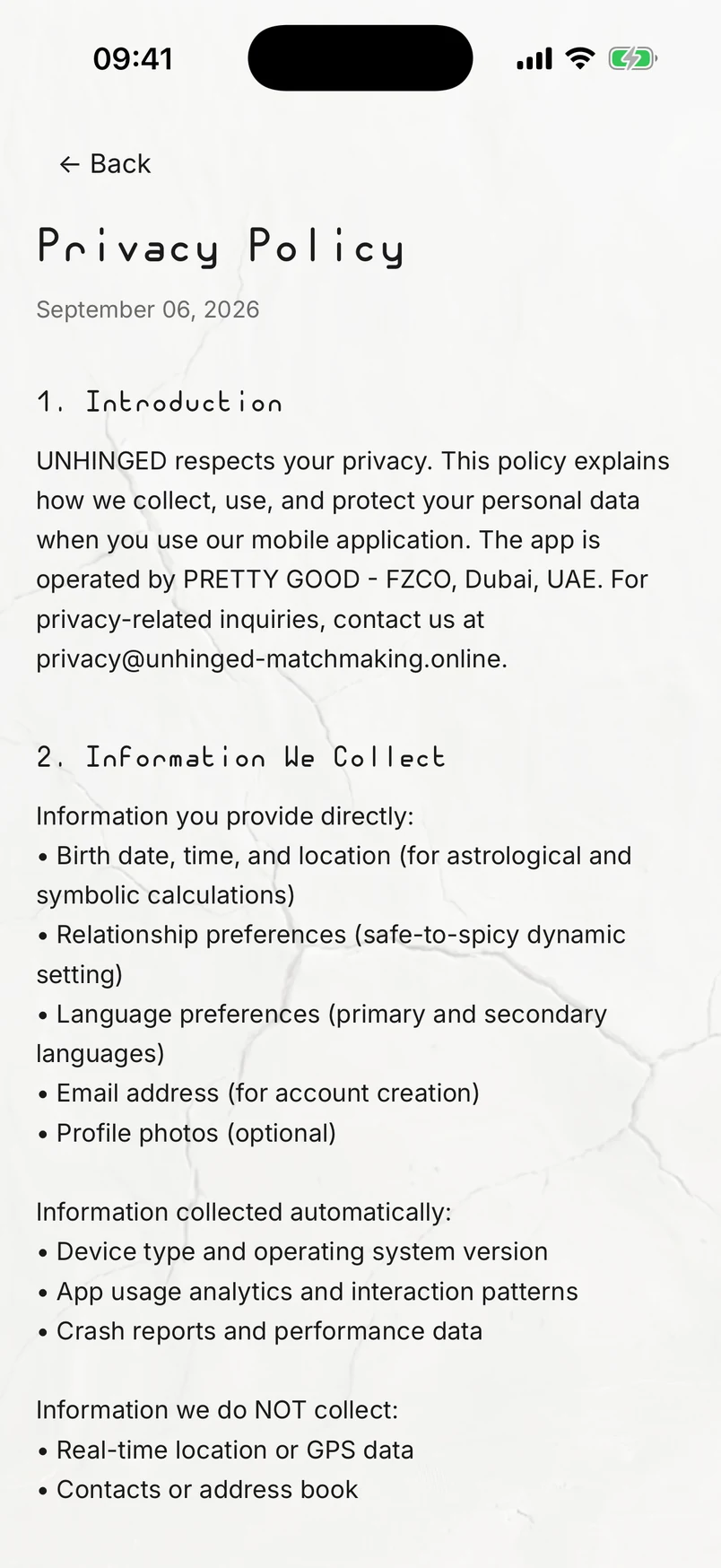
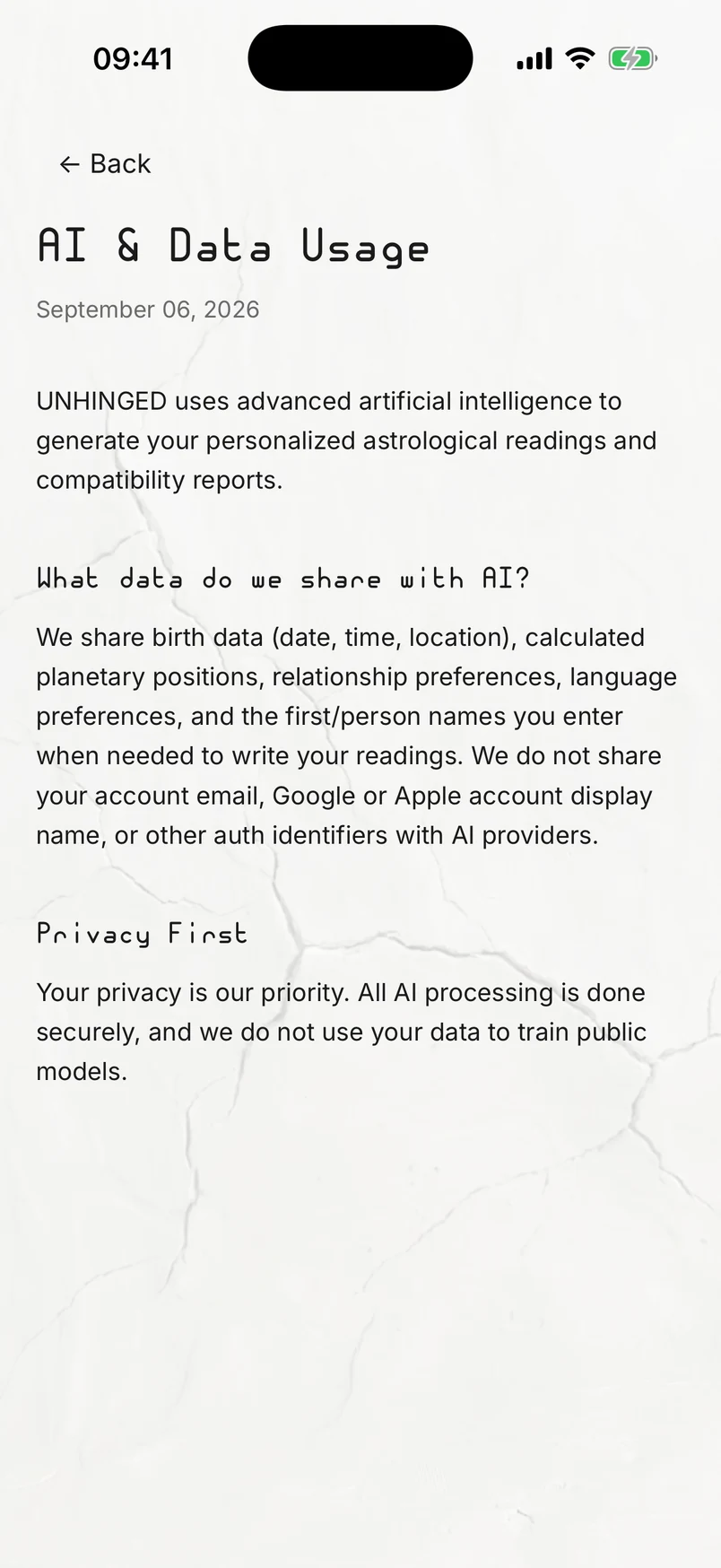
Read AI & Data Usage, the Privacy Policy and the Terms from the app or this website.
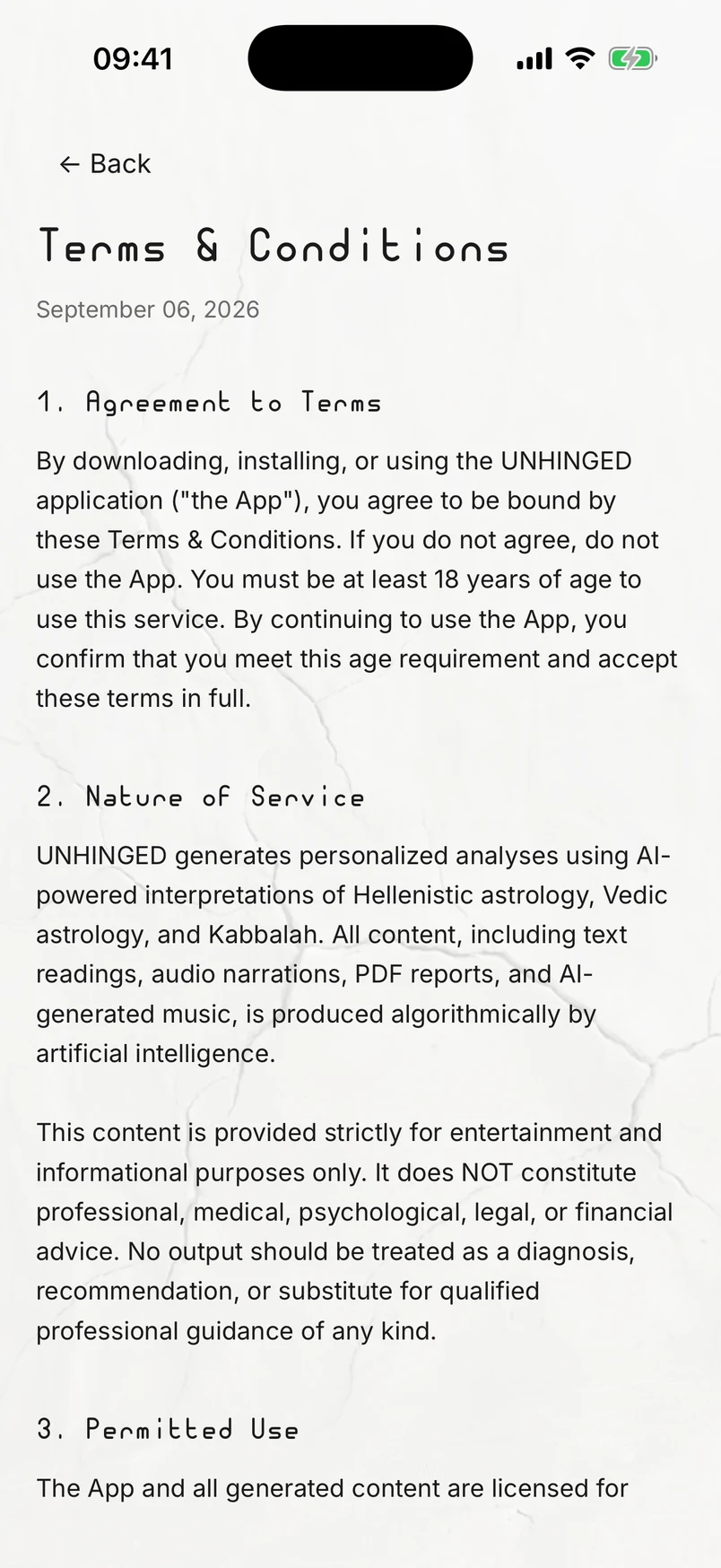
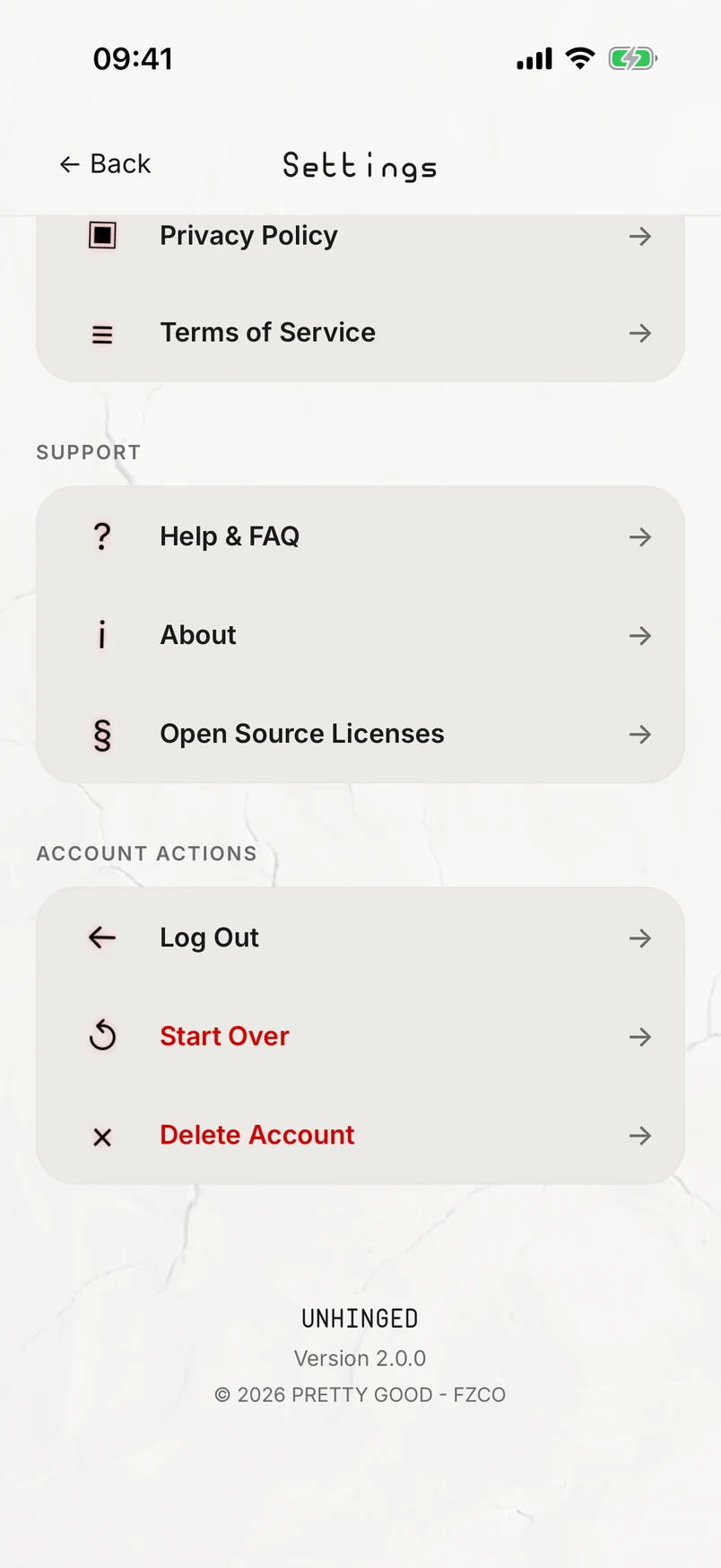
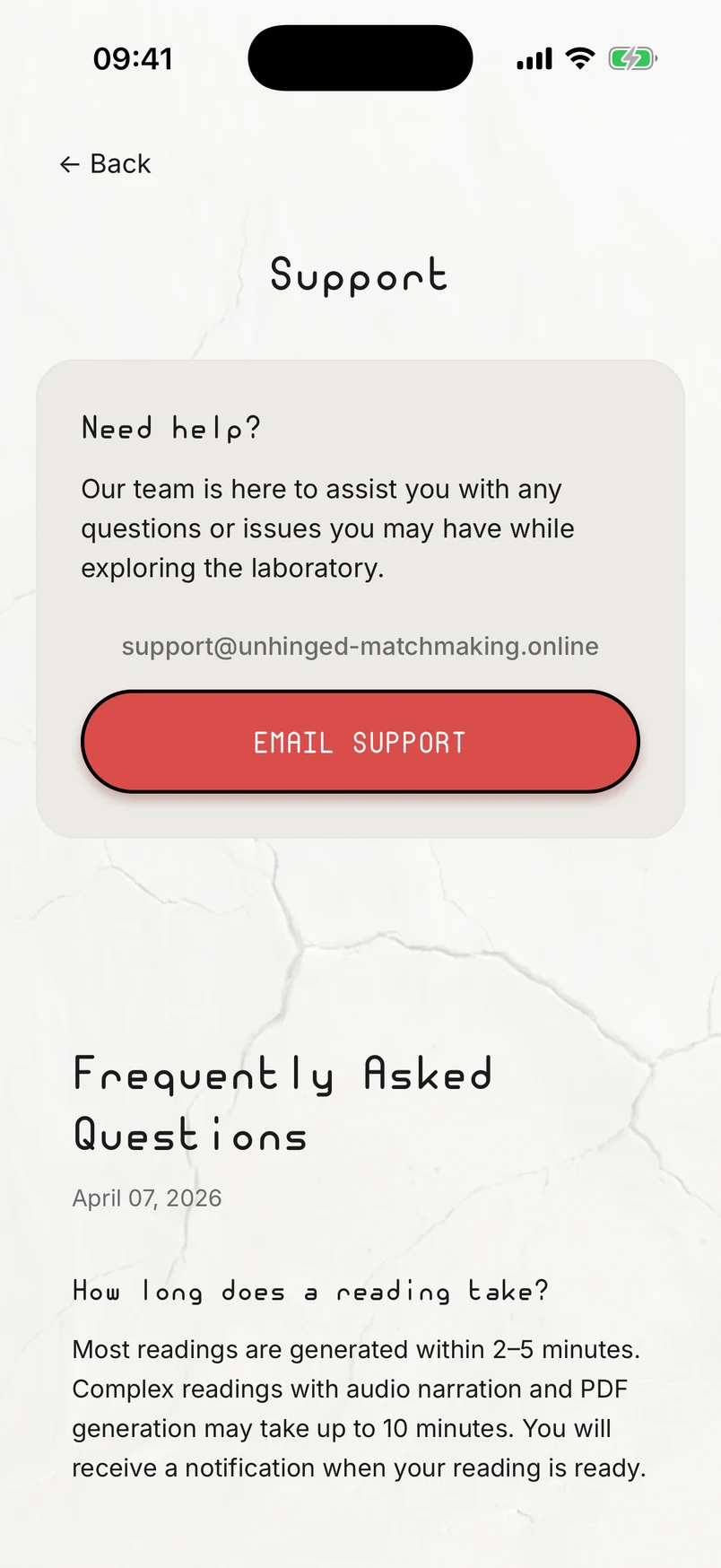
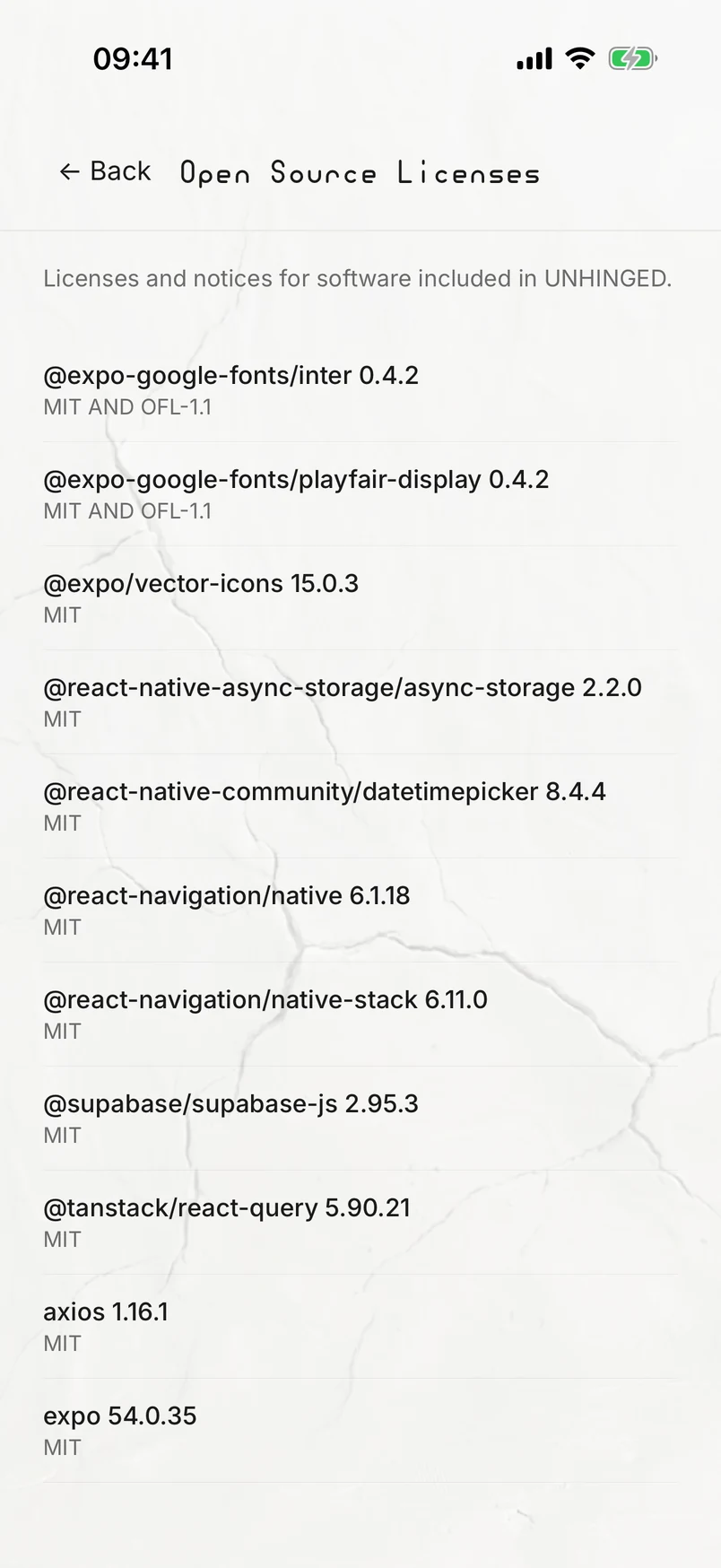
Open Support for help, About for app information, or Open Source Licenses for acknowledgements. You can also visit Support here .
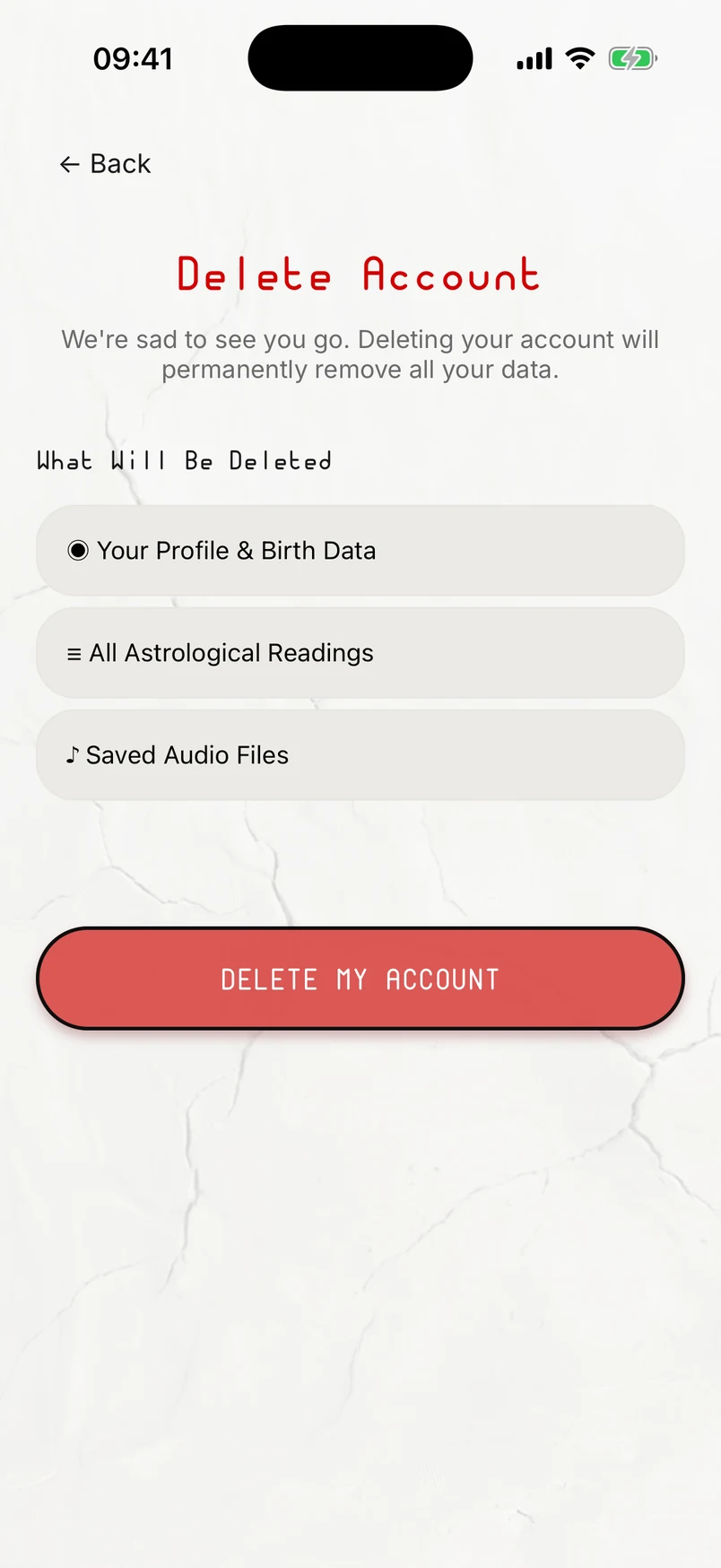
Settings includes data export, sign-out and account-deletion entry points. Read the deletion details before deciding whether to continue.
Explore the smaller moments too: forms, pickers, lower pages and the library before a first reading. Open a screenshot to enlarge it.

Your signs. Your people. Your romantic chaos.
Discover the app